Easy3DLaserLineExtract
Support |
|
|---|---|
Required licenses |
Easy3DLaserLine |
Recommended images |
The images from the folder |
Location |
|


Purpose
This sample program demonstrates how to:
Create a depth map from a series of profile images using the software laser line extractor.
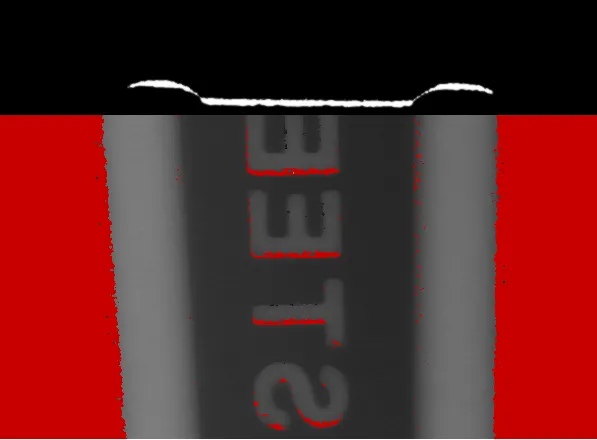
Code highlights
Given a profile image, create the laser line extractor with the correct frame size and count.
ELaserLineExtractor* laserLineExtractor_ = new ELaserLineExtractor(frameWidth, frameHeight, depthMapHeight);
Load a new image and extract the profile data. The depth map lines are accumulated in the object
ELaserLineExtractor.currentFrame_.Load(*it); laserLineExtractor_->ExtractProfileFromFrame(currentFrame_);
Save the completed Depth Map as an image file to the “path” file.
laserLineExtractor_->GetDepthMap().SaveImage(path);