Easy3DPointCloudToMesh
Support |
|
|---|---|
Required licenses |
Easy3D |
Recommended images |
Any point cloud in the folder |
Location |
|


Purpose
This sample program demonstrates how to:
Generate a mesh from a point cloud.
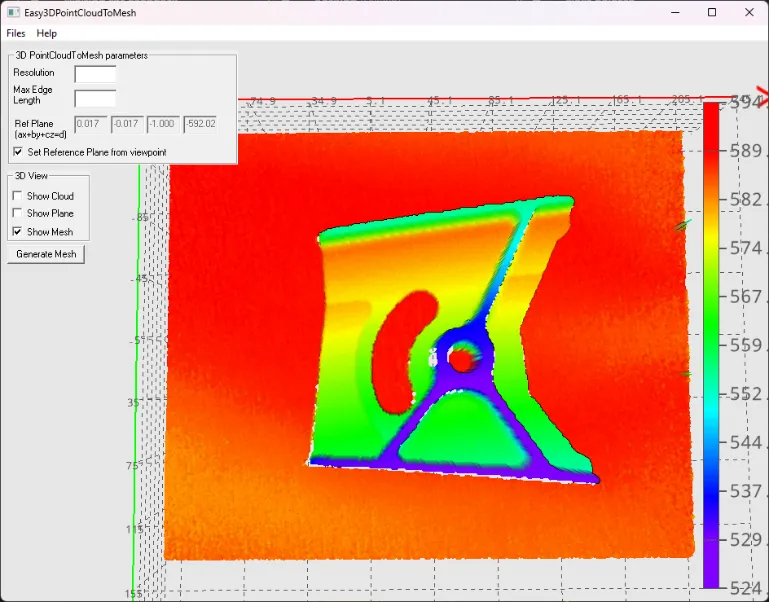
Code highlights
For example, use the image Sample Images/3D/Easy3DMatch/Align/object 1/object1_top_ensenso.ply.
Set the reference plane on which we project the point cloud to generate a mesh.
converter.ProjectionPlane = refPlane;
Converts the point cloud to a mesh.
converter.Convert(pointCloud_, generatedMesh_);