Easy3DPhotometricStereo
Support |
|
|---|---|
Required licenses |
Easy3D |
Recommended images |
Images from the folder |
Location |
|


Purpose
This sample program demonstrates how to:
Apply photometric stereo to several images to retrieve their albedo, gradients, curvatures or height map.
Code highlights
Use the recommended images:
Calibration: the 4
calibration_*files.Sample: either the 4
object2_*or the 4shoe_*files.
Calibrate the imager from images of a sphere and retrieve a score.
calibrationScore_ = photometricStereoImager_.CalibrateFromSphere(rois);
Compute the intermediary photometric stereo results from the images of the object.
photometricStereoImager_.Compute(rois);
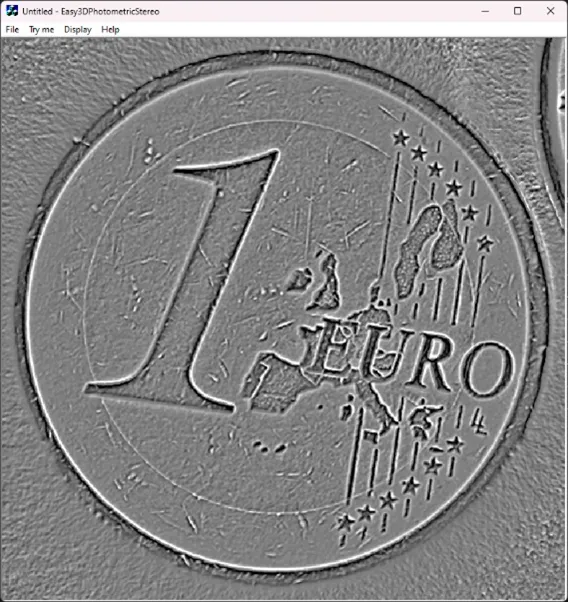
Compute the mean curvatures and retrieve them in an
EImageBW8with high contrast.meanCurvHighContrast_ = photometricStereoImager_.ComputeMeanCurvatures(EPhotometricStereoContrast.HighContrast));