3D Processing

Sample

The sample program demonstrates:

Image

C++

C#

Qt

CMake

Vb

Python

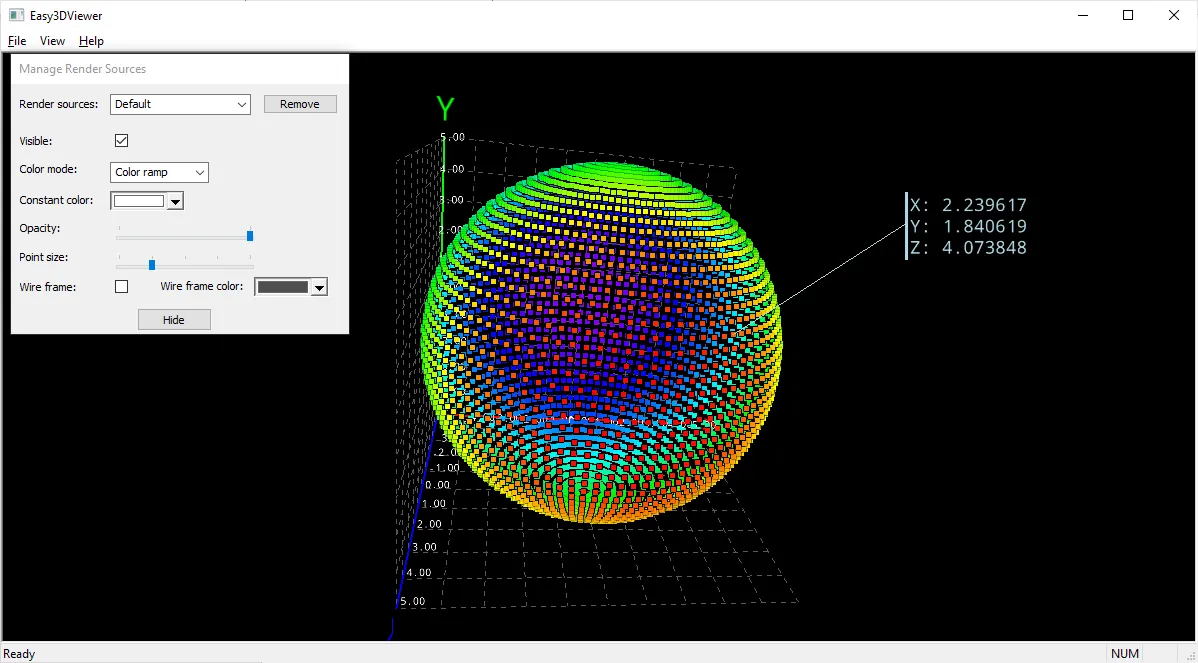
Easy3DViewer

  • Use most of the features of the Easy3D class E3DViewer.

  • Convert 3D files formats.

  • Use a point picking.

✓

✓

✓

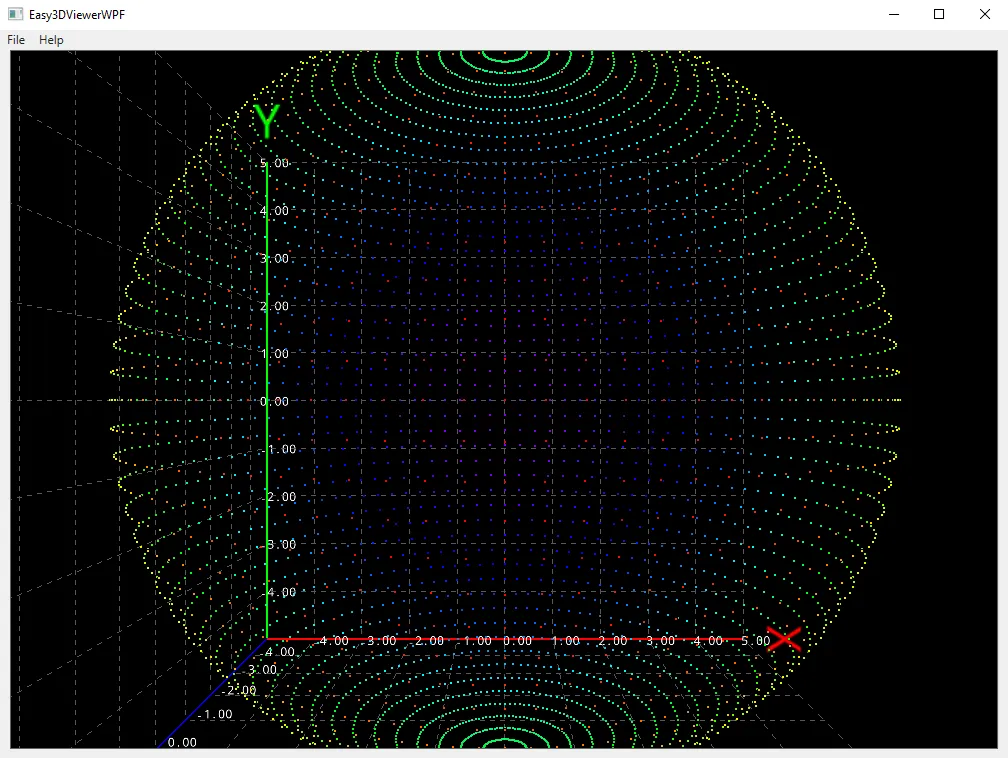
Easy3DViewerWPF

  • Display an E3DViewer in a WPF context.

✓

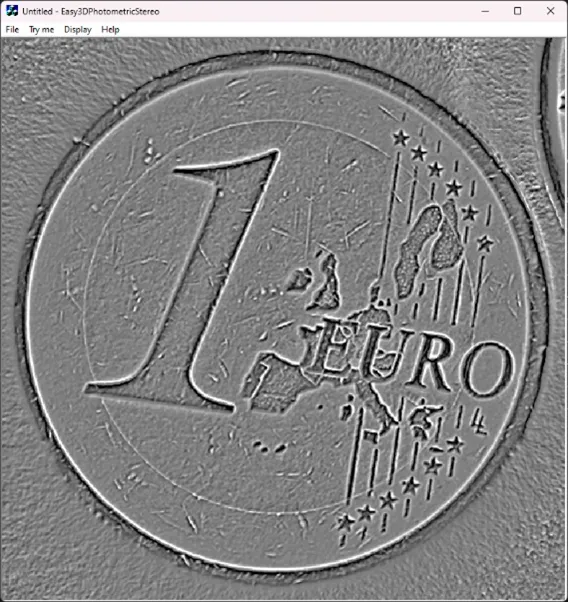
Easy3DPhotometricStereo

  • Apply photometric stereo to several images to retrieve their albedo, gradients, curvatures or height map.

✓

✓

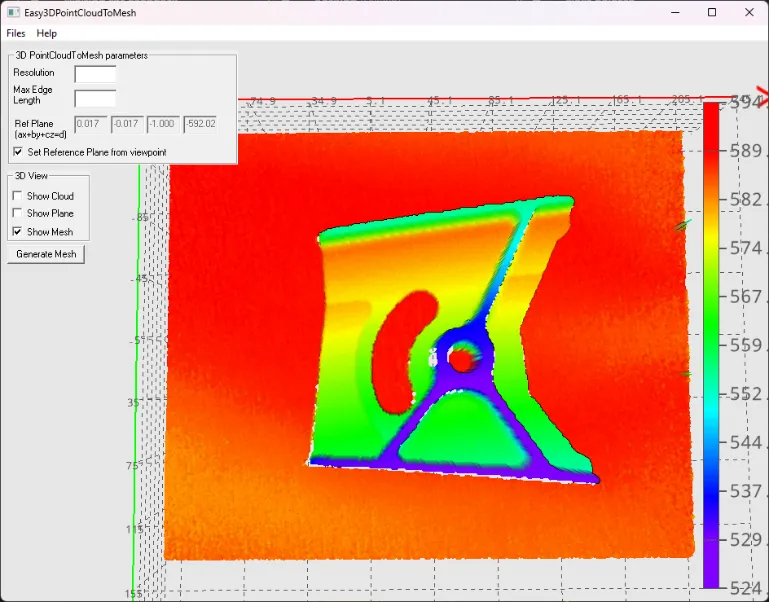
Easy3DPointCloudToMesh

  • Generate a mesh from a point cloud.

✓

✓

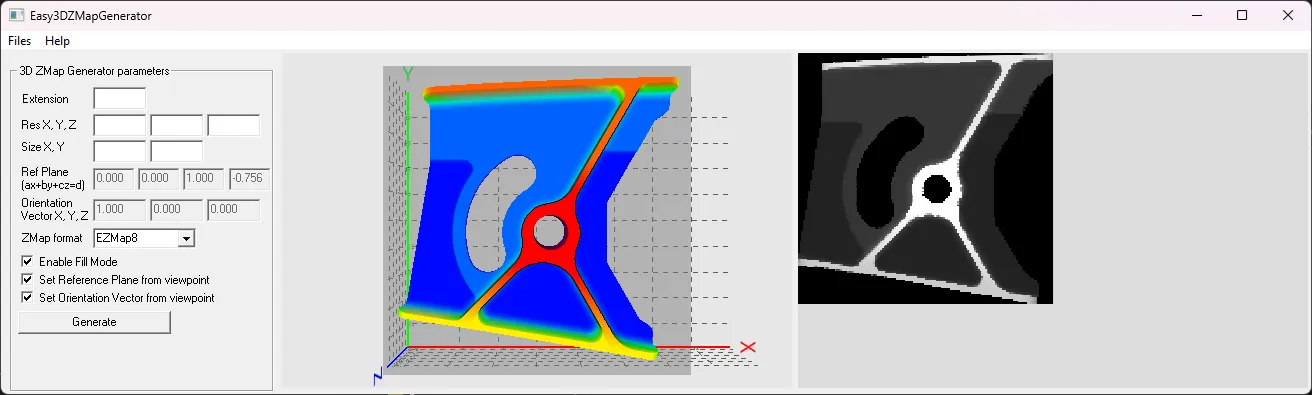
Easy3DZMapGenerator

  • Generate a ZMap from a mesh or a point cloud.

✓

✓

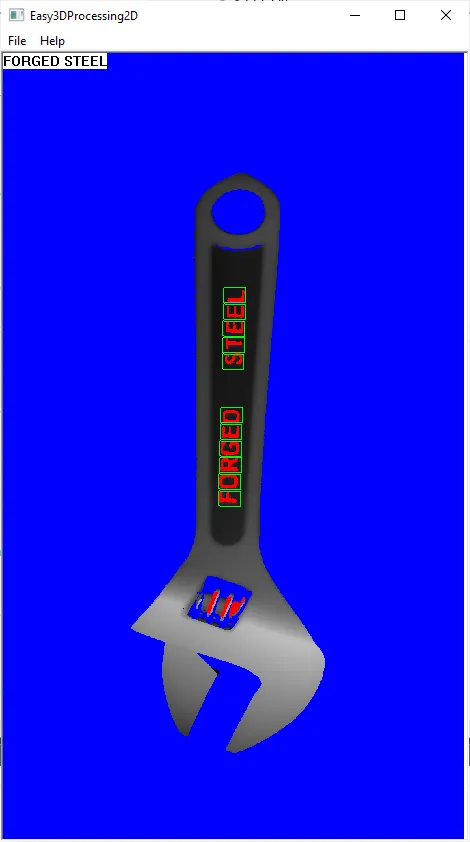
Easy3DProcessing2D

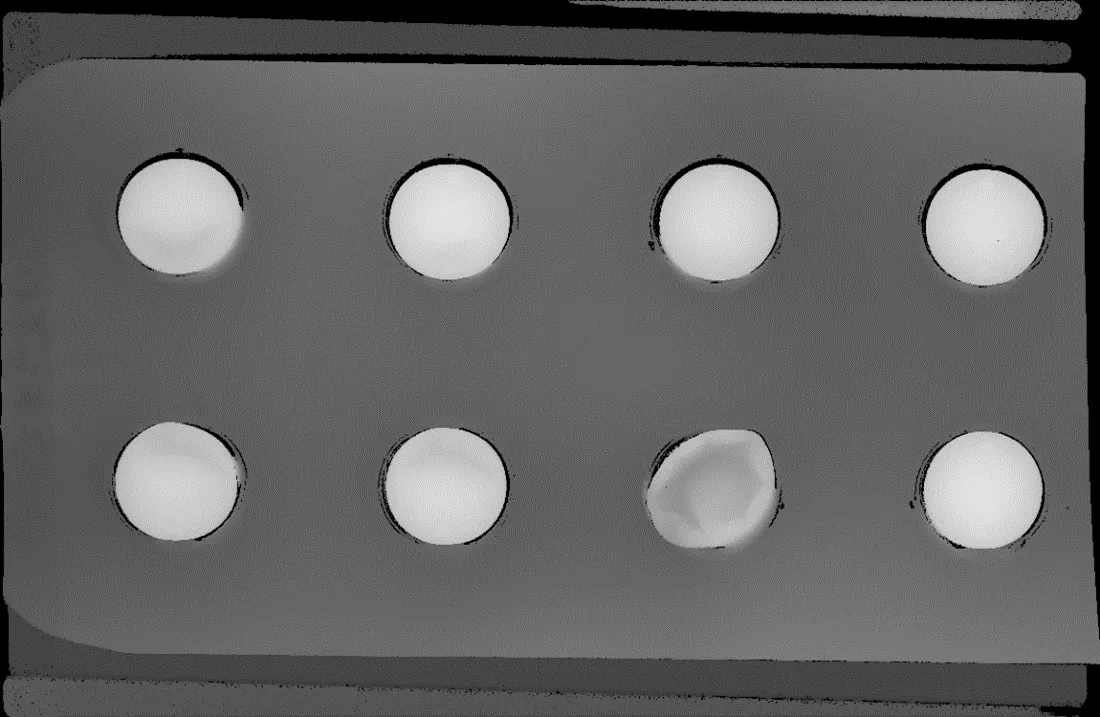
  • Load a depth map.

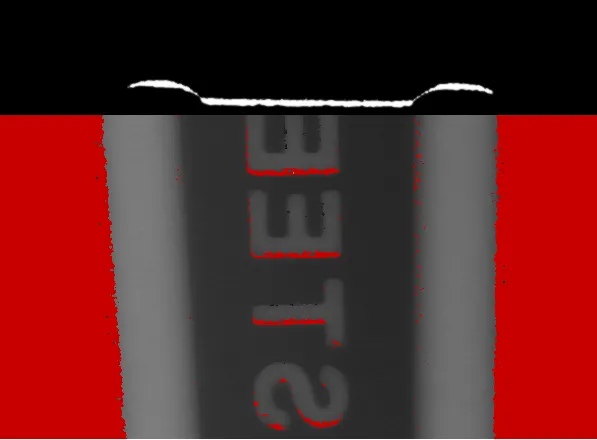
  • Apply a 2D operator (the text reading tool EasyOCR2) on the gray scale pixel values.

✓

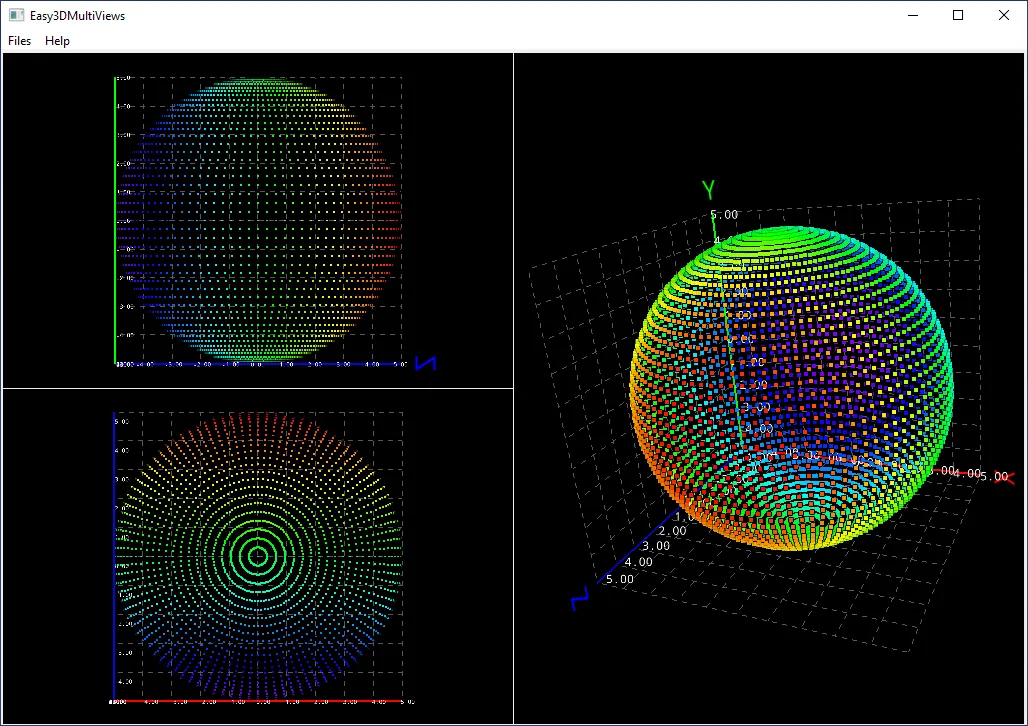
Easy3DMultiViews

  • Load and display point clouds in multiple instances of the class E3DViewer.

✓

✓

✓

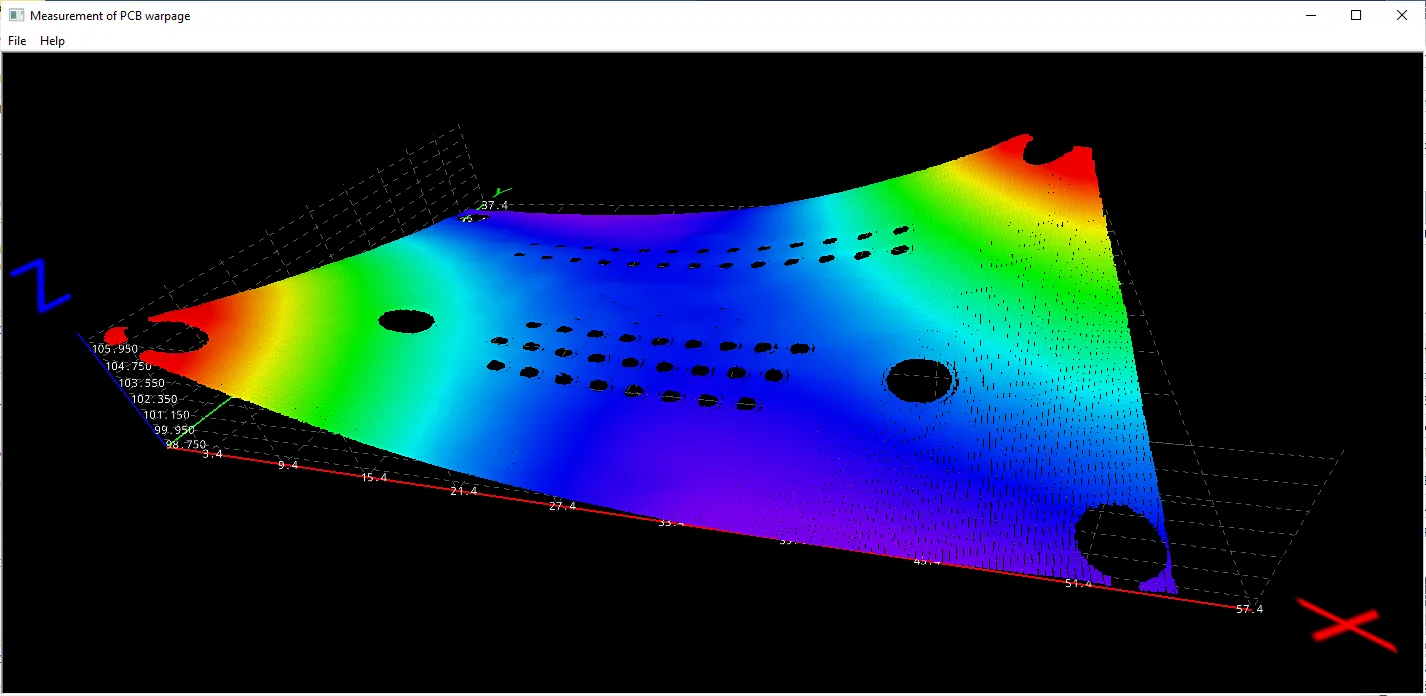
Easy3DPCBWarpage

  • Measure the warpage of a PCB with Easy3D.

✓

Easy3DCoaxlinkLLE

  • Acquire depth maps from a Coaxlink 3D LLE frame grabber and optionally save them.

✓

Easy3DLaserLineCalibration

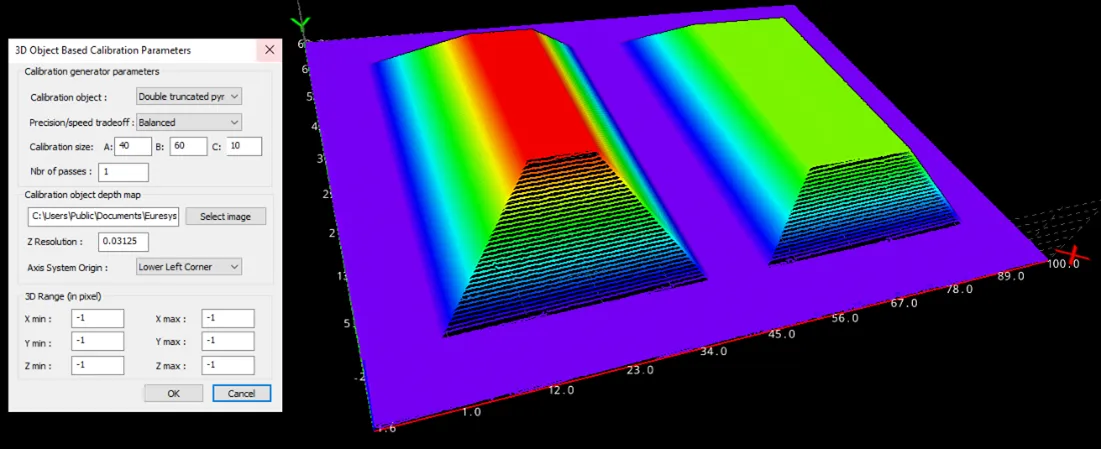
  • Compute and save the calibration model.

  • Apply the calibration to a depth map.

  • Save the resulting point cloud.

✓

Easy3DLaserLineExtract

  • Create a depth map from a series of profile images using the software laser line extractor.

✓

✓

Easy3DObjectExtract

  • Load an image.

  • Set the X, Y and Z resolutions.

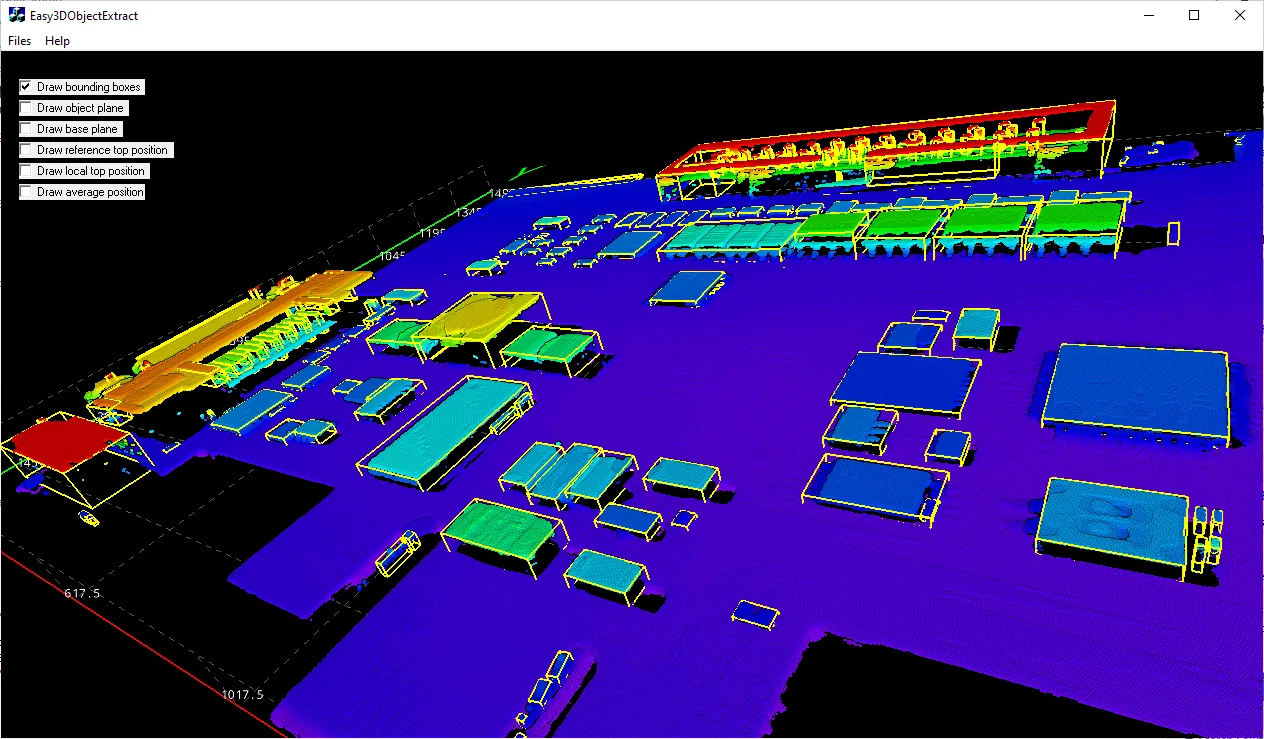
  • Display the corresponding point cloud and the extracted 3D objects.

✓

✓

✓

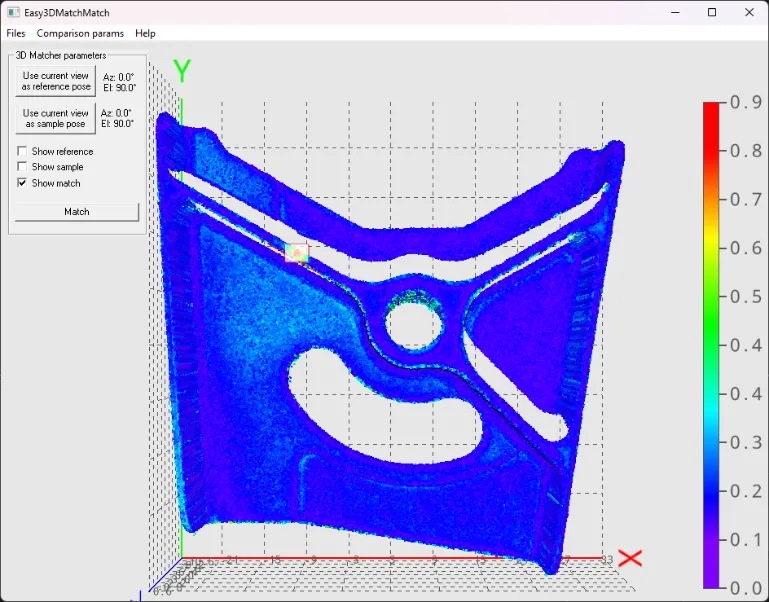
Easy3DMatchMatch

  • Match a sample (point cloud or ZMap) on a reference (3D mesh, point cloud or ZMap).

✓

✓

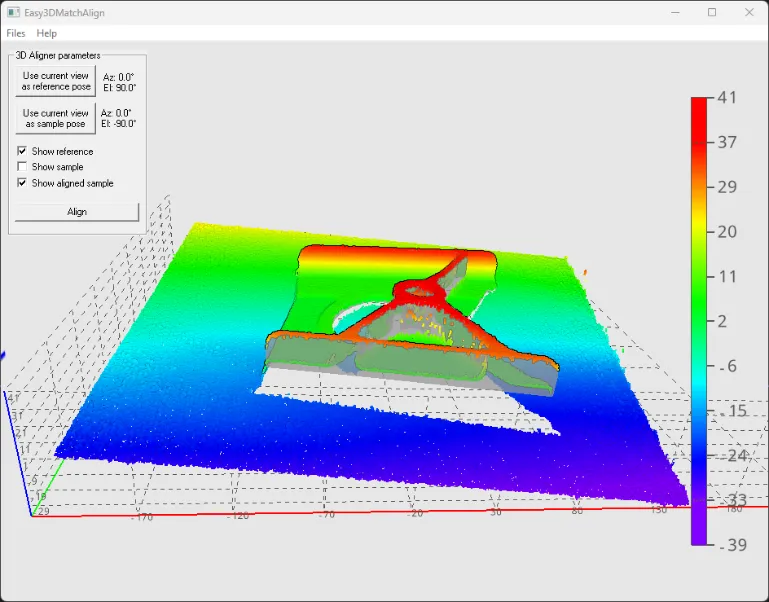
Easy3DMatchAlign

  • Align a sample (point cloud or ZMap) on a reference (3D mesh, point cloud or ZMap).

✓

✓

✓

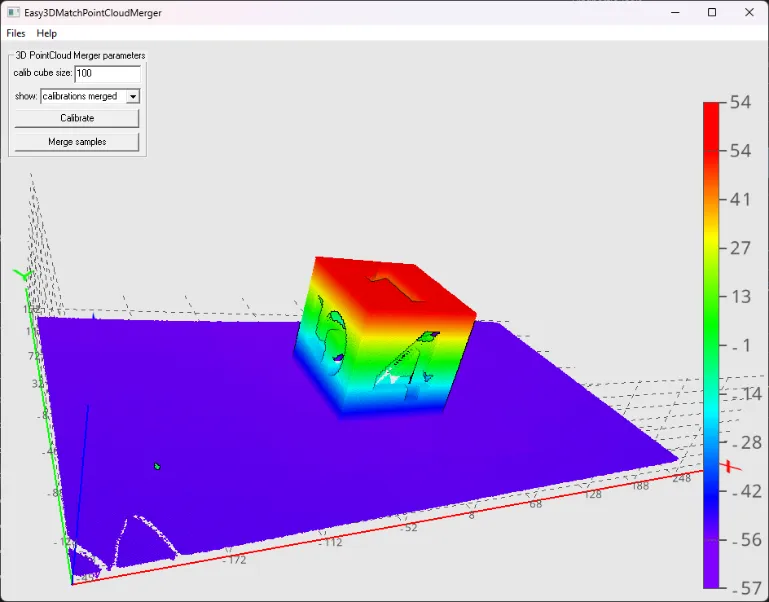
Easy3DMatchPointCloudMerger

  • Merge several point clouds by using a calibration procedure with a specific object.

✓

✓