EasyOCR2 - Reading Complex Texts
Purpose and Principles
EasyOCR2 is an optical recognition tool designed to read short texts such as serial numbers, expiry dates or lot codes printed on labels or on parts.
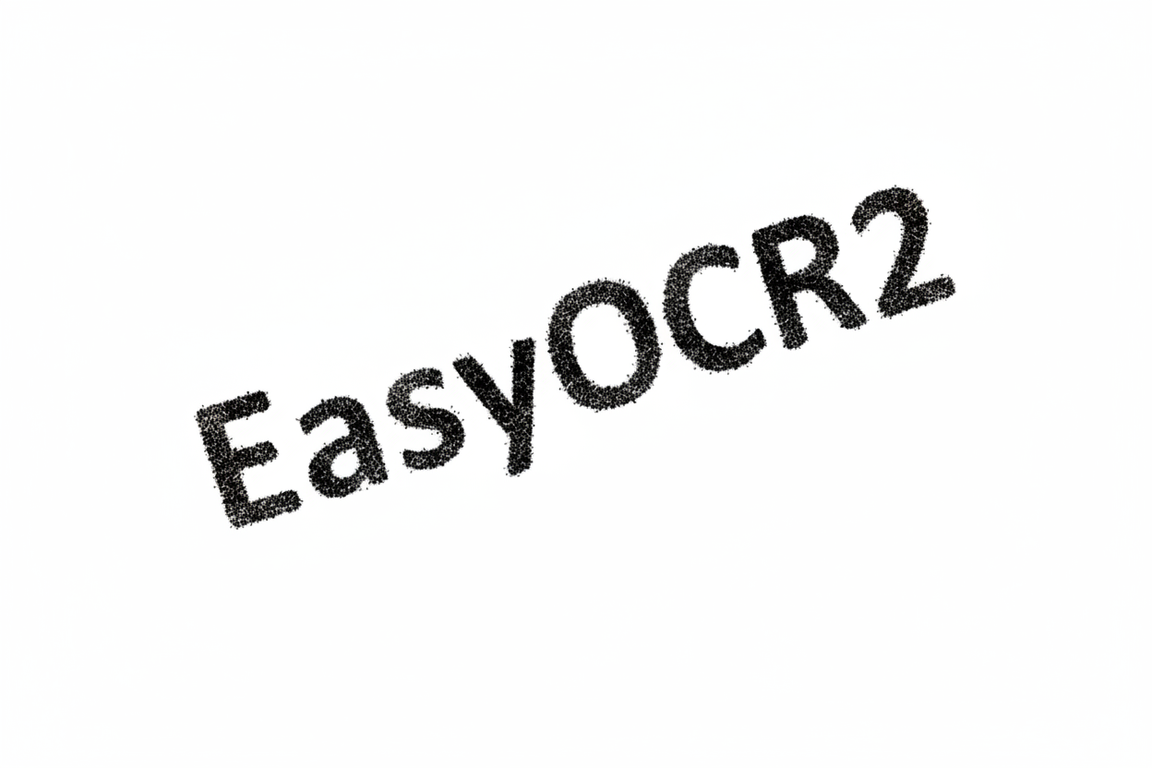
It segments pixels then detects text blobs and sets textboxes over the detected blobs following a user-defined topology.

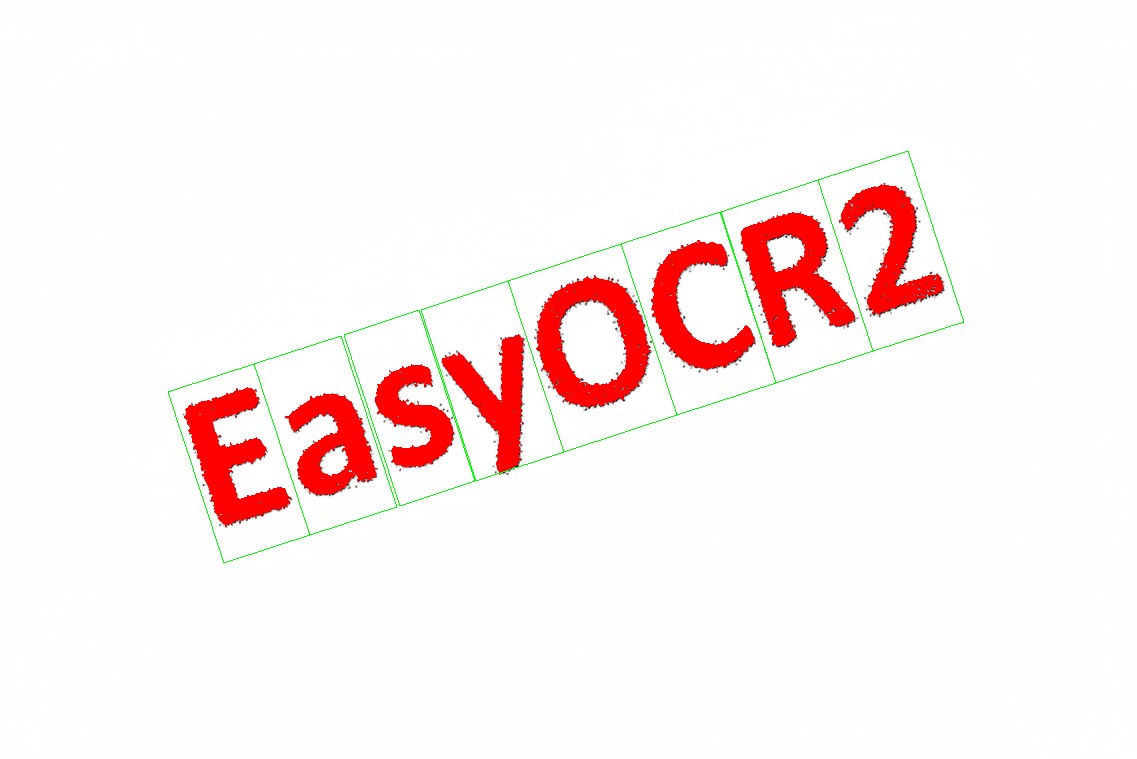
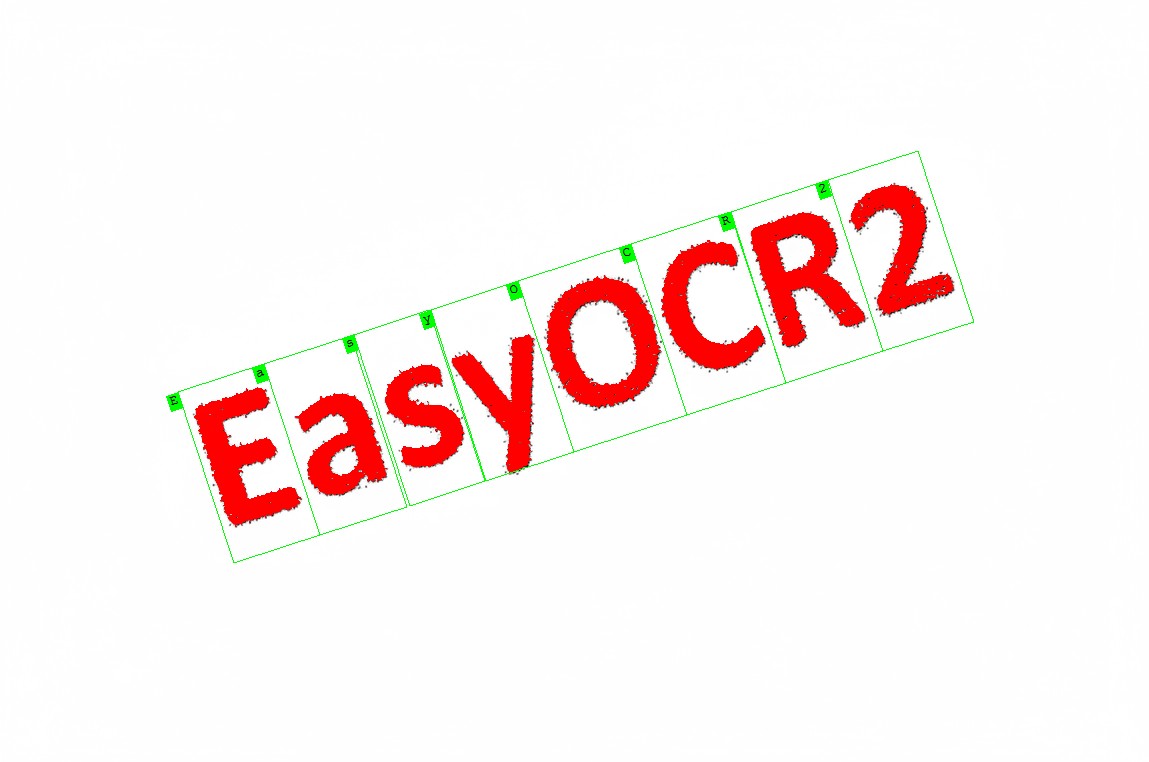
The topology specifies the number of lines, words and characters in the text. You can also specify a character type (letter, digit and/or symbol) for each character in the text, to improve the recognition rate and speed.
EasyOCR2 supports up-to-360-degree rotated texts, non-uniform illumination and textured backgrounds as well as dot-printed or fragmented characters.
To recognize characters, EasyOCR2 uses a pretrained classifier, powered by deep learning technologies, or a classifier that was trained on your character database.
For each input character:
The classifier calculates a score for all candidate outputs.
It returns the candidate with the highest score as the recognition result.
Workflow
Learning Mode
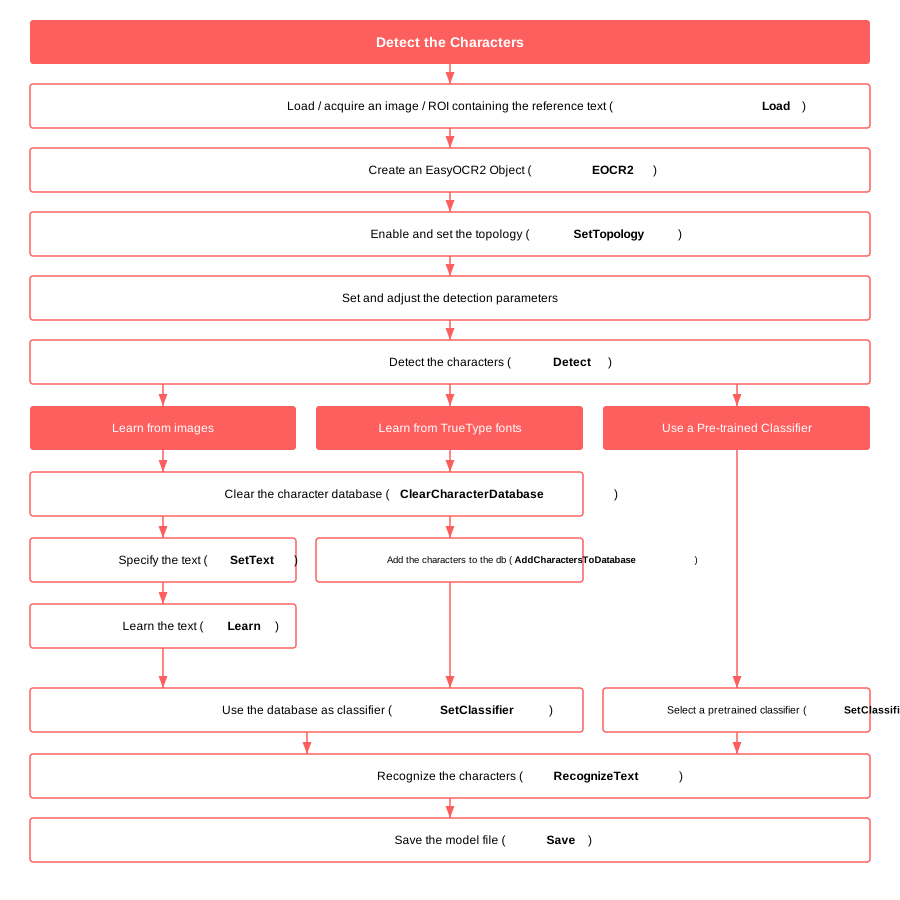
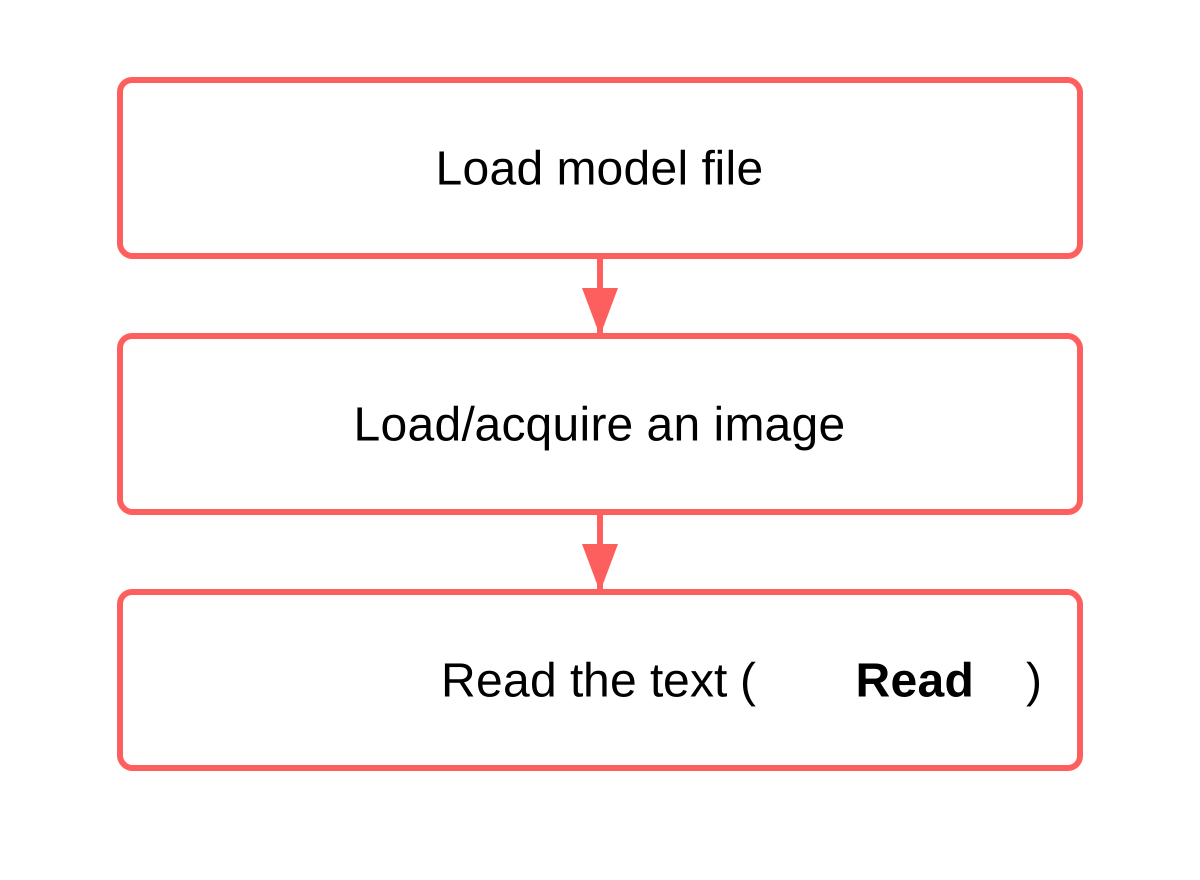
Production Mode
Contents
Learn how to use EasyOCR2.
Learn how to correctly setup the parameters of EasyOCR2.
Quick Links
List of all Classes, Structs and Enumerations of the EasyOCR2 library.
Code snippets for the EasyOCR2 library.
See also
Some eVision Studio samples illustrate several aspects of the EasyOCR2 library:
EasyOCR2 text reading with a database classifier: Uses EasyOCR2 to loads an image and uses a character database to read it.EasyOCR2 text reading with a deep learning recognizer: Uses EasyOCR2 to loads an image and uses the deep learning recognizer ‘Industrial’ to read it.