EasyMatchLearn
Support |
|
|---|---|
Required licenses |
EasyMatch |
Recommended images |
Any image from the folder |
Location |
|


Purpose
This sample program demonstrates how to:
Learn a pattern from a region of interest in an image.
Find one or several instances of that pattern in the same image.
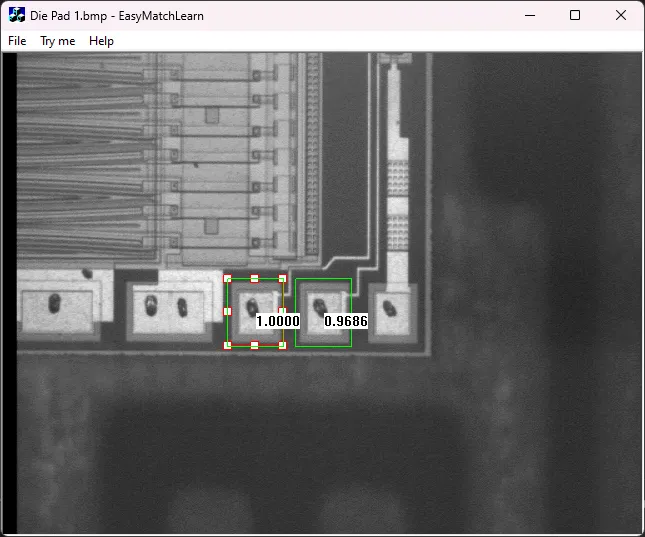
Code highlights
Learn the pattern defined by the ROI.
m_Matcher.LearnPattern(m_ROI);
Find the pattern in the Image.
m_Matcher.Match(m_Source);
Draw the positions of the matches found in the image.
m_Matcher.DrawPositions(drawAdapter, ERGBColor(0, 255, 0), true);