Region
Support |
|
|---|---|
Required licenses |
EasyImage |
Recommended images |
Any |
Location |
|


Purpose
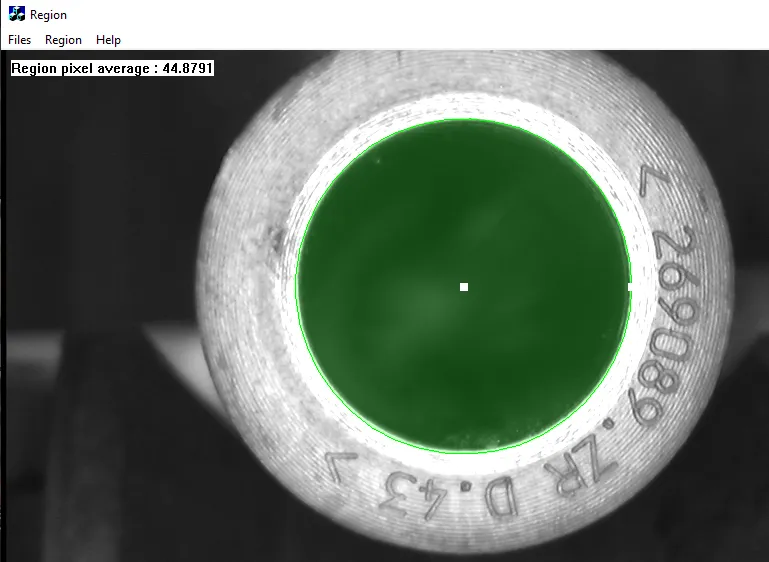
This sample program demonstrates how to:
Create an
ERegionand use it to restrict processing to its domain.
Code highlights
Create an
ERegionwith the desired geometrical shape._region = new EPolygonRegion(...); _region = new ERectangleRegion(...); _region = new ECircleRegion(...); _region = new EEllipseRegion(...);
Retrieve the handle at the given coordinates so you can later move it to new coordinates and modify the
ERegion.handle = _region.HitTest(x, y);
Move the previously retrieved handle to a new position to modify the
ERegion._region.Drag(handle, x, y);
Draw the
ERegioncomponents, respectively the area, the contour and the handles (for graphical manipulation purposes)._region->Draw(drawAdapter); _region->DrawContour(drawAdapter); _region->DrawHandles(drawAdapter);
Compute the pixel average on the image, restricted to the domain of the
ERegion.EasyImage::PixelAverage(&_image, *_region, average);