Easy3DMatchPointCloudMerger
Support |
|
|---|---|
Required licenses |
Easy3DMatch |
Recommended images |
The images from the folder |
Location |
|


Purpose
This sample program demonstrates how to:
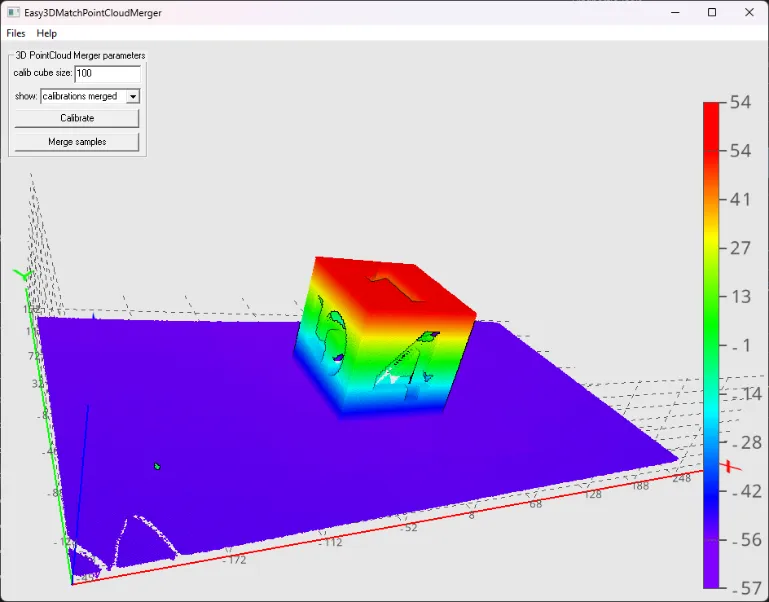
Merge several point clouds by using a calibration procedure with a specific object.
Code highlights
Use the recommended images:
Calibration: the 4
calibration_*files.Sample: either the 4
object2_*or the 4shoe_*files.
Calibrate the merger from the calibration clouds.
You must indicate the size of the calibration cube in the clouds.
A calibration error is returned.
float error = merger_.Calibrate(calibrationClouds_, cubeSize, true);
Merge the calibration clouds in a single cloud representing the calibration object.
Note
This is optional and it is done in the sample program for visualization purposes.
merger_.Merge(calibrationClouds_, mergedCalibration_);
Merge the sample clouds in a single cloud representing the sample object.
merger_.Merge(sampleClouds_, mergedSamples_);