Sample Programs

Image processing

Sample

The sample program demonstrates how to:

Image

C++

C#

Qt

CMake

Vb

Python

Basic

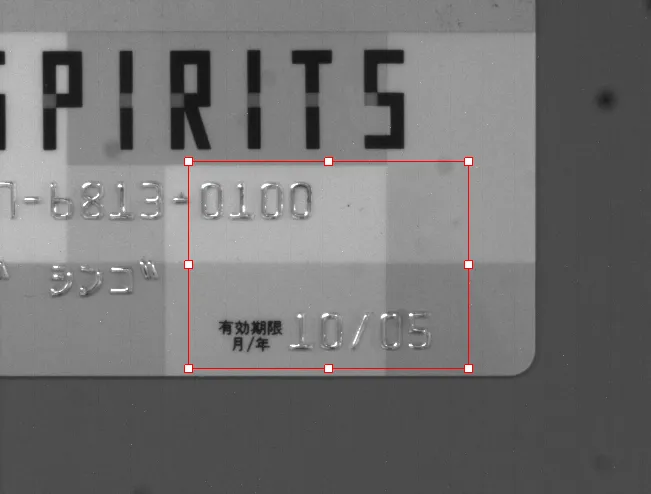
  • Display an image.

  • Display and graphically interact with an ROI.

✓

✓

✓

✓

BasicWPF

  • Display an image in a WPF context.

  • Display and graphically interact with an ROI.

✓

ConsoleBasic

  • Initialize and release the eVision library.

  • Check for a specific license.

  • Load an image and perform a simple processing on it.

—

✓

✓

✓

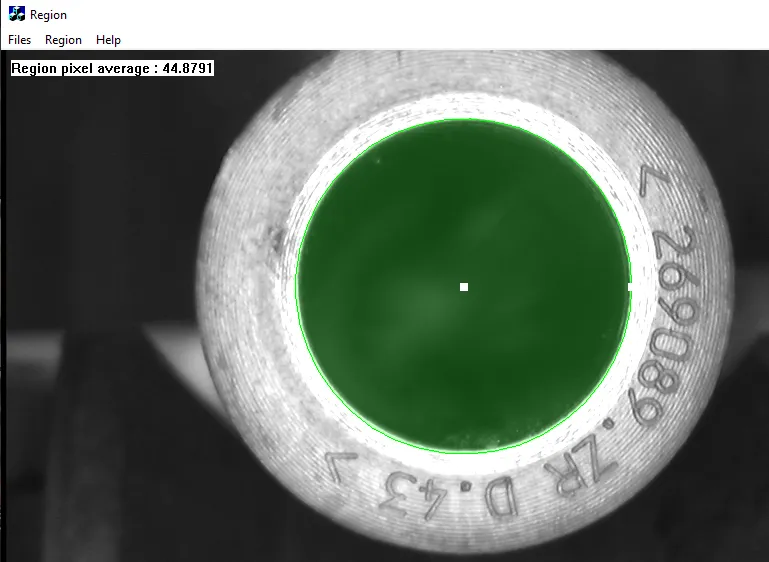
Region

  • Create an ERegion and use it to restrict eVision processing to its domain.

✓

✓

✓

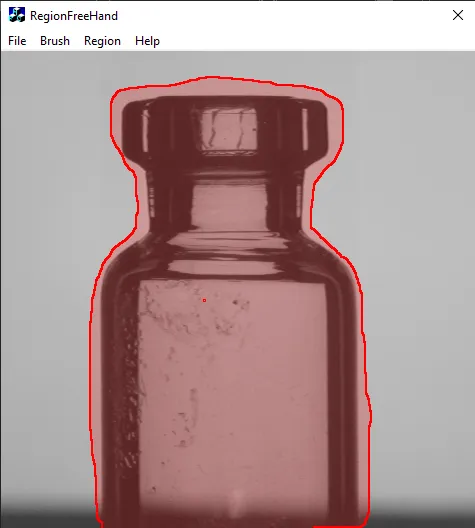
RegionFreeHand

  • Create an ERegion using the ERegionFreeHandPainter.

✓

✓

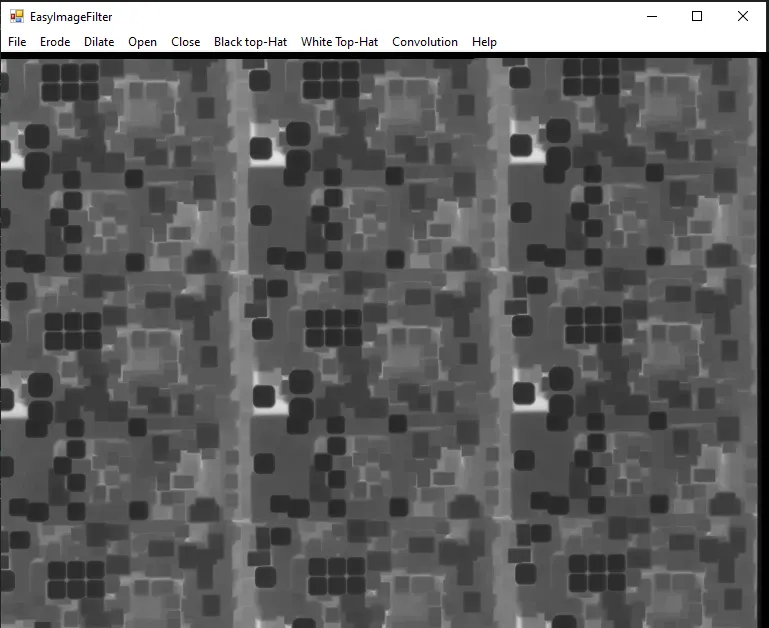
EasyImageFilter

  • Apply filter operations on a loaded image.

✓

✓

✓

✓

✓

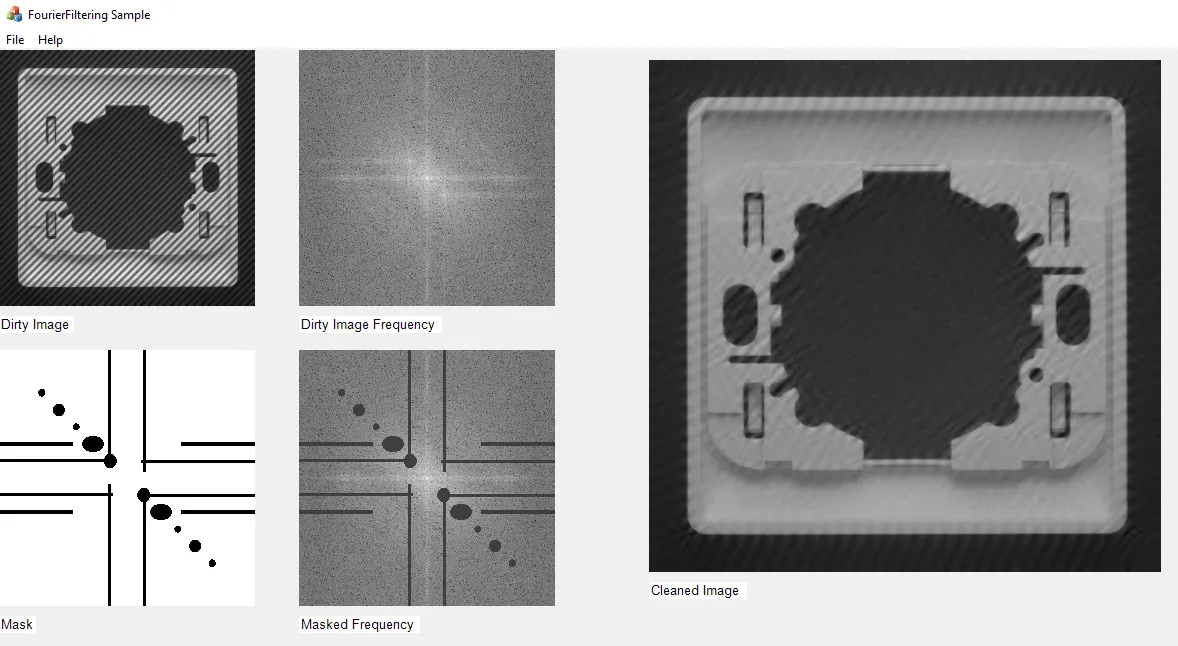
FourierFiltering

  • Compute the direct Fourier transform.

  • Compute the inverse Fourier transform.

✓

✓

✓

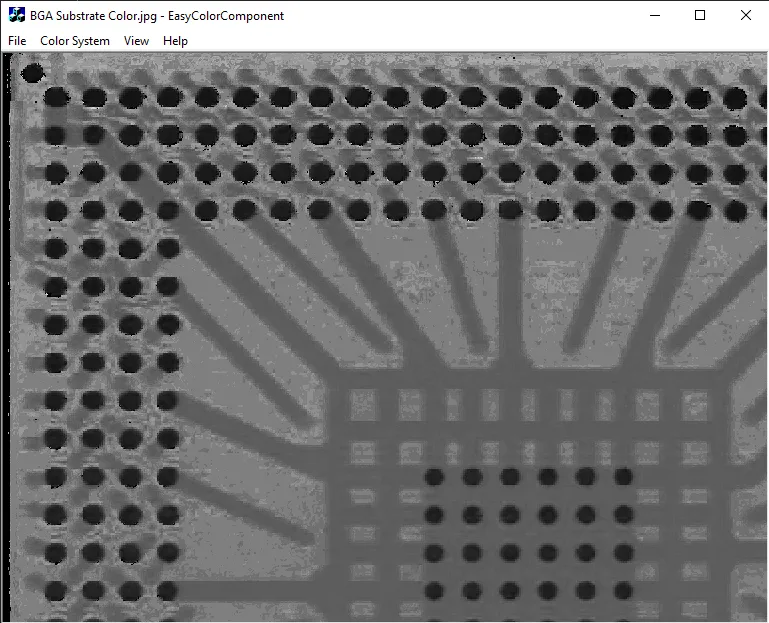
EasyColorComponent

  • Retrieve one component of a color image after converting it from RGB to a given color space.

✓

✓

✓

✓

✓

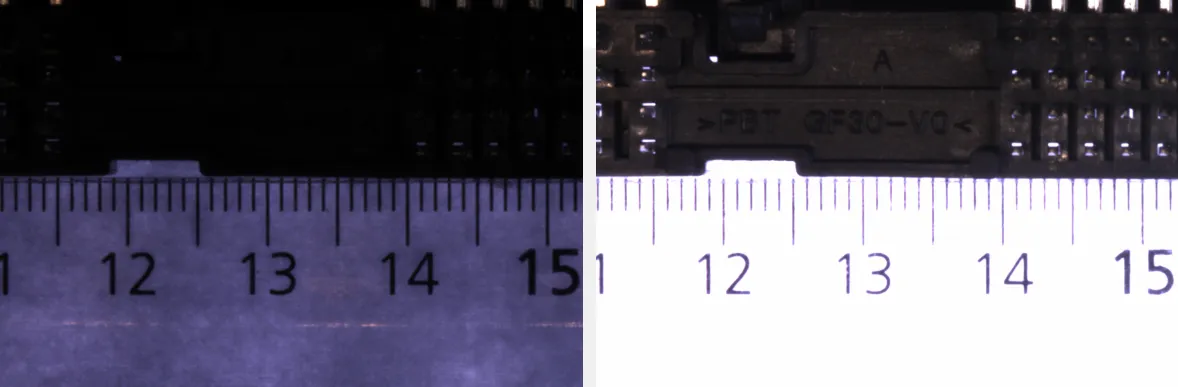
EasyHDRFusion

  • Perform an HDR Fusion on a specific set of images.

✓

✓

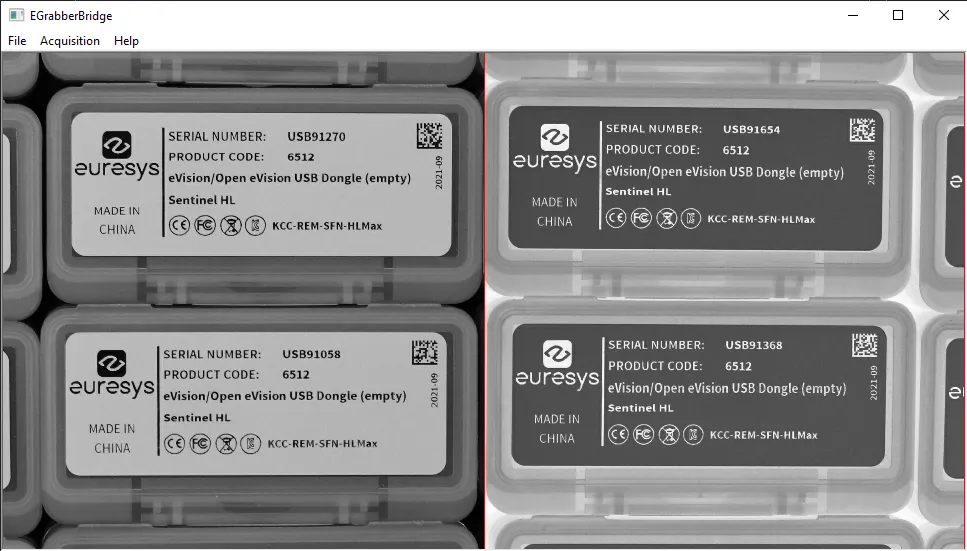
EGrabberBridge

  • Use the EGrabberBridge functionality to import and use images produced by an object eGrabber with eVision.

✓

✓

SharedLibraryConsole

  • Use eVision in a C++ DLL.

—

✓

3D Processing

Sample

The sample program demonstrates:

Image

C++

C#

Qt

CMake

Vb

Python

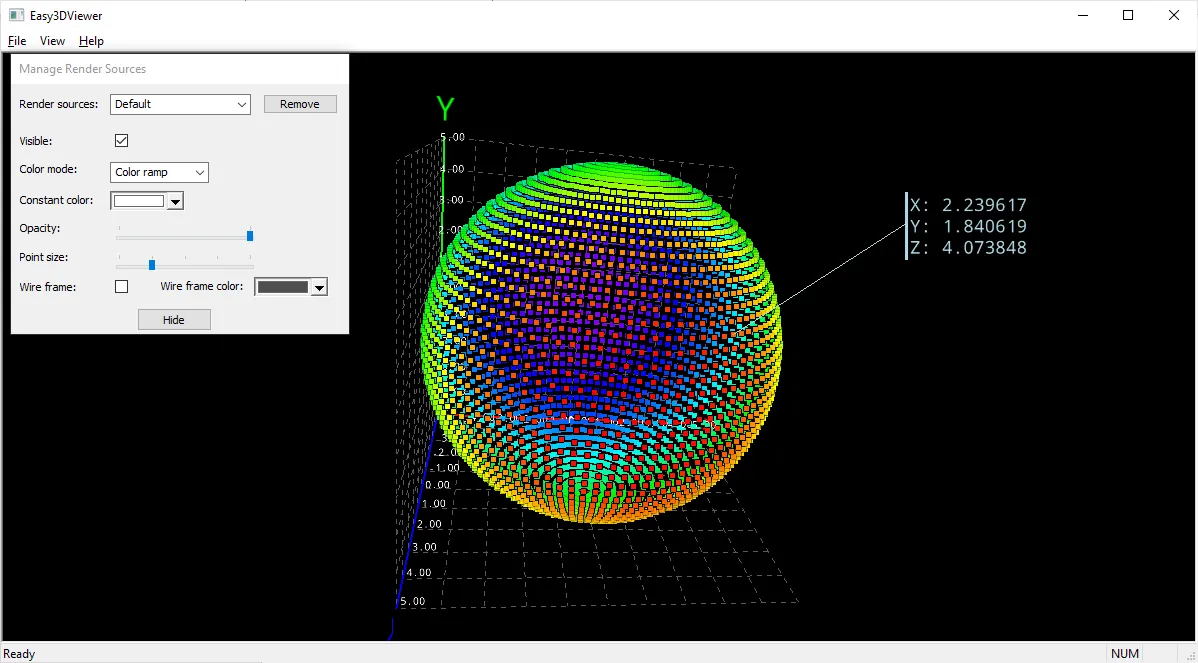
Easy3DViewer

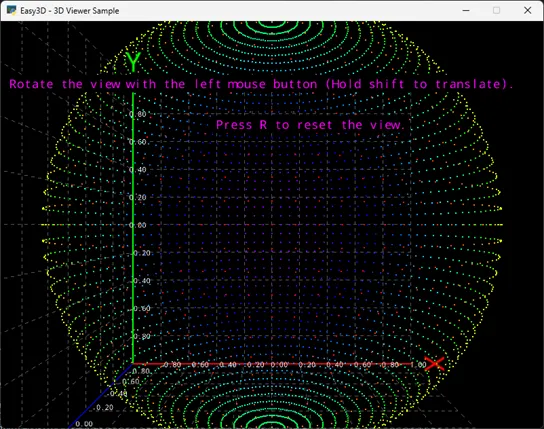
  • Use most of the features of the Easy3D class E3DViewer.

  • Convert 3D files formats.

  • Use a point picking.

✓

✓

✓

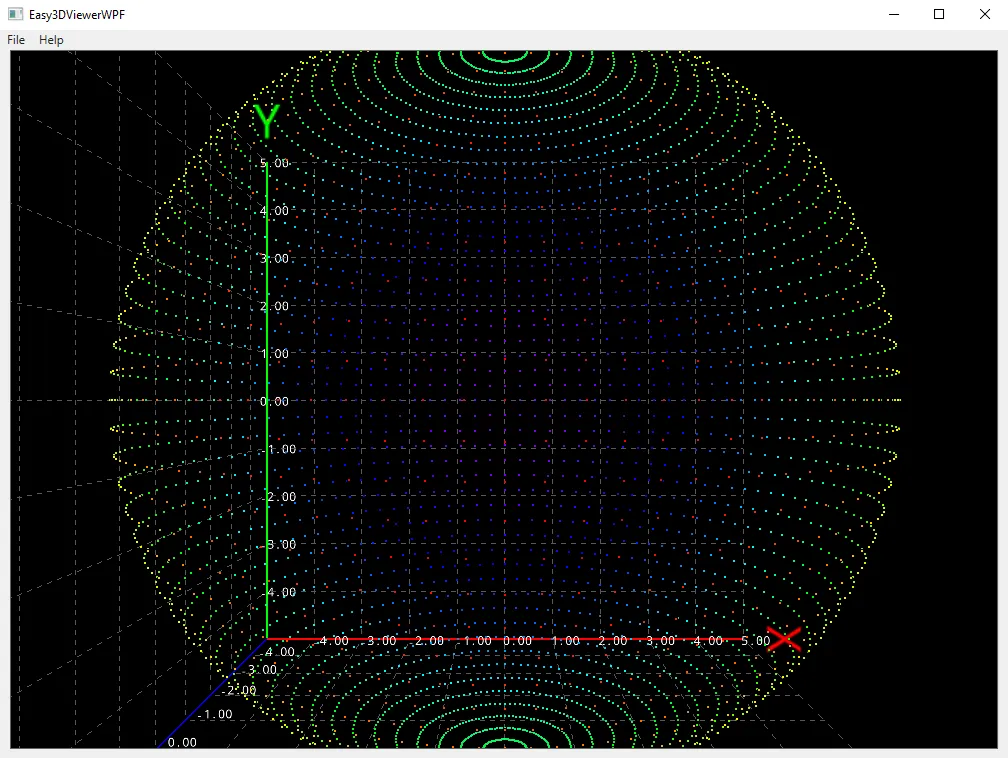
Easy3DViewerWPF

  • Display an E3DViewer in a WPF context.

✓

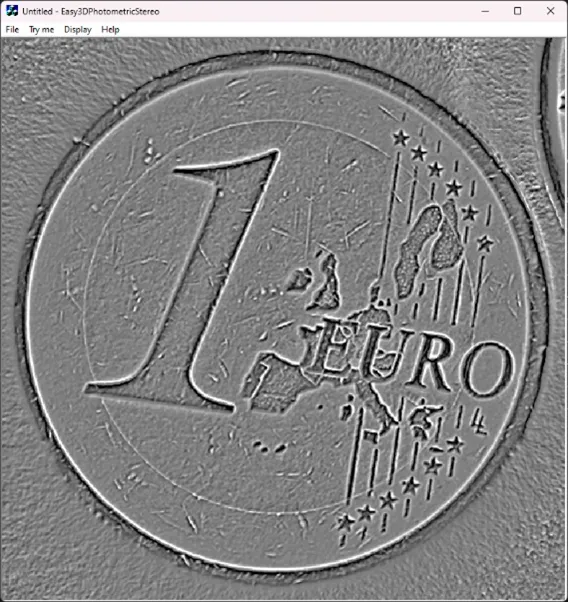
Easy3DPhotometricStereo

  • Apply photometric stereo to several images to retrieve their albedo, gradients, curvatures or height map.

✓

✓

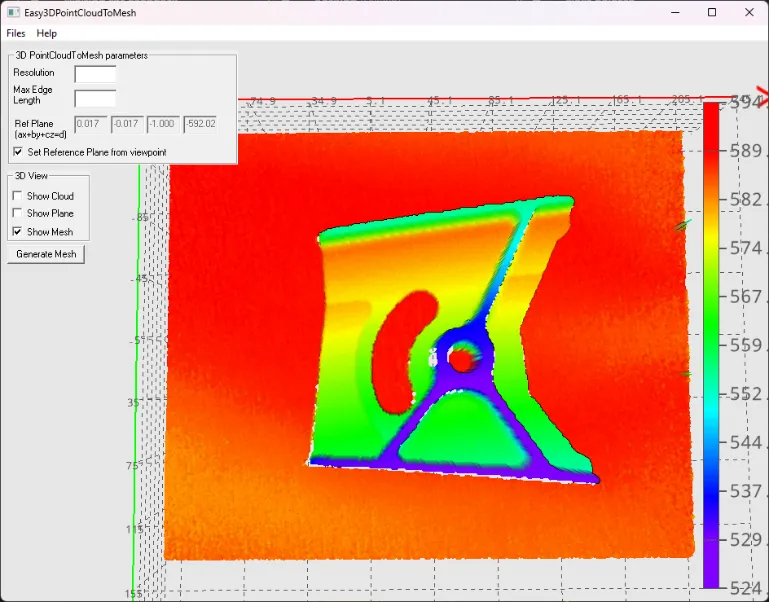
Easy3DPointCloudToMesh

  • Generate a mesh from a point cloud.

✓

✓

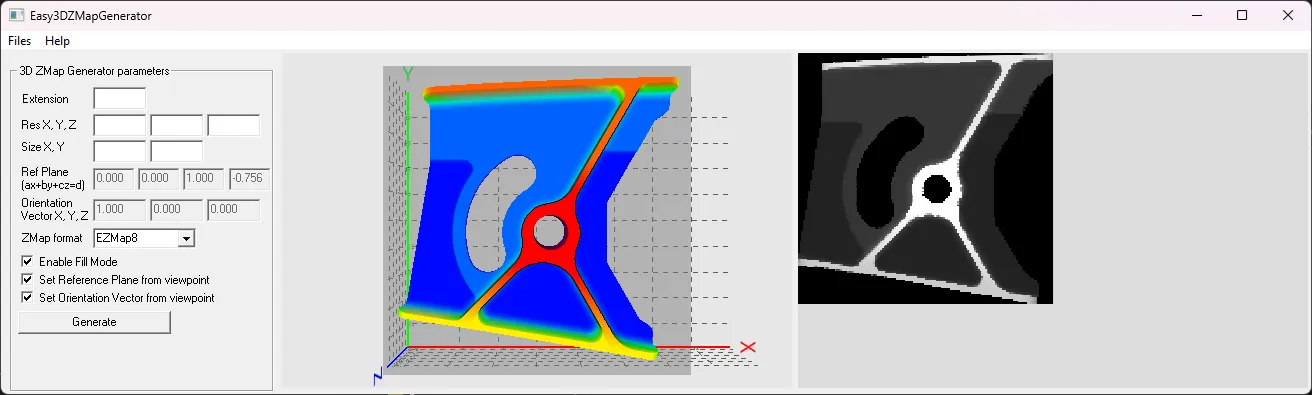
Easy3DZMapGenerator

  • Generate a ZMap from a mesh or a point cloud.

✓

✓

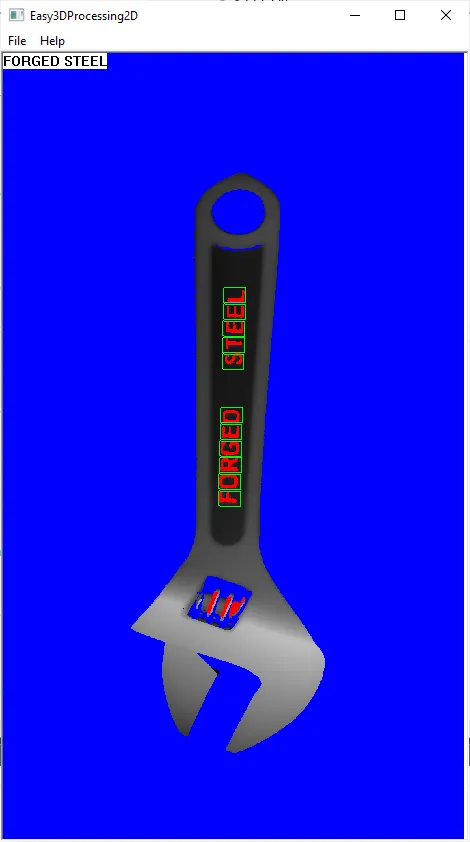
Easy3DProcessing2D

  • Load a depth map.

  • Apply a 2D operator (the text reading tool EasyOCR2) on the gray scale pixel values.

✓

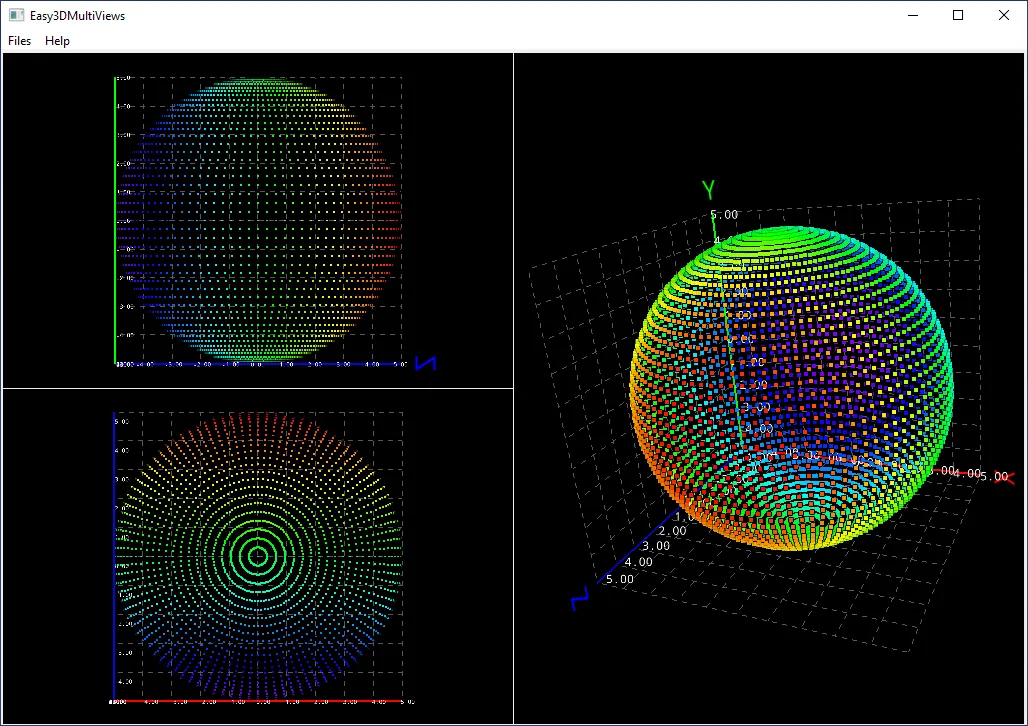
Easy3DMultiViews

  • Load and display point clouds in multiple instances of the class E3DViewer.

✓

✓

✓

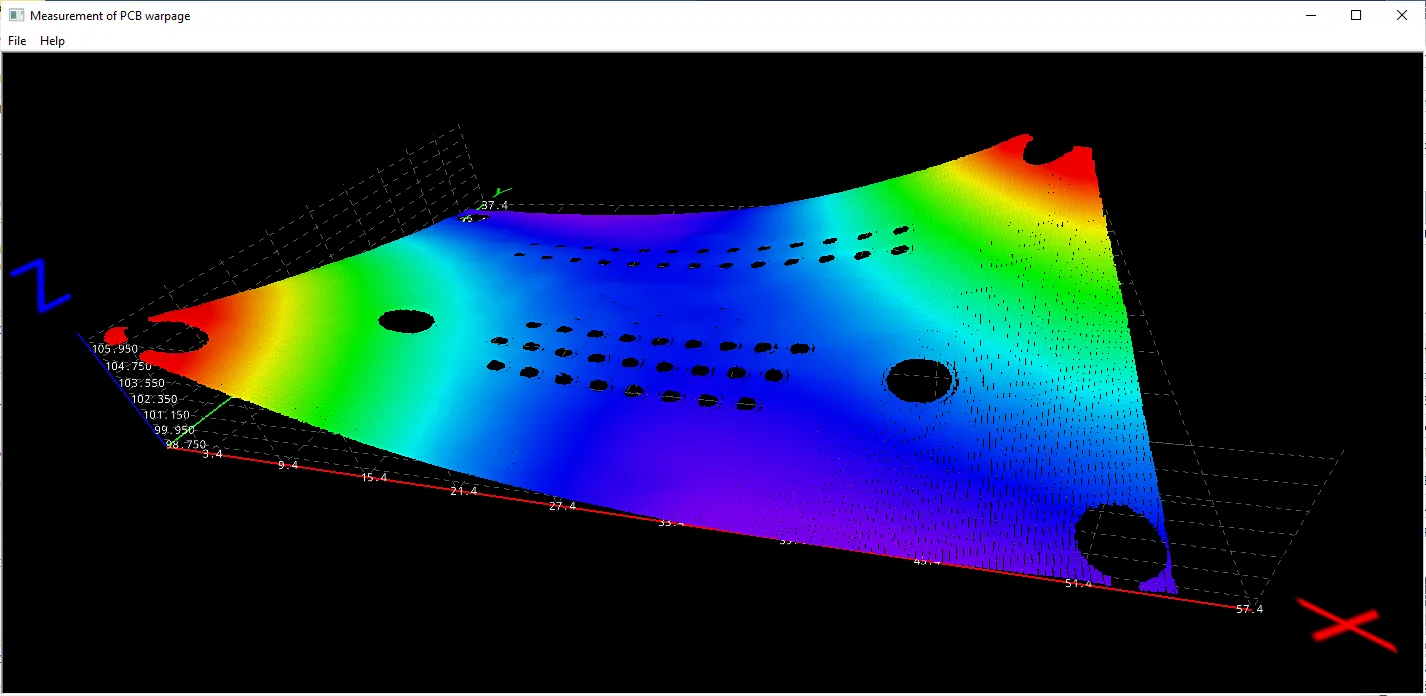
Easy3DPCBWarpage

  • Measure the warpage of a PCB with Easy3D.

✓

Easy3DCoaxlinkLLE

  • Acquire depth maps from a Coaxlink 3D LLE frame grabber and optionally save them.

✓

Easy3DLaserLineCalibration

  • Compute and save the calibration model.

  • Apply the calibration to a depth map.

  • Save the resulting point cloud.

✓

Easy3DLaserLineExtract

  • Create a depth map from a series of profile images using the software laser line extractor.

✓

✓

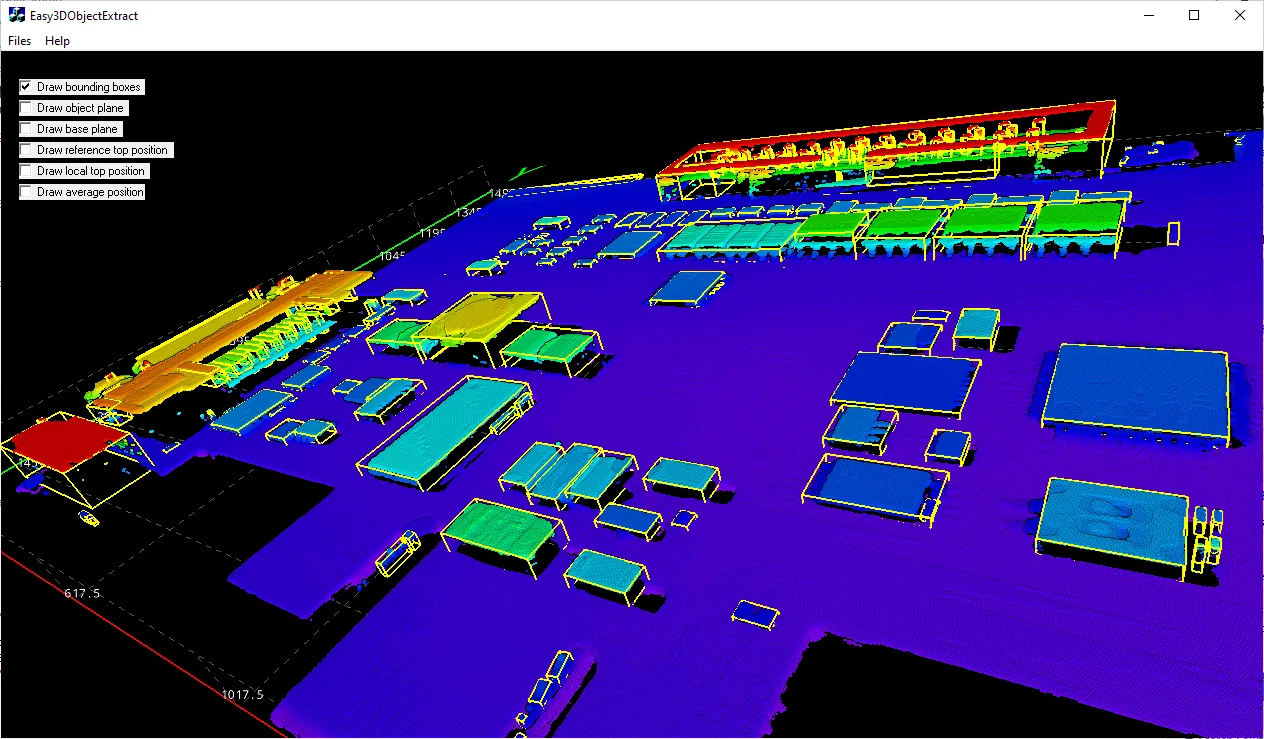
Easy3DObjectExtract

  • Load an image.

  • Set the X, Y and Z resolutions.

  • Display the corresponding point cloud and the extracted 3D objects.

✓

✓

✓

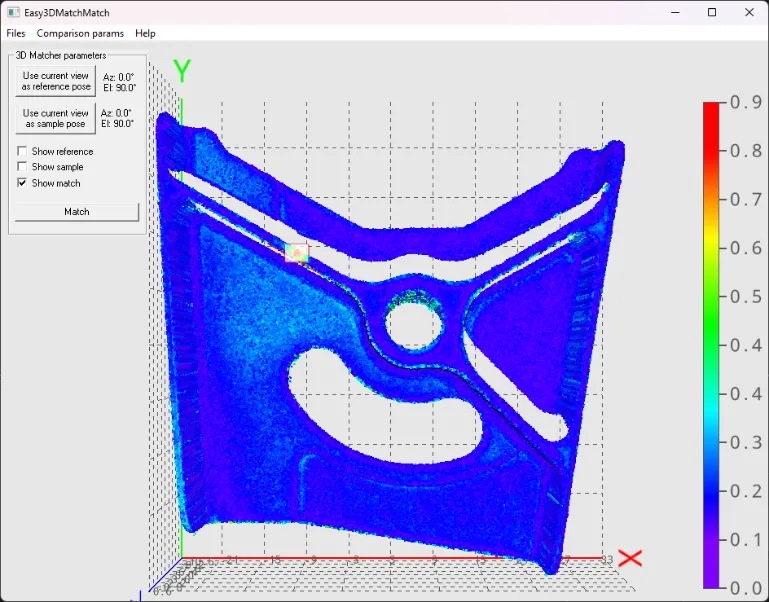
Easy3DMatchMatch

  • Match a sample (point cloud or ZMap) on a reference (3D mesh, point cloud or ZMap).

✓

✓

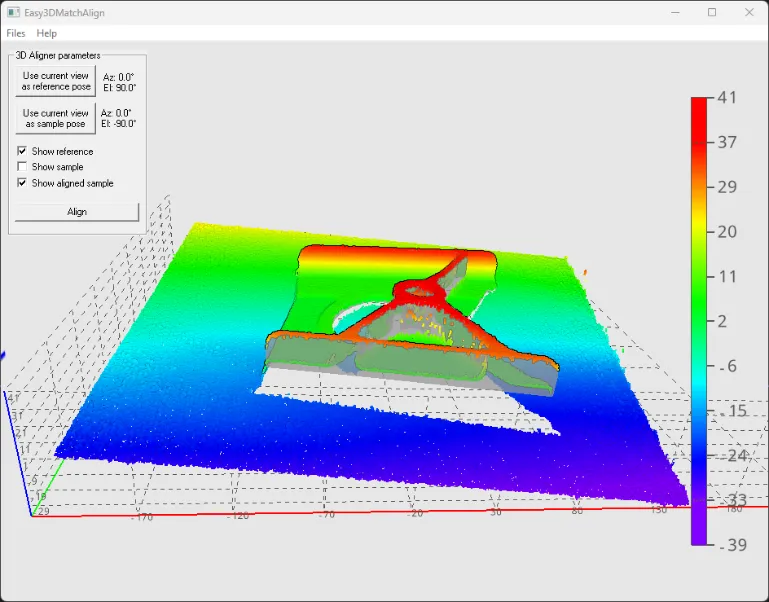
Easy3DMatchAlign

  • Align a sample (point cloud or ZMap) on a reference (3D mesh, point cloud or ZMap).

✓

✓

✓

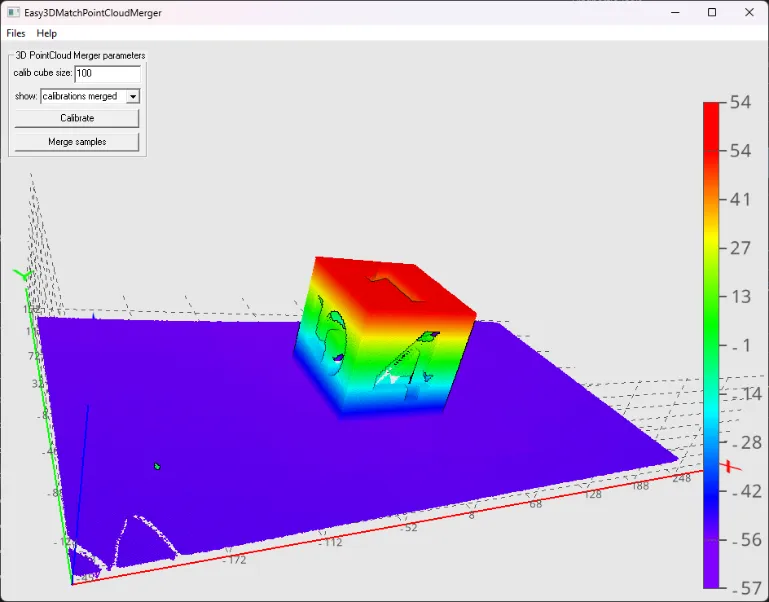
Easy3DMatchPointCloudMerger

  • Merge several point clouds by using a calibration procedure with a specific object.

✓

✓

Matching and Measurement

Sample

The sample program demonstrates:

Image

C++

C#

Qt

CMake

Vb

Python

EasyGaugeBasic

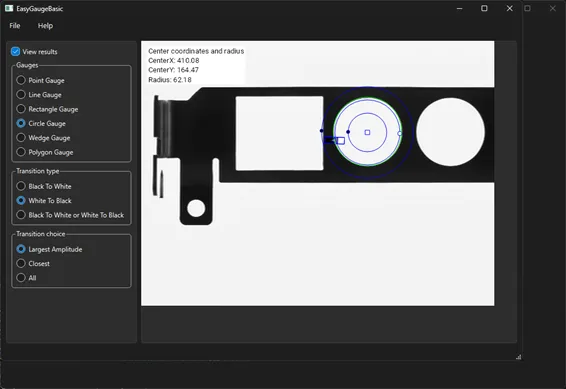
  • Load an image and apply a gauge from EasyGauge, chosen between a Point Gauge, a Line Gauge, a Rectangle Gauge, a Circle Gauge, a Wedge Gauge and a Polygon Gauge.

  • Implement graphical edition of the gauge geometry.

  • Set and display the main parameters of the gauges: the transition polarity, the choice of measure and various display options.

![Matching-EasyGaugeBasic](../../assets/images/sample_programs/matching-easygaugebasic.webp


✓

✓

✓

✓

EasyGaugeRegion

  • Load an image and apply a gauge from EasyGauge, chosen between a Rectangle Gauge and a Circle Gauge.

  • Create a region corresponding to the gauge from the result.

  • Perform a blob encoding operation on it.

![Matching-EasyGaugeRegion](../../assets/images/sample_programs/matching-easygaugeregion.webp


✓

EasyGaugePolygon

  • Use the class EPolygonGauge of the EasyGauge library.

  • Edit the geometry of the gauge and change the main parameters.

  • Configure various display options.

![Matching-EasyGaugePolygon](../../assets/images/sample_programs/matching-easygaugepolygon.webp


✓

✓

EasyFindLearn

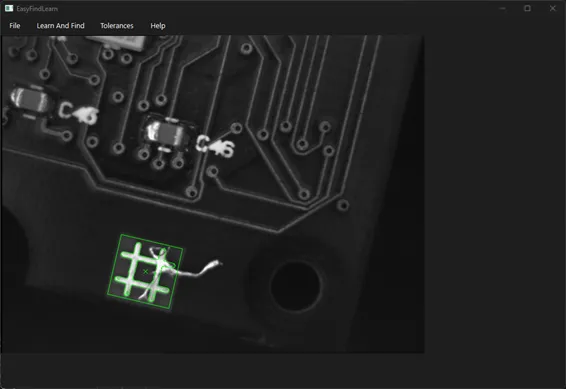
  • Load an image.

  • Move and size the region of interest to define the pattern.

  • Learn the pattern in the region of interest.

  • Change the tolerances using the Tolerances menu.

  • Find the pattern using the Find menu.

![Matching-EasyFindLearn](../../assets/images/sample_programs/matching-easyfindlearn.webp


✓

✓

✓

✓

✓

EasyFindVectorLearn

  • Use EasyFind with vectorized learning patterns. In this mode, learning is done on collections of 2D geometrical shapes rather than rasterized patterns.

  • Open a DXF or eVision vector model with File > Open Model. Right-click to change the polarity of a transition.

  • Save the vector model with the edited polarity.

  • Learn the pattern with the button Learn.

  • Open a search image and find the pattern with the button Find .

![Matching-EasyFindVectorLearn](../../assets/images/sample_programs/matching-easyfindvectorlearn.webp


✓

✓

✓

EasyMatchLearn

  • Learn a pattern from a region of interest in an image.

  • Find one or several instances of that pattern in the same image.

![Matching-EasyMatchLearn](../../assets/images/sample_programs/matching-easymatchlearn.webp


✓

✓

✓

✓

✓

EasyObjectEChecker2

  • Specify the inspection area.

  • Select fiducials for the localization and the alignment of the inspection area.

  • Train the method and apply it on new images.

![Matching-EasyObjectEChecker2](../../assets/images/sample_programs/matching-easyobjectechecker2.webp


✓

✓

EasyObjectInertia

  • Find blobs (objects or holes that have the same gray level range) in the image.

  • Keep only the blobs whose area is in a given range.

![Matching-EasyObjectInertia](../../assets/images/sample_programs/matching-easyobjectinertia.webp


✓

✓

✓

✓

✓

Deep Learning Inspection

Sample

The sample program demonstrates:

Image

C++

C#

Qt

CMake

Vb

Python

EasyClassifyTrain

  • Train an EasyClassify tool in console mode.

—

✓

✓

EasyClassifyInference

  • Perform an inference with EasyClassify.

  • Display the results.

✓

✓

✓

✓

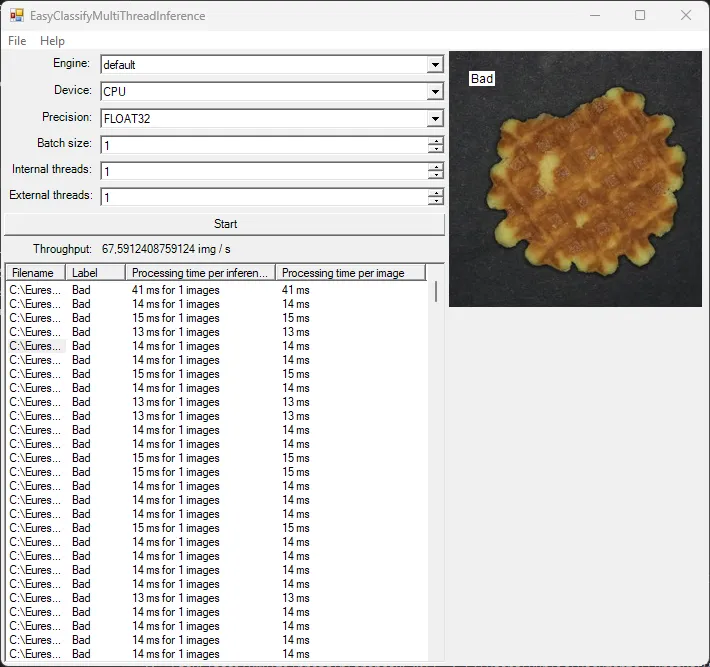
EasyClassifyMultiThreadInference

  • Perform a multithread inference with EasyClassify.

  • Implement external and internal multithreading.

✓

EasySegmentSupervisedTrain

  • Train an EasySegment Supervised tool in console mode.

—

✓

✓

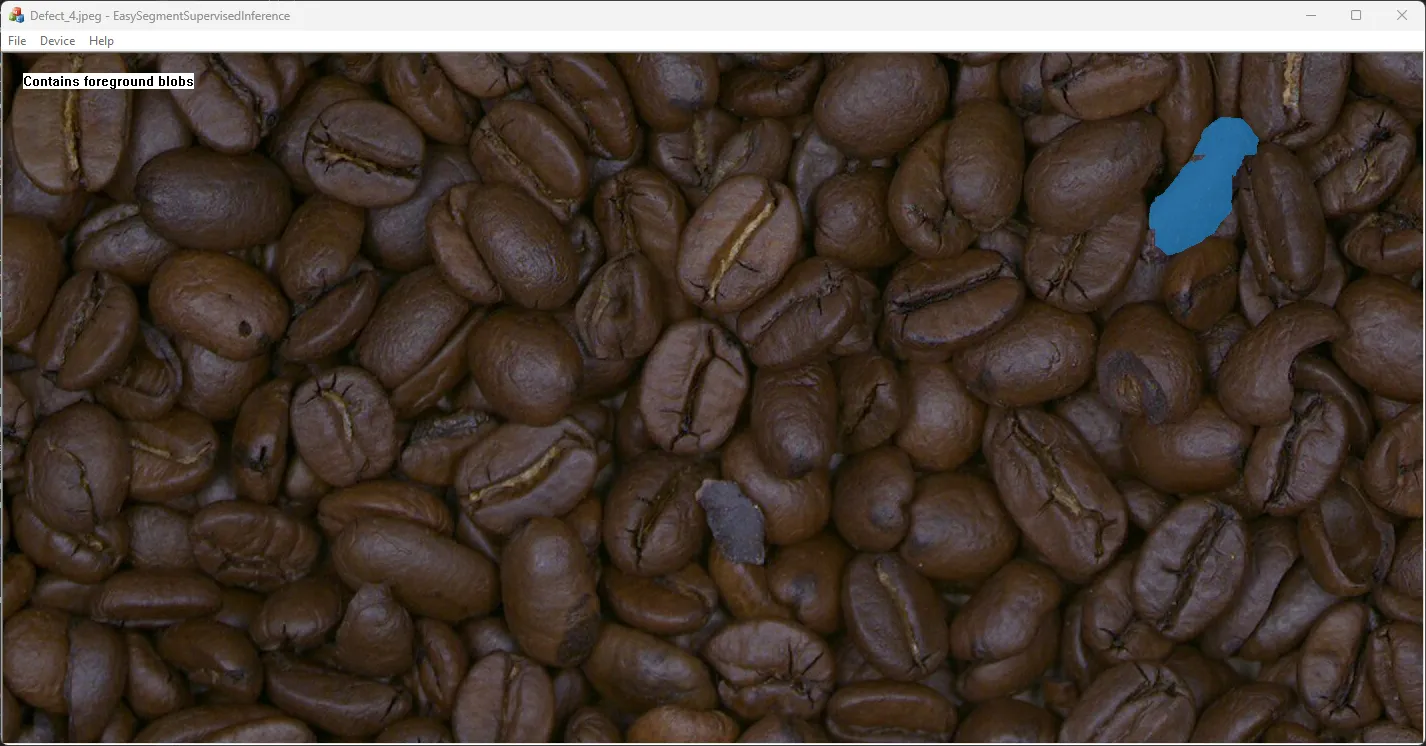
EasySegmentSupervisedInference

  • Perform an inference with EasySegment Supervised.

  • Display the results.

✓

✓

✓

✓

EasySegmentSupervisedMultiThreadInference

  • Perform a multithread inference with EasySegment Supervised in console mode.

  • Implement external and internal multithreading.

—

✓

EasySegmentUnsupervisedTrain

  • Train an EasySegment Unsupervised tool in console mode.

—

✓

✓

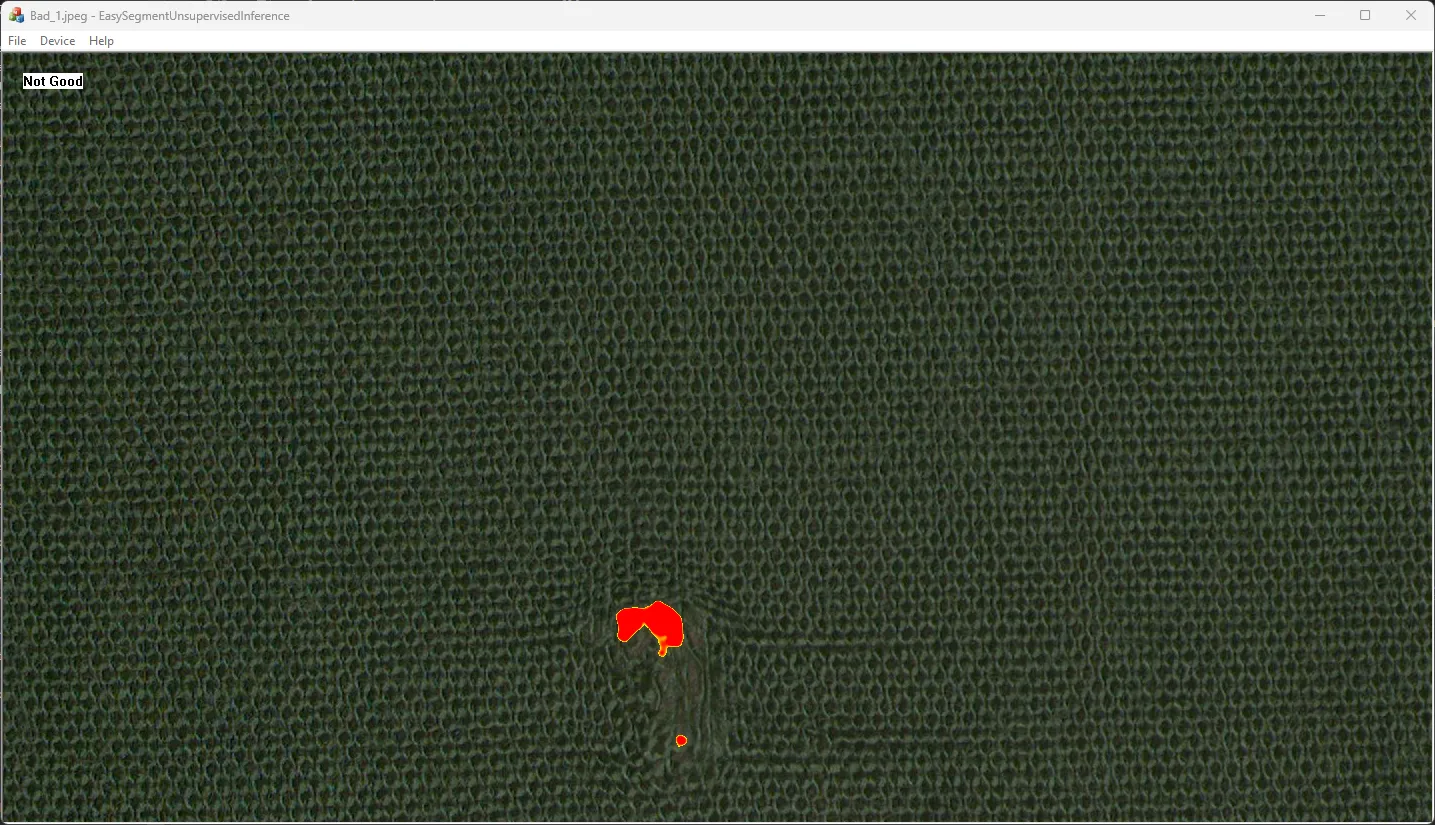
EasySegmentUnsupervisedInference

  • Perform an inference with EasySegment Unsupervised.

  • Display the results.

✓

✓

✓

✓

EasyLocateTrain

  • Train an EasyLocate tool in console mode.

—

✓

✓

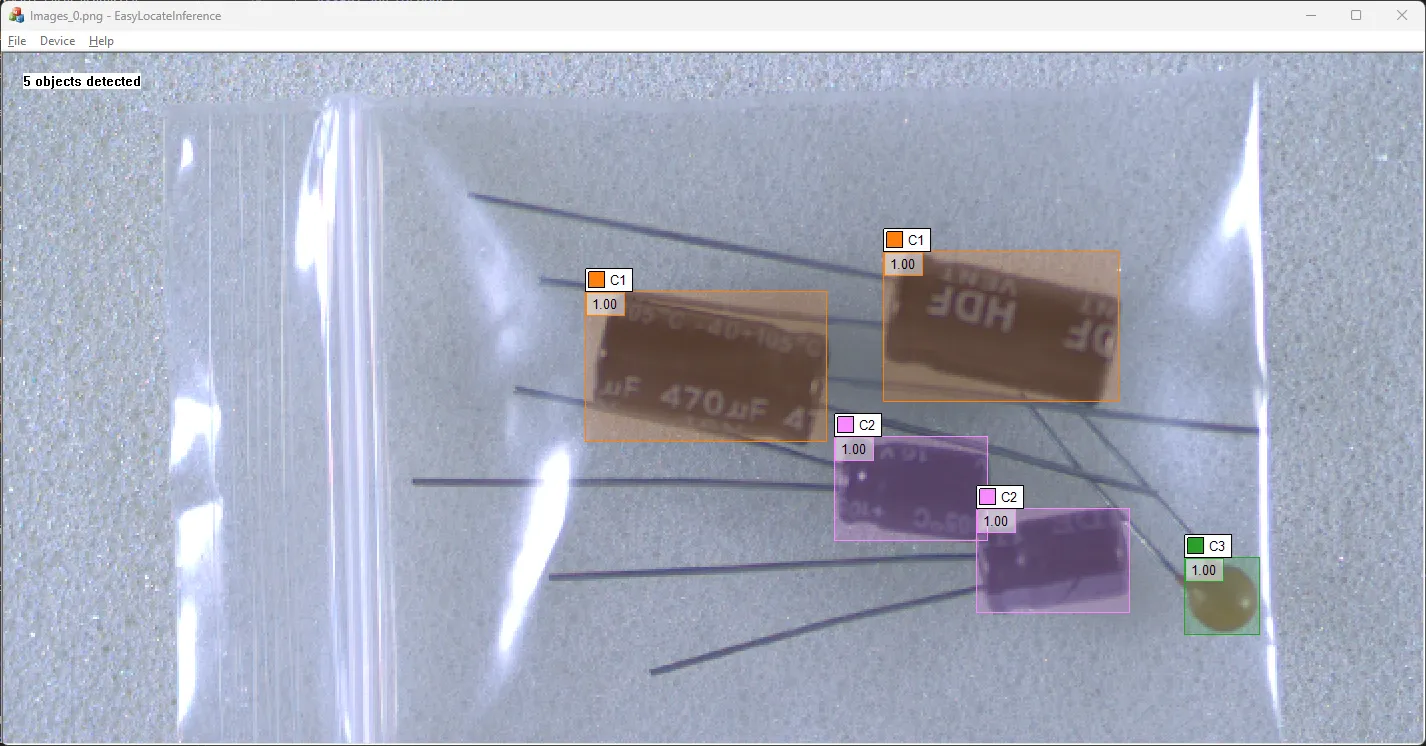
EasyLocateInference

  • Perform an inference with EasyLocate.

  • Display the results.

✓

✓

✓

✓

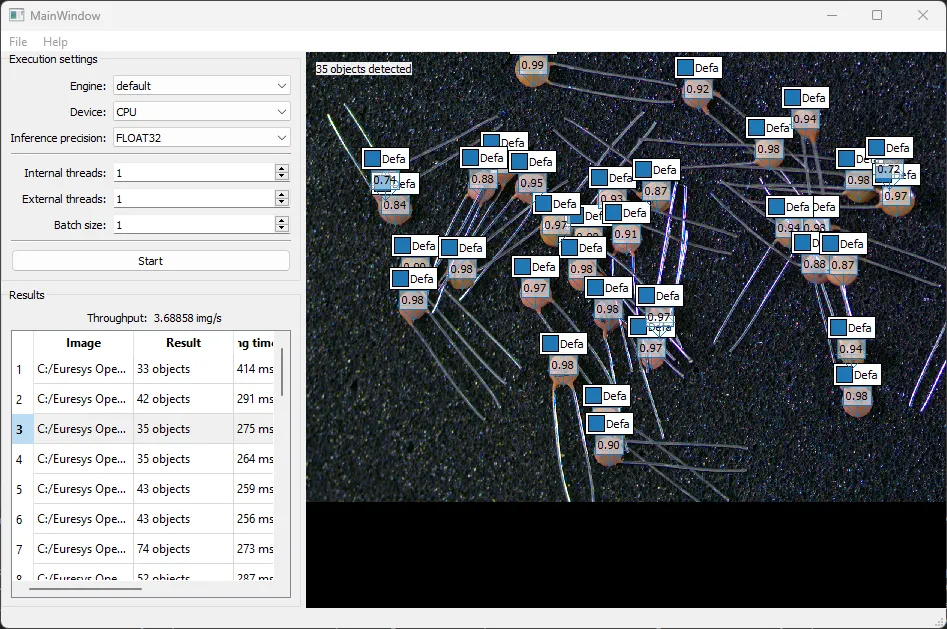
EasyLocateMultiThreadInference

  • Perform a multithread inference with EasyLocate.

  • Implement external and internal multithreading.

✓

Text and Code Reading

Sample

The sample program demonstrates:

Image

C++

C#

Qt

CMake

Vb

Python

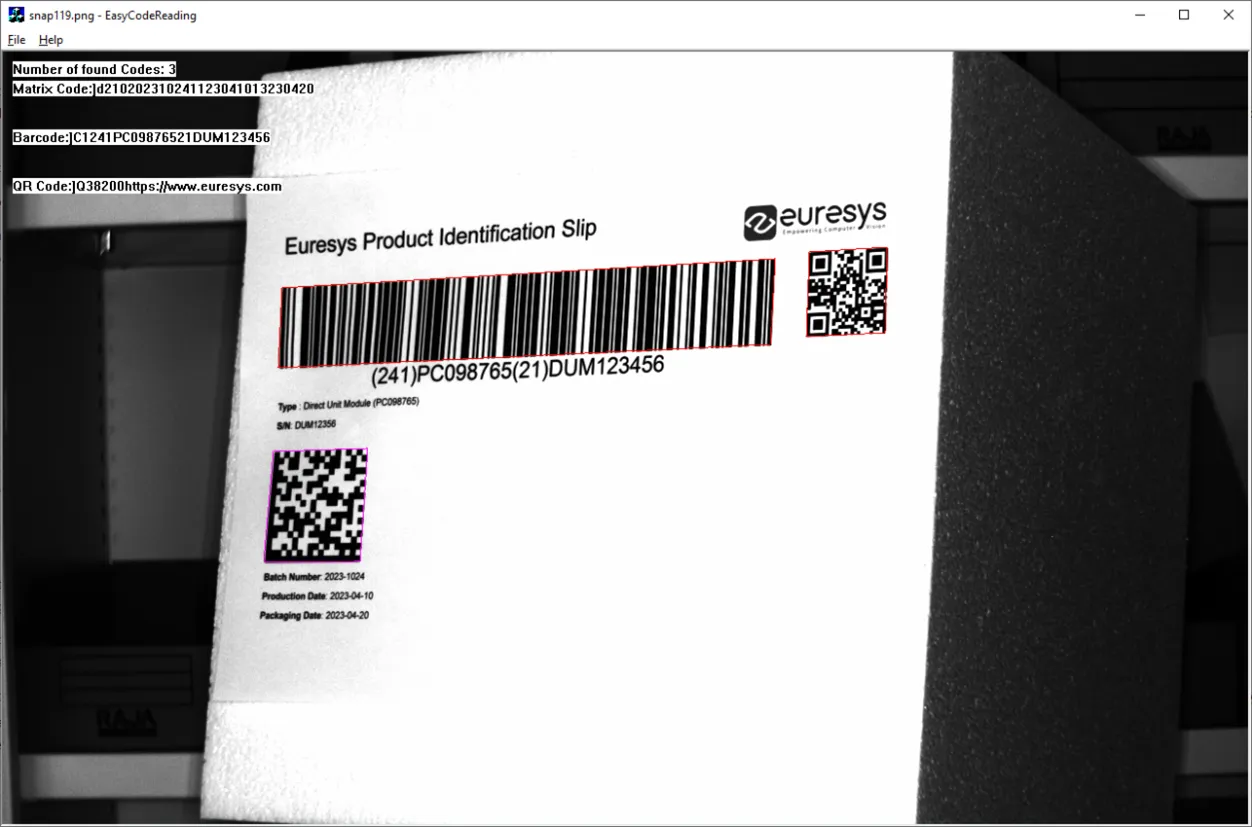
EasyCodeReading

  • Read a bar code, a data matrix and a QR code in an image with a single read call.

✓

✓

✓

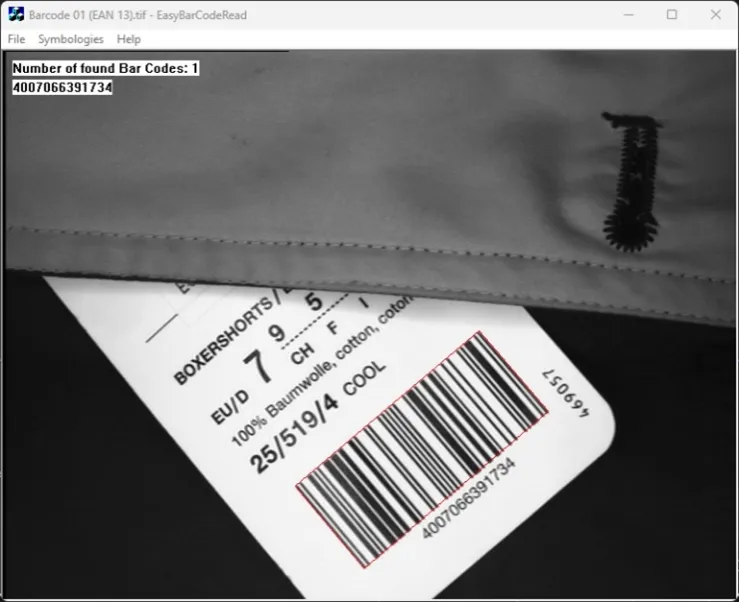
EasyBarCodeRead

  • Read a 1D bar code in an image.

✓

✓

✓

✓

✓

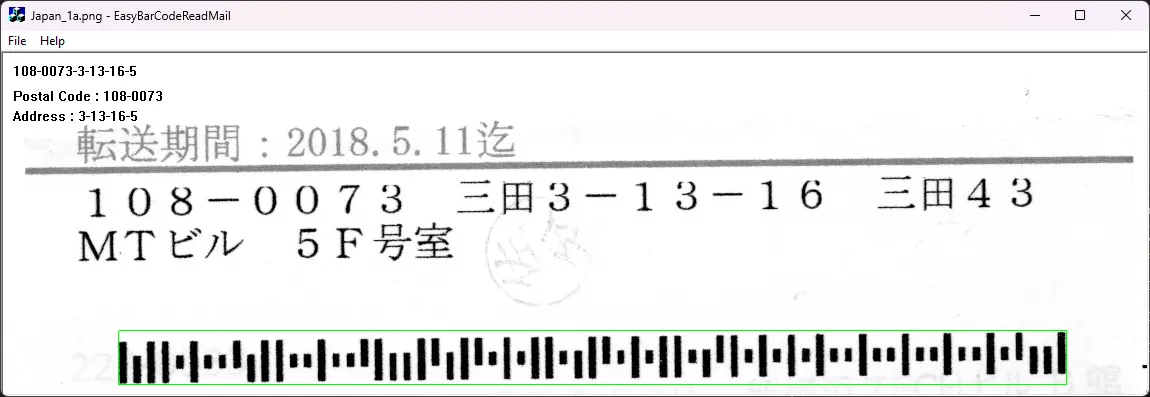
EasyBarCodeReadMail

  • Read a mail bar code in an image.

✓

✓

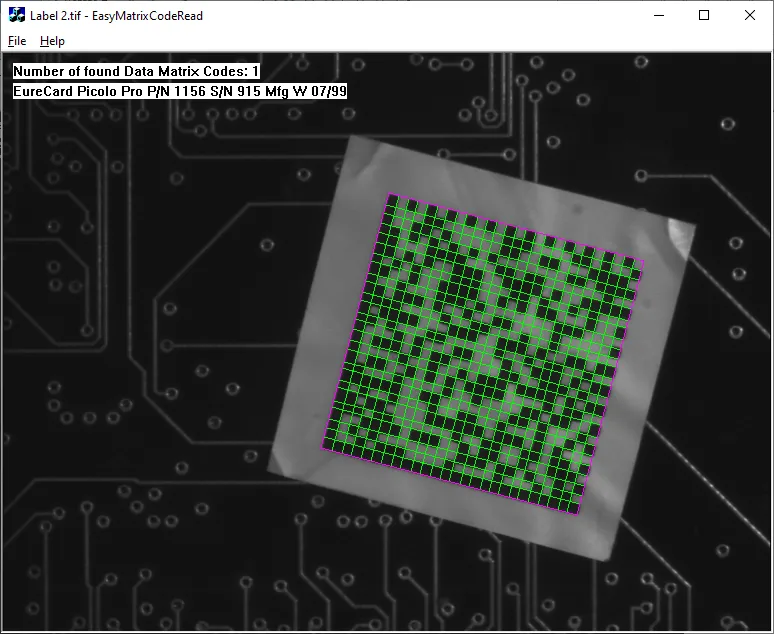
EasyMatrixCodeRead

  • Read a data matrix code in an image.

✓

✓

✓

✓

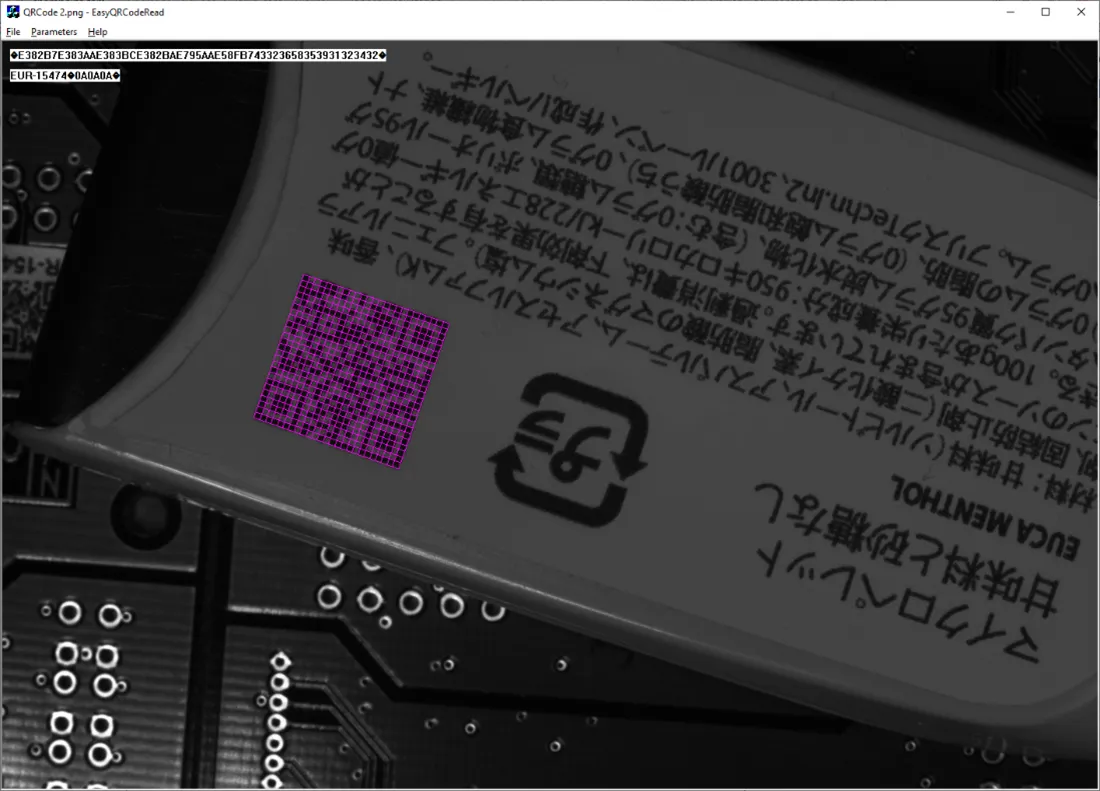
EasyQRCodeRead

  • Read a QR code in an image.

✓

✓

✓

✓

✓

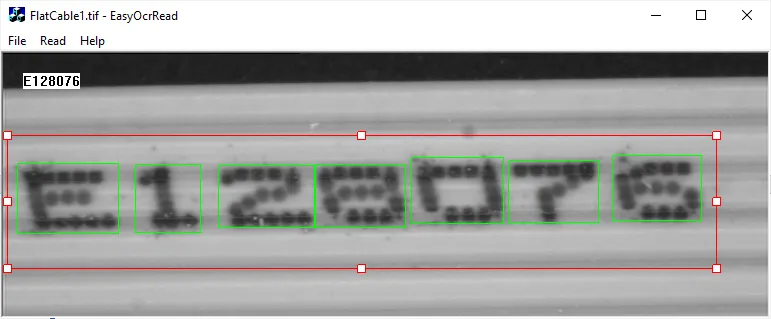
EasyOcrRead

  • Read a text inside the ROI of an image using EasyOCR (superseded by EasyOCR2).

  • Use a configuration based on a OCR font file (.ocr).

✓

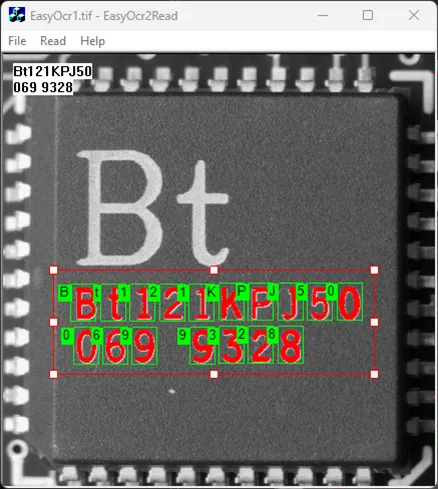
EasyOcr2Read

  • Read a text inside the ROI of an image.

✓

✓

✓

✓

✓

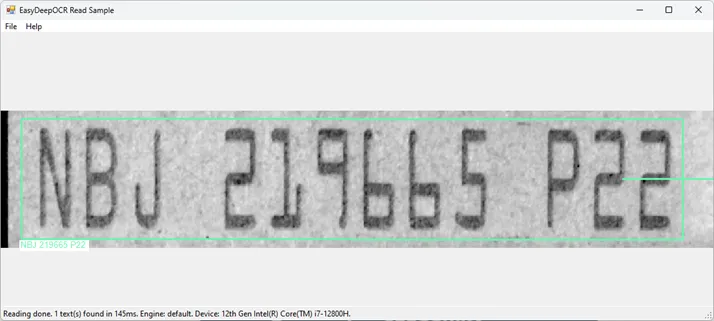
EasyDeepOCRRead

  • Read all the texts in an image with a single read call.

  • Load a model.

✓

✓

✓

EasyDeepOCRReadConsole

  • Read all the texts in an image with a single read call.

  • Load a model.

  • Set a topology.

✓

✓

Applicative Processing Tools

Sample

The sample program demonstrates:

Image

C++

C#

Qt

CMake

Vb

Python

EasySpotDetector

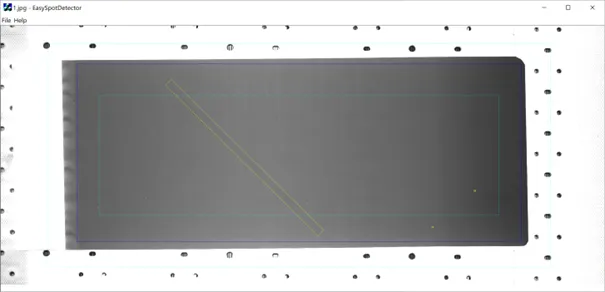
  • Load an image and the corresponding EasySpotDetector model.

  • Perform the detection of spots (particles and scratches).

  • Display the results over the image.

✓

✓

Python Specific

Sample

(Program)

The sample program demonstrates:

Image

Python

eGrabber

egrabber_acquisition

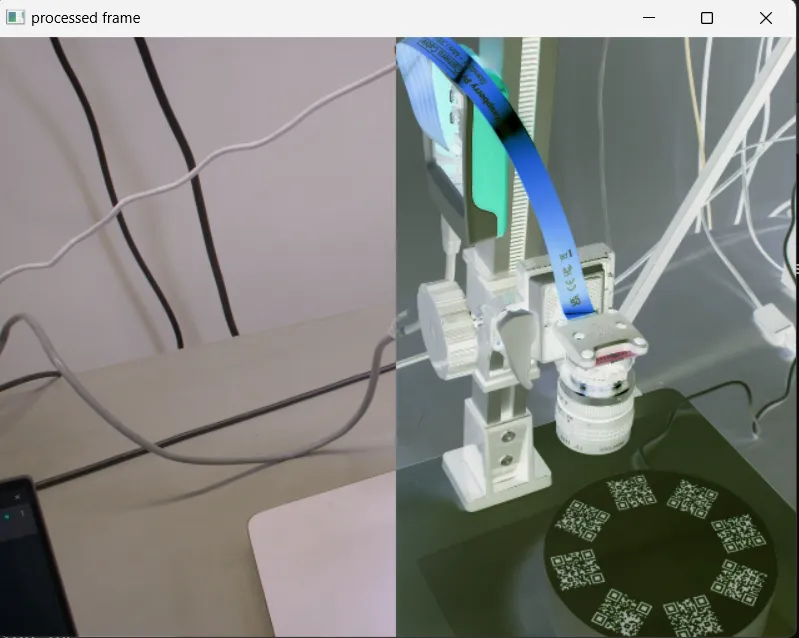
  • Acquire images through the eGrabber camera API.

  • Manipulate the images.

✓

OpenCV camera

openCV_acquisition (OpenCV Camera Acquisition)

  • Acquire images through the OpenCV camera API

  • Manipulate the images.

✓

OpenGL

easy3d_viewer

  • Display a 3D resource (cloud or mesh) within an eVision 3DViewer using OpenGL and SDL2.

✓

Qt

easy_find_learn

  • Learn a pattern.

  • Find it in an image using EasyFind in a Qt application.

✓

Qt

easy_gauge_basic

  • Make subpixel measurements with EasyGauge in a Qt application.

✓

VimbaX

vimbax_acquisition

  • Acquire images through the VimbaX camera API

  • Manipulate the images.

✓

Base Web

Base Web

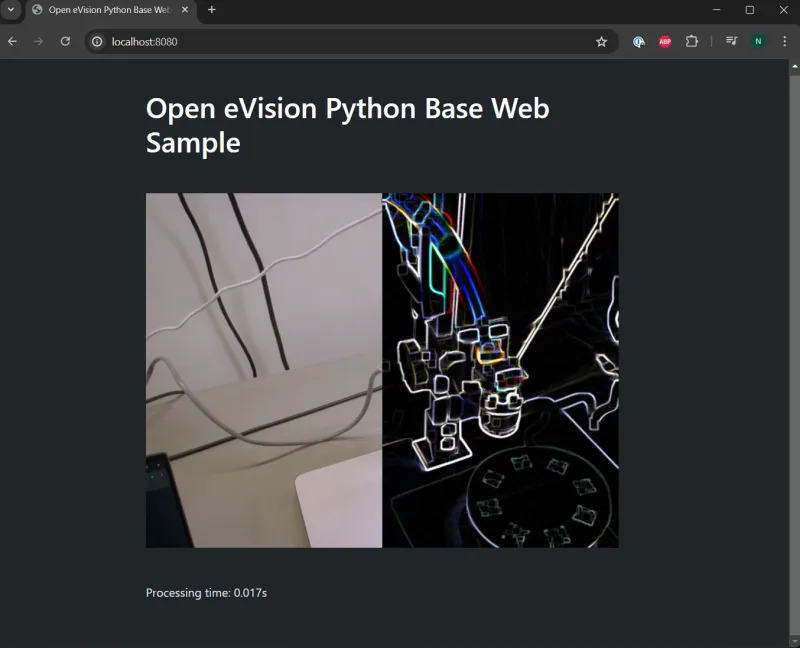
  • Make image acquisition in a web server.

  • Perform image processing.

  • Broadcast the images using HTTP to any remote client through a web browser.

✓

Basic Tkinter

Basic Tkinter

  • Perform and rotate and scale an image.

  • Display the image using the Tkinter GUI framework.

✓