Linear Filtering
The convolution functions use linear combinations of neighboring pixels to highlight some features in an image.
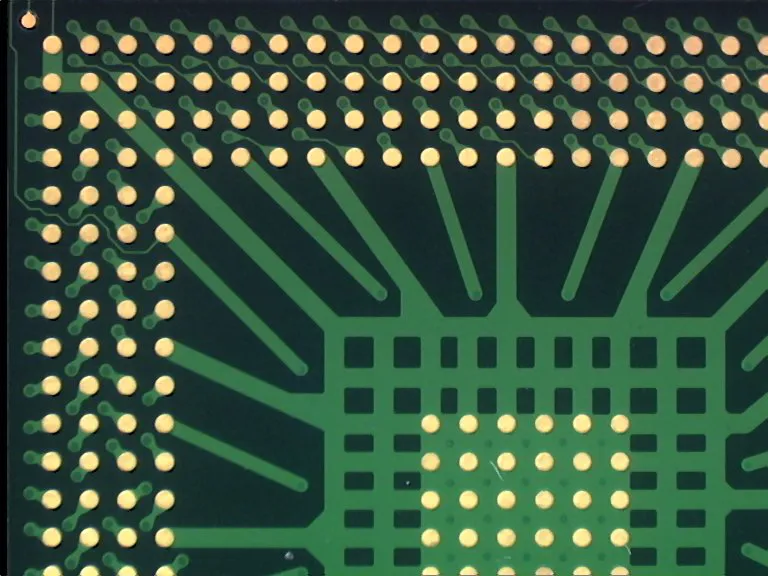
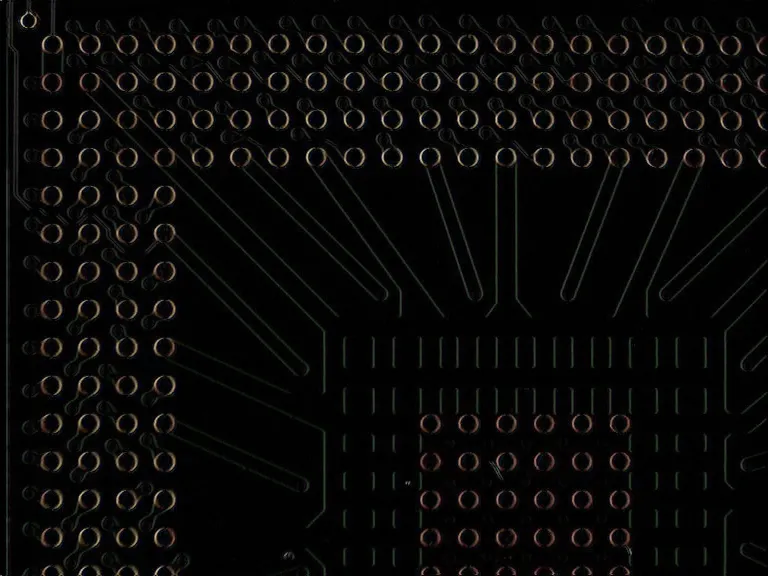
Example of the application of a gradient X filter.
All the convolution functions can be destructive, meaning that the destination image overwrites the source image.
eVision offers 2 ways of doing convolutions:
Predefined Filters
The available predefined filters are:
Customized EKernel
When you use your own kernel:
You can choose the width and height of the kernel.
Use
EKernel::SetKernelData.NET Python to fill the convolution coefficients.
eVision automatically normalizes the kernel coefficients so that their sum is 1.
If you define a
EKernel::SetGain.NET Python (multiplying all resulting pixels by that value) and anEKernel::SetOffset.NET Python (adding that value to all resulting pixels), they are applied after that normalization.Note that using any gain other than 1 can lead to a saturation in the resulting image and an overflow or an underflow during the internal calculations.
To rectify any value (to keep only the positive ones for instance), set an
EKernelRectifier.NET Python.The outside value is used for the border calculations (when the kernel needs values from out of the image on the border of the image to compute the result).
Another way to create a kernel is by giving the constructor an
EKernelType.NET Python. This is quite similar to the way of doing a convolution with a predefined filter.
See Also
Easy to understand, ready to copy code snippets.
Conceptual guide to choosing and applying spatial and temporal noise reduction.
Frequency-selective convolution for texture analysis using the Gabor wavelet.