Thresholding
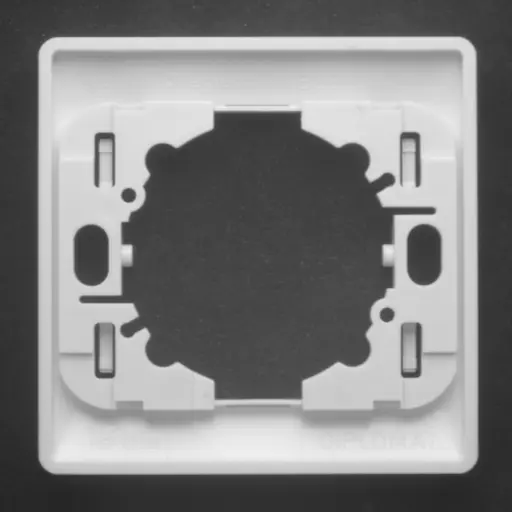
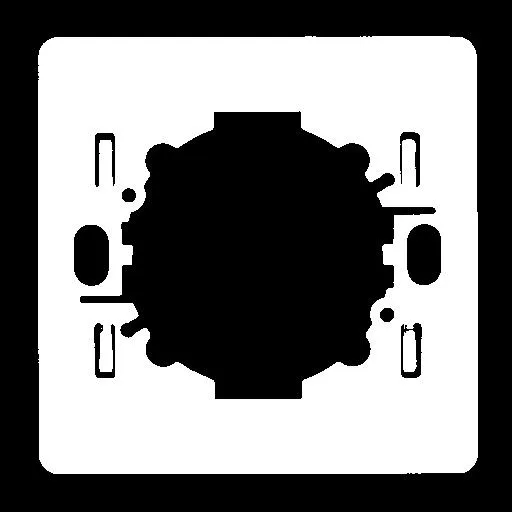
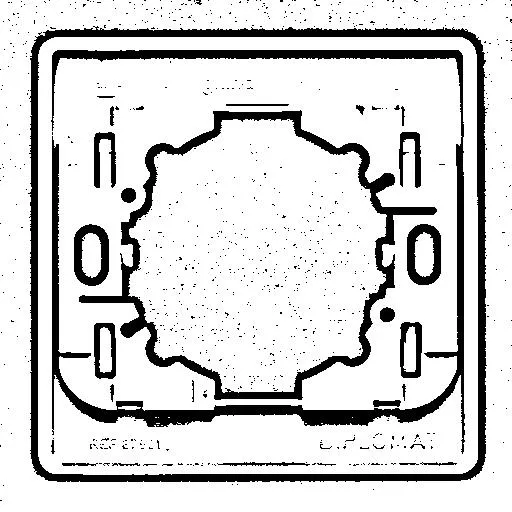
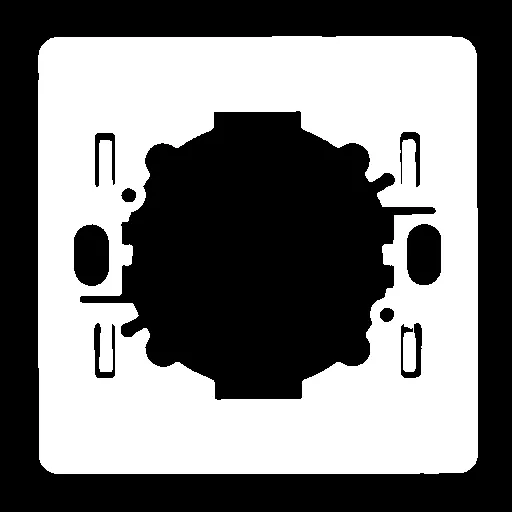
The thresholding transforms an image by classifying the pixel values using these methods (detailed below):
Automatic threshold
AutoThreshold
Manual threshold using one or two threshold values
Histogram based (computed before using the thresholding function)
These functions also return the average gray levels of each pixel below and above the threshold.
Keys to Successful Thresholding
Object and background areas should be of uniform color and illumination. Image uniformization may be required prior to thresholding. See the page related to noise reduction.
The gray level range of the object and background must be sufficiently different (all background pixels should be darker than the darkest object pixel). You must decide if the threshold value should be:
Constant: absolute threshold
Adapted to ambient light intensity: relative or automatic threshold
Automatic Thresholding
The threshold is calculated automatically if you use one of these threshold modes with the EasyImage::Threshold .NET Python function.
EThresholdMode_MinResidue.NET Python: Minimizes the quadratic difference between the source and the resulting image (default behavior if theThresholdfunction is invoked without an argument).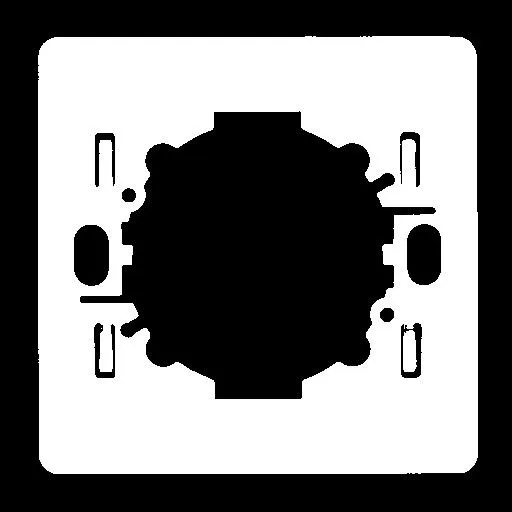
Result of a threshold using minimal residue. EThresholdMode_MaxEntropy.NET Python: Maximizes the entropy (that is, the amount of information) between object and background of the resulting image.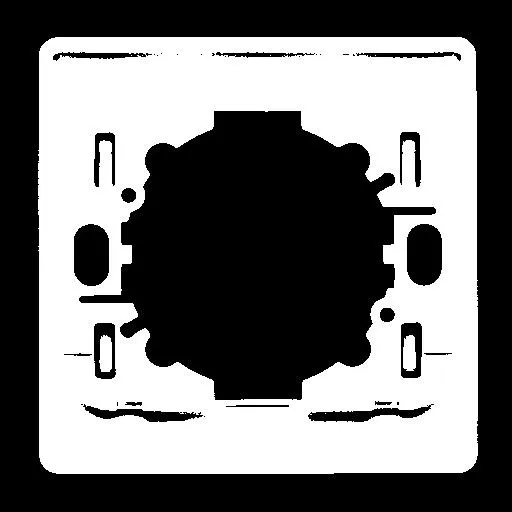
Result of a threshold using maximal entropy. EThresholdMode_Isodata.NET Python: Iteratively calculates a threshold \(T\) as the midpoint between the mean gray level of pixels below and above \(T\):\[T = \frac{\mu_{\text{below}} + \mu_{\text{above}}}{2}\]where \(\mu_{\text{below}}\) is the mean gray level of pixels with values \(< T\), and \(\mu_{\text{above}}\) is the mean gray level of pixels with values \(\geq T\). The process repeats until \(T\) converges.
Result of a threshold using iso data.
Manual Thresholding
Manual thresholds require that the user supplies one or two threshold values:
one value to the
EasyImage::Threshold.NET Python function to classify source image pixels into two classes and create a bi-level image. This can be:relativeThresholdis the percentage of pixels below the threshold. The Threshold function then computes the appropriate threshold value, orabsoluteThreshold. This value must be within the range of pixel values in the source image.
two values to the
EasyImage::DoubleThreshold.NET Python function to classify source image pixels into three classes and create a tri-level image.LowThresholdis the lower limit of the thresholdHighThresholdis the upper limit of the threshold
two values to the
EasyImage::Threshold.NET Python functions to classifiy color image pixels into two classes and create a bi-level image.Pixels in the given
min/maxrange.Pixels outside the given
min/maxrange.
Histogram Based
This is a two-step process: first compute the histogram with EasyImage::Histogram .NET Python (see Computing Image Statistics), then derive and apply the threshold from it using EasyImage::HistogramThreshold .NET Python or EasyImage::HistogramThresholdBW16 .NET Python.
The main advantage over AutoThreshold is that the histogram can be reused, useful if you need to threshold the same image multiple times or share the histogram with other operations.
These functions also return the average gray levels of each pixel below and above the threshold.
AutoThreshold
EasyImage::AutoThreshold .NET Python is a single-call alternative to the Histogram Based approach: it computes the histogram internally, derives the threshold automatically, and applies it, all in one step.
Use it for straightforward thresholding when you do not already have a histogram. If you do have one (for example, to reuse it across multiple operations and avoid redundant computation), use HistogramThreshold directly instead.
Supported threshold modes: EThresholdMode_Relative .NET Python, EThresholdMode_MinResidue .NET Python, EThresholdMode_MaxEntropy .NET Python and EThresholdMode_Isodata .NET Python.
See Also
Easy to understand, ready to copy code snippets.
Reduce the noise and improve your segmentation.
Compute image histograms to speed up or inform threshold selection.