Easy3DProcessing2D
Support |
|
|---|---|
Required licenses |
Easy3D and EasyOCR2 |
Recommended images |
The images from the folder |
Location |
|

Purpose
This sample program demonstrates how to:
Load a depth map.
Apply a 2D operator (an OCR in this sample) on the gray scale pixel values.
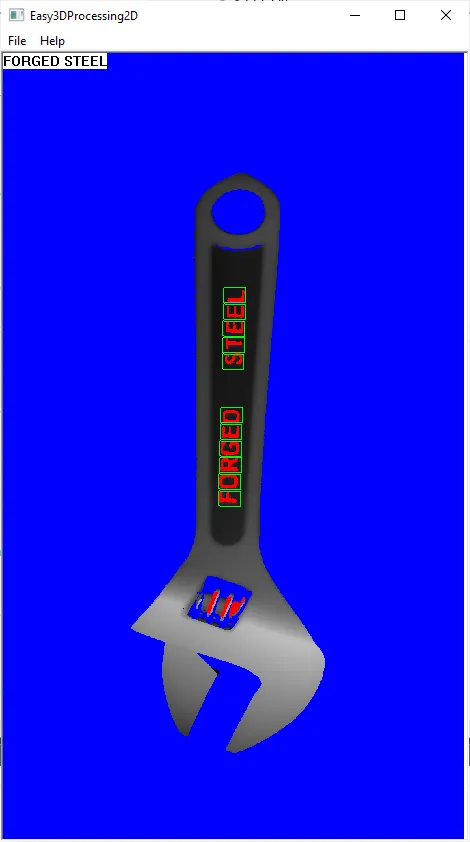
Code highlights
Convert a depth map to an
EImage.const EImageBW8& image2D = depthMap_.AsEImage();
Perform the operation
Read.read_ = ocr2_.Read(image2D);
Draw the depth map, with blue color for undefined pixels.
depthMap_.Draw(drawAdapter, zoom, zoom, 0.f, 0.f, EC24(0,0,255));