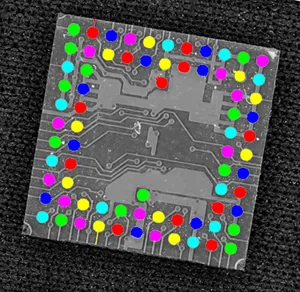
Inspecting Pads Using Regions
See also
Arbitrary-Shaped ROI (ERegion) / code snippets: ERegion
The code of this application is available in the GGeRegion sample installed with eVision.
Application objective
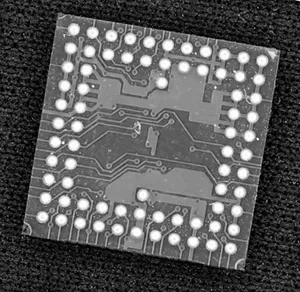
This application demonstrates how to use regions to inspect the pads on the underside of a non-aligned electronic chip package.
Note
To run this program, you need the EasyObject and EasyGauge licenses.
Processing
To do this, we will use EasyGauge to detect the position of the package, then perform an EasyObject segmentation on the detected position:
Use
ERectangleGauge.NET Python from the EasyGauge library to detect the package and its position.
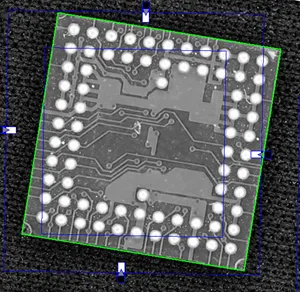
Use the
ERectangleRegion::ERectangleRegion.NET Python constructor with theERectangle.NET Python returned byERectangleGauge.NET Python to create anERegion.NET Python.
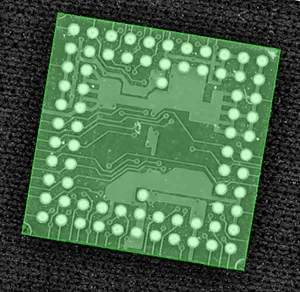
Use the
EImageEncoder::Encode.NET Python method from the EasyObject library to perform the blob detection within the region.
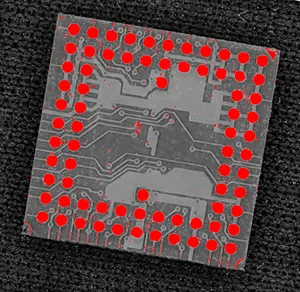
Filter the blobs using
EObjectSelection.NET Python.Perform any required measurement and check.