Image Processing

Sample

The sample program demonstrates how to:

Image

C++

C#

Qt

CMake

Vb

Python

Basic

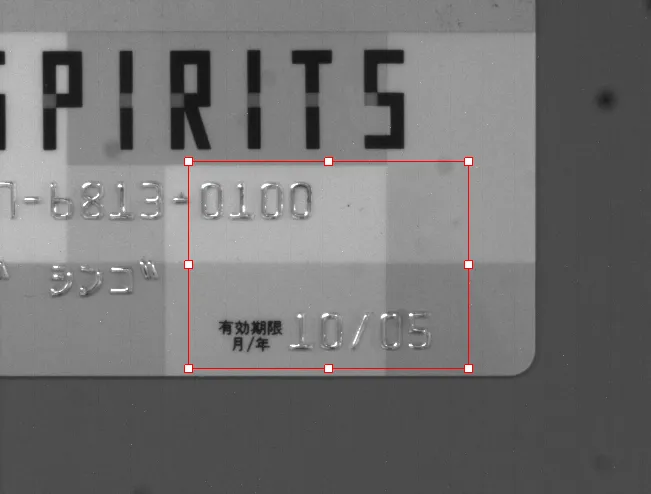
  • Display an image.

  • Display and graphically interact with an ROI.

✓

✓

✓

✓

BasicWPF

  • Display an image in a WPF context.

  • Display and graphically interact with an ROI.

✓

ConsoleBasic

  • Initialize and release the eVision library.

  • Check for a specific license.

  • Load an image and perform a simple processing on it.

—

✓

✓

✓

Region

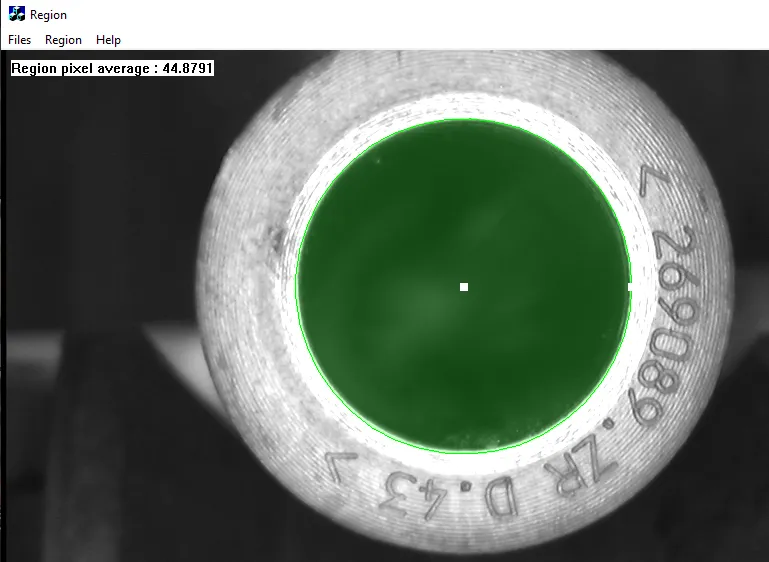
  • Create an ERegion and use it to restrict eVision processing to its domain.

✓

✓

✓

RegionFreeHand

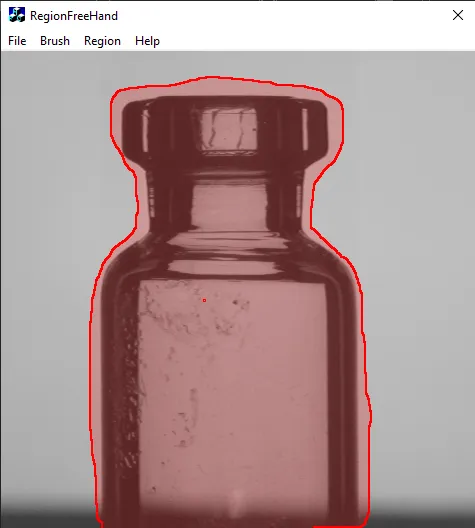
  • Create an ERegion using the ERegionFreeHandPainter.

✓

✓

EasyImageFilter

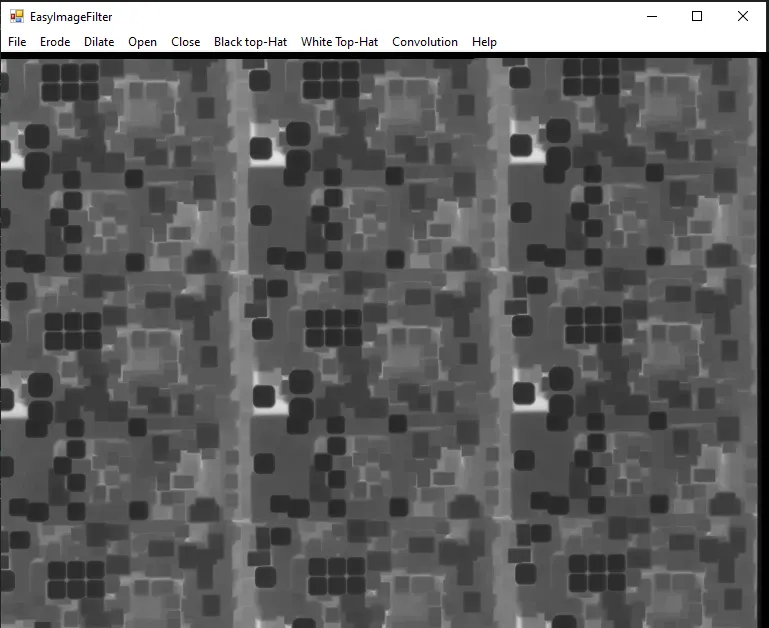
  • Apply filter operations on a loaded image.

✓

✓

✓

✓

✓

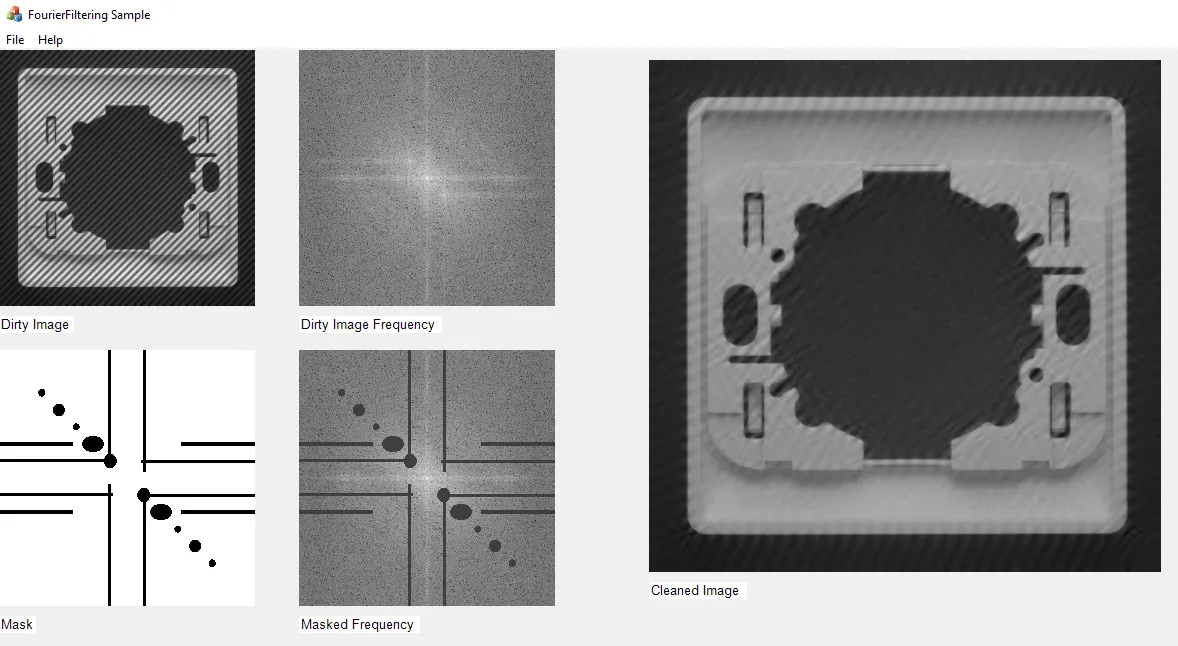
FourierFiltering

  • Compute the direct Fourier transform.

  • Compute the inverse Fourier transform.

✓

✓

✓

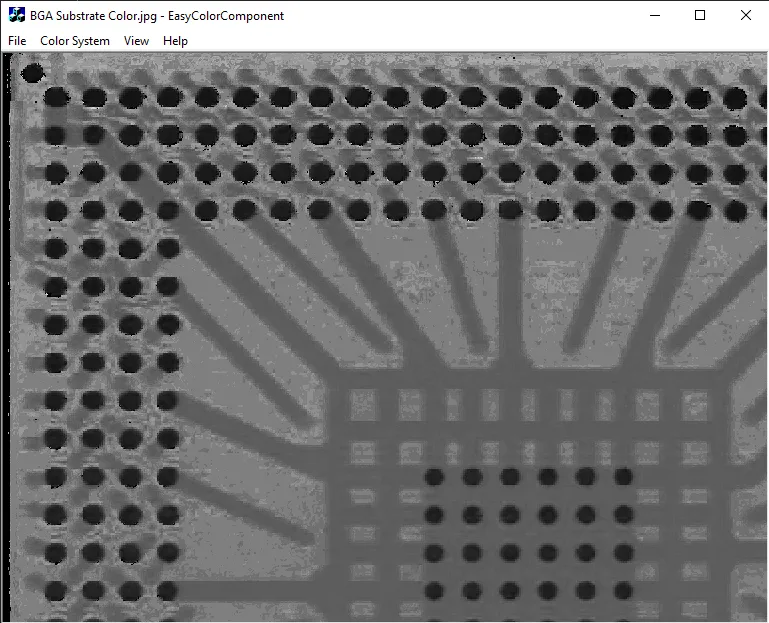
EasyColorComponent

  • Retrieve one component of a color image after converting it from RGB to a given color space.

✓

✓

✓

✓

✓

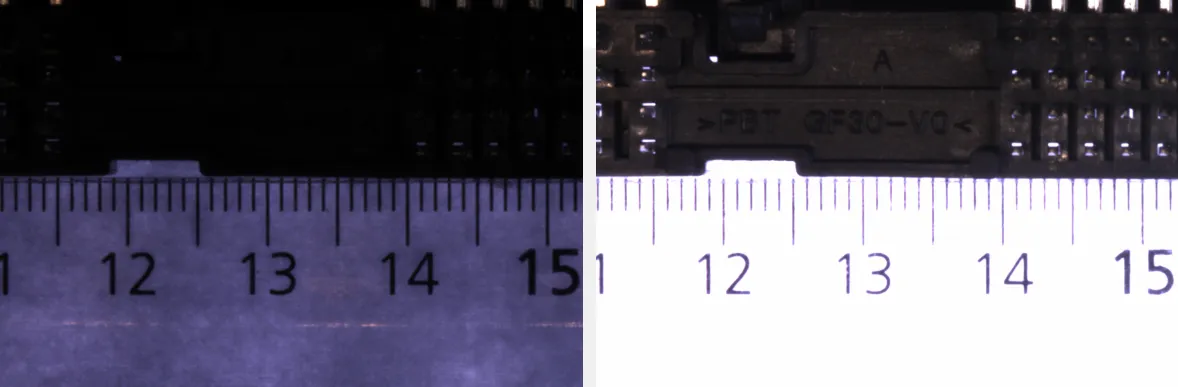
EasyHDRFusion

  • Perform an HDR Fusion on a specific set of images.

✓

✓

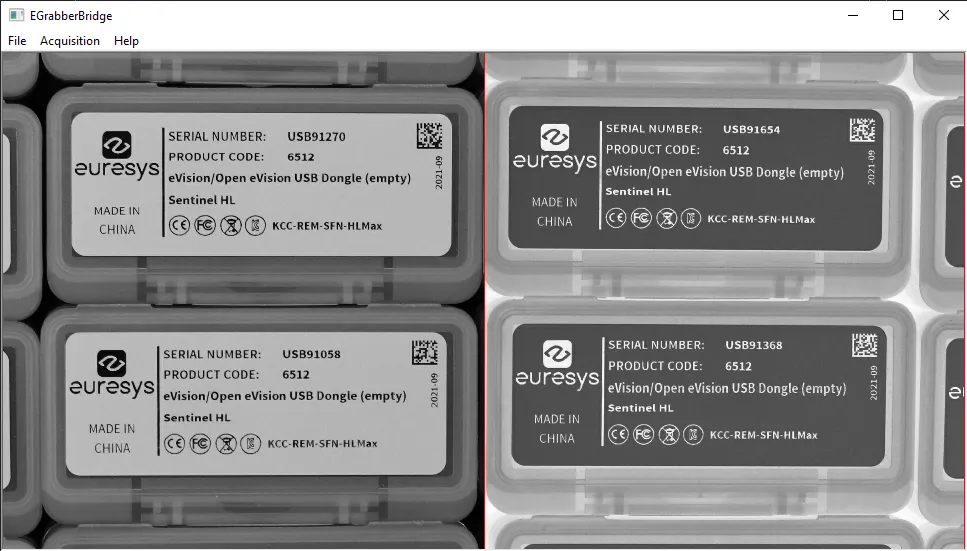
EGrabberBridge

  • Use the EGrabberBridge functionality to import and use images produced by an object eGrabber with eVision.

✓

✓

SharedLibraryConsole

  • Use eVision in a C++ DLL.

—

✓