RegionFreeHand
Support |
|
|---|---|
Required licenses |
Any |
Recommended images |
Any |
Location |
|


Purpose
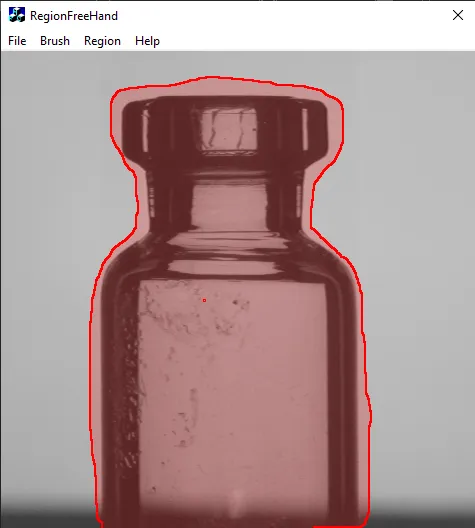
This sample program demonstrates how to:
Create an
ERegionusing theERegionFreeHandPainter.
Code highlights
Set the size of the canvas (painting area) for subsequent painting.
painter_.SetCanvasSize(width, height);
Set the painter brush. It can be a region of any shape you desire.
painter_.SetBrush(region);
Apply the brush to the canvas at the given coordinates.
painter_.Paint(x, y);
Retrieve the painted region from the painter.
ERegion region = painter_.RetrieveRegion();
Clear the canvas for later reuse.
painter_.ClearCanvas();