Frames and Alignment
Reference frames
In some cases, it can be useful to express the parameter or the result of a processing in a reference frame (a system of coordinates):
To use the same set of parameters with different reference frame (automatic alignment).
To express a result with respect to that reference frame.
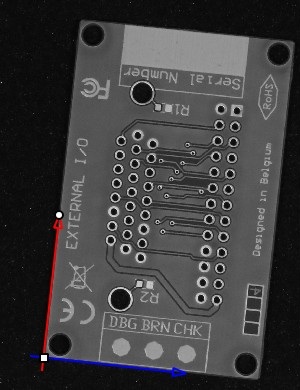
In eVision, reference frames are represented by the class
EFrame.NET Python. AnEFrame.NET Python object encodes a local reference frame through its center, angle and scale along the x and y axis with respect to the world reference frame.The world reference frame is the reference frame defined by a calibration (object
ECameraCalibration.NET Python, see Camera Calibration).An affine transformation is a transformation that links the coordinates of a point expressed in the local reference frame to its coordinates in the real world. This means that lines and parallelism are preserved. A frame with a center of (0, 0), an angle equal to 0 and scales equal to 1 is equivalent to the world frame.
The
EFrame.NET Python object can also map to the sensor reference frame.The sensor reference frame is the reference frame in which pixel coordinate are expressed.
It is centered on the top-left of the image with the x axis going right and the y axis going down.
Some methods or objects only support affine transformations from the sensor to the local reference frame (
EFrame::IsLocalToSensorAffine.NET Python). This means that there must not be any camera calibration associated with the frame or that the camera calibration must also be affine. If your image has perspective effects or distortions, you can unwarp the image before using it in combination with a frame.If the frame has no calibration (
EFrame::IsCalibrated.NET Python isfalse), the world and sensor reference frames are the same.
Here are several examples of frames:
Local frame |
Calibration |
Equivalence |
Image |
|---|---|---|---|
Default |
no |
world = sensor = local |
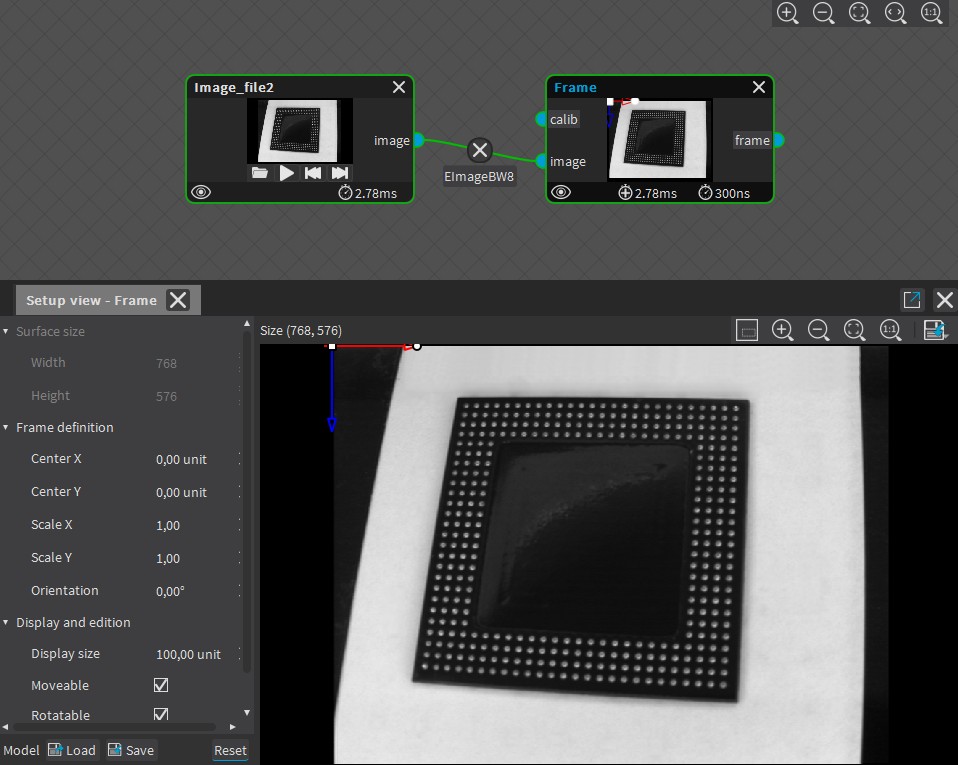
|
Custom |
no |
world = sensor |
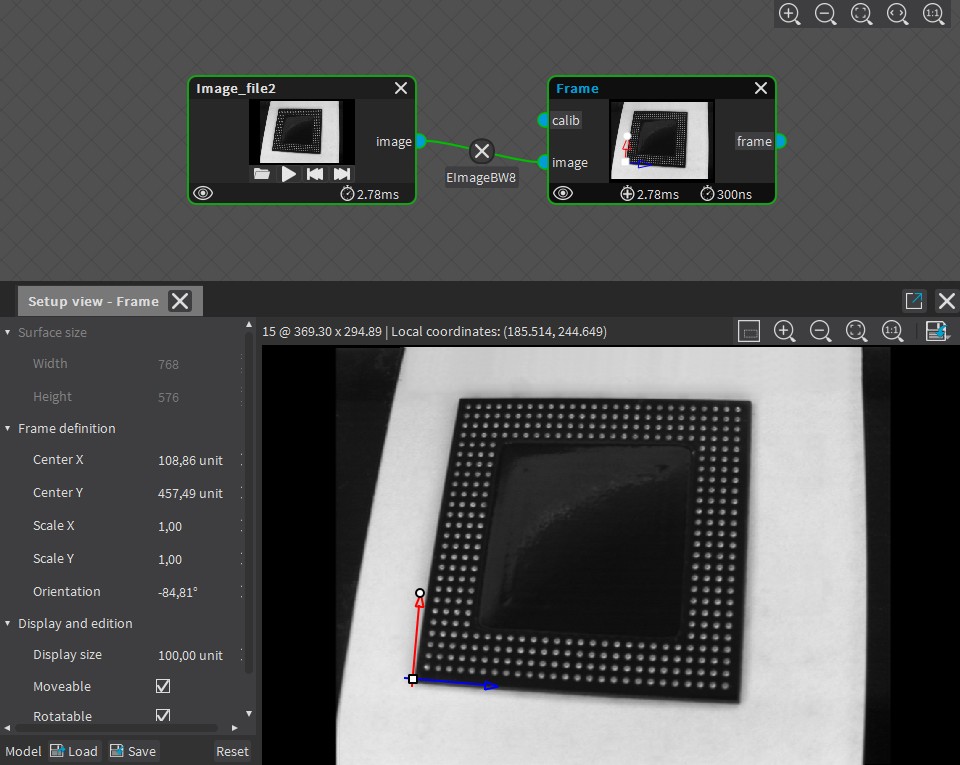
|
Default |
yes |
world = local |
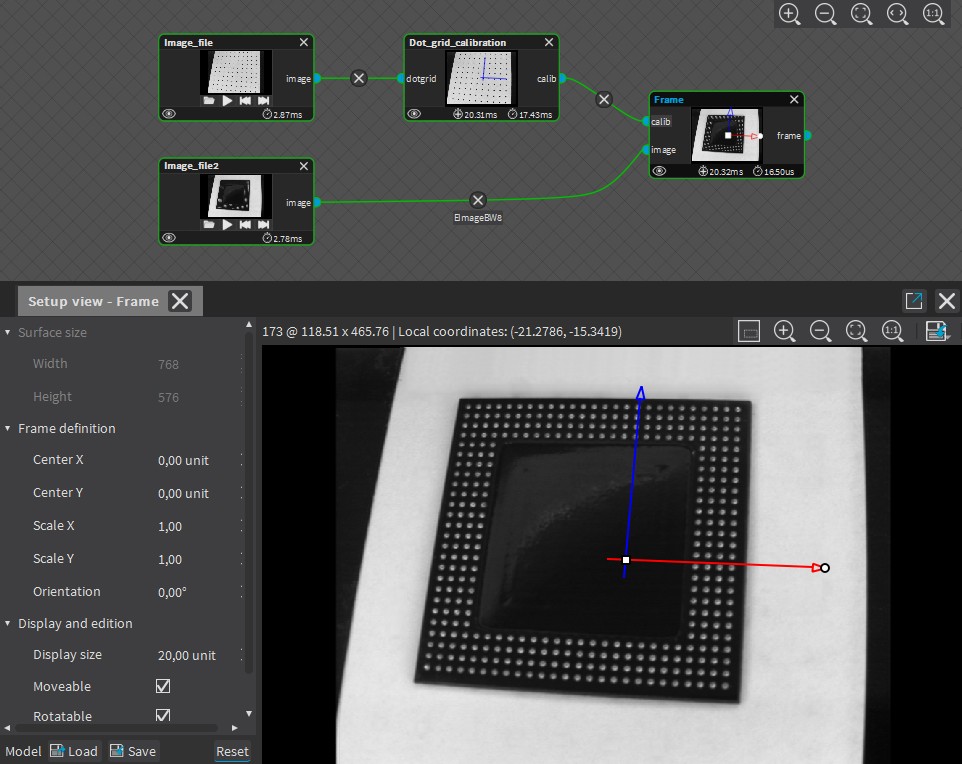
|
Custom |
yes |
none |
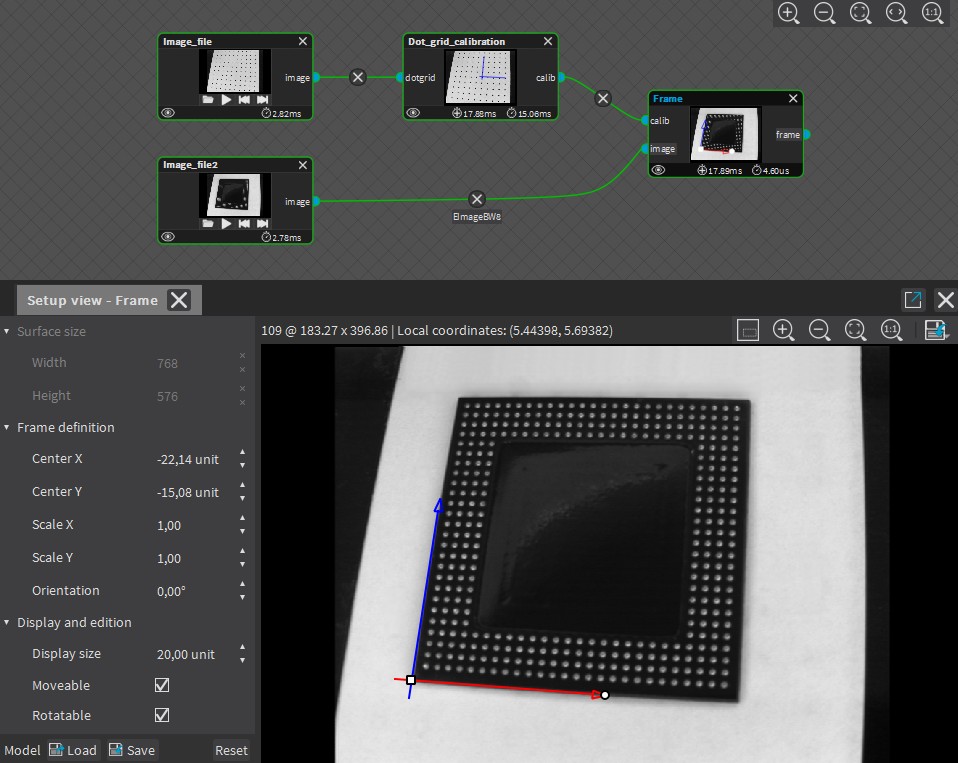
|
The parameters of a frame are always encoded with respect to the world reference frame.
However, it is still possible to express these parameters with respect to another frame when constructing the frame using
EFrame(parent, centerX, centerY, angle, scaleX, scaleY)(EFrame.NET Python):In this case,
EFrame::GetCenterX.NET Python can be different than the specifiedcenterX.You can also use the method
EFrame::WorldToLocal.NET Python to compute the relationship between two frames to use one of the two frames as the world reference frame of the other.
Mapping between local, world and sensor frames
You can use the methods EFrame::LocalToWorld .NET Python, EFrame::LocalToSensor .NET Python, EFrame::SensorToLocal .NET Python and EFrame::WorldToLocal .NET Python to transform the points or some geometrical primitives from one reference frame to another.
Methods supporting frames as input
Objects that can be expressed in a frame
The objects that can be expressed in a reference frame have an EFrame argument in their drawing function:
Library |
Method |
|---|---|
EasyGauge |
|
(*) The object supports frames with a non-affine calibration model (that is a calibration with perspective or distortions).
Converting an object to a reference frame
To convert an object to a reference frame, use the ToFrame method of that object.
You can convert the following objects to a reference frame:
Library |
Method |
|---|---|
Easy |
|
EasyMatch |
|
EasyFind |
|
EasyBarCode |
|
EasyMatrixCode |
|
EasyQRCode |