Easy3DMultiViews
Support |
|
|---|---|
Required licenses |
Easy3D |
Recommended images |
Any point cloud or mesh file in the folder |
Location |
|


Purpose
This sample program demonstrates how to:
Load and display point clouds and meshes in multiple instances of the class
E3DViewer. You can then navigate the 3D views independently.
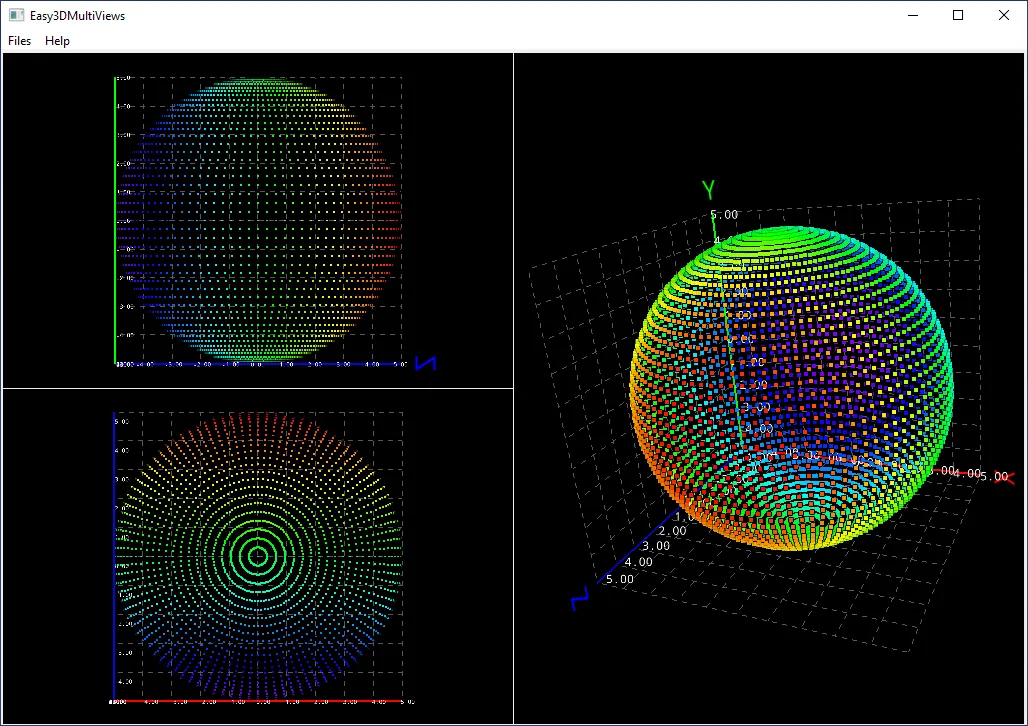
Code highlights
Create a 3D viewer and display a sphere.
viewer_ = new Easy3D::E3DViewer(0, 0, viewerRect_.Width(), viewerRect_.Height(), (void*)GetSafeHwnd());
viewer_->InitRendering();
Easy3D::EPointCloud pointCloud = Easy3D::EPointCloudFactory::CreateSphericPointCloud(Easy3D::E3DPoint(0, 0, 0), 5.0f, 50, 50);
viewer_->AddRenderSource("Default", pointCloud);