EasyDeepOCRRead
Support |
|
|---|---|
Required licenses |
EasyDeepOCR |
Recommended images |
Any image from the folder |
Location |
|


Purpose
This sample program demonstrates how to:
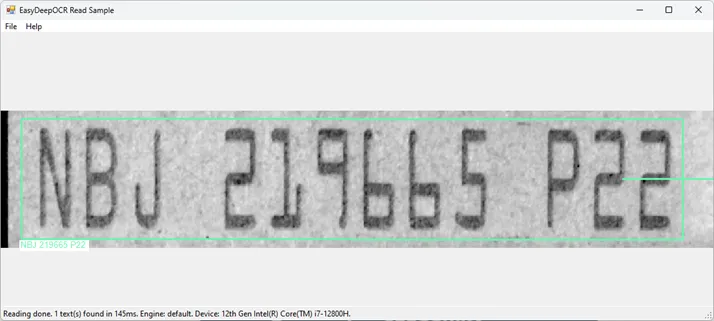
Read all the texts in an image with a single read call.
Load a model.
Code highlights
Load a model.
reader_.Load(openFileDialog.FileName);
Initialize the reader.
reader_.Initialize();
Find all the text lines in the image.
texts_ = reader_.Read(currentImage_);
Draw the position of the text lines on the image.
text.Draw(drawAdapter, zoom, zoom, x / zoom, y / zoom);