Easy3DMatchAlign
Support |
|
|---|---|
Required licenses |
Easy3DMatch |
Recommended images |
The images from the folder |
Location |
|


Purpose
This sample program demonstrates how to:
Align a sample (point cloud or ZMap) on a reference (3D mesh, point cloud or ZMap).
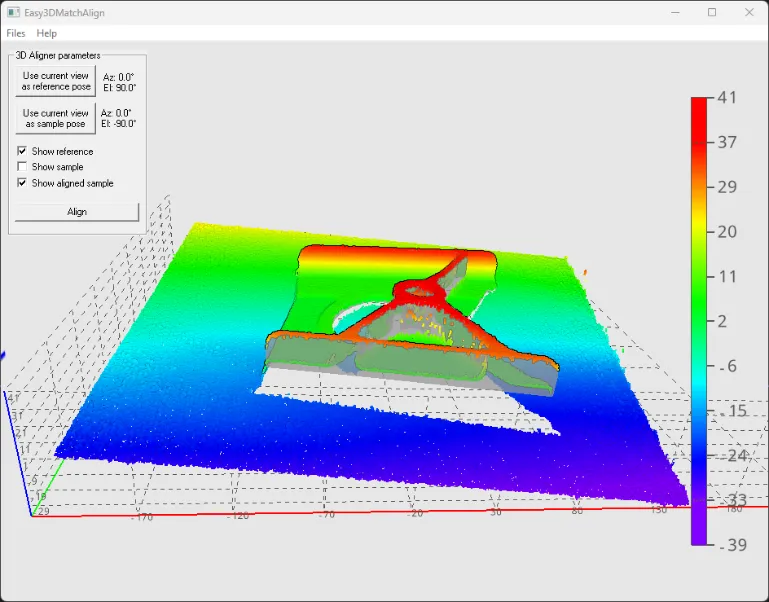
Code highlights
Use the recommended images:
Reference:
object1_cad.stlorobject1_goldenScan_top_ensenso.ply.Sample:
object1_top_ensenso.ply.
Set the reference mesh with its viewpoint (azimuth and elevation angle).
Aligner_.SetReference(referenceMesh_, azimuthReference_, elevationReference_);
Perform an alignment for the given sample point cloud with its viewpoint and retrieve the result.
alignment_ = aligner_.Align(samplePointCloud_, azimuthSample_, elevationSample_);
Retrieve the pose from the alignment and apply it to the sample point cloud to align it on the reference.
EAffineTransformer.ApplyMatrix(alignment_.Pose, samplePointCloud_, resultPointCloud_);