Bayer Conversion
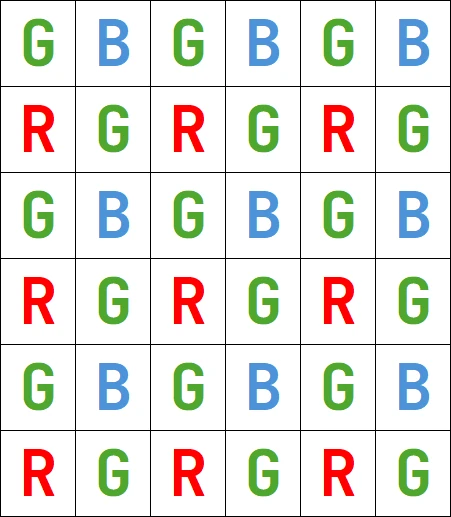
The Bayer pattern is a color image encoding format for capturing color information from a single sensor. A color filter with a specific layout is placed in front of the sensor so that some of the pixels receive red light only, while others receive green or blue only. That filter is also named Color Filter Array or CFA.
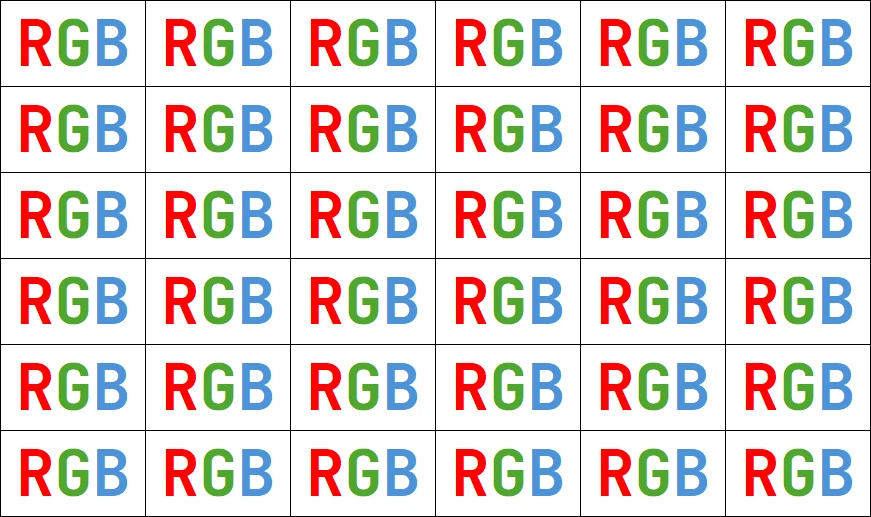
An image encoded by the Bayer pattern has the same format as a gray-level image and conveys three times less information. The true horizontal and vertical resolutions are smaller than those of a true color image.
Hint
The Bayer pattern normally starts with a GB/RG block in the upper left corner.
If the image is cropped, this parity rule can be lost.
Parity adjustment is not necessary when working on an eVision ROI.
The Bayer conversion method EasyColor::BayerToC24 .NET Python transforms an image captured using the Bayer pattern and stored in a gray-level image, into a true color image. That process is also known as demosaicing. The Bayer configuration is supposed to be known and should be specified during the conversion.
There are 4 different arrangements of the Bayer pattern, defined by the first 2 pixels of the first row of the image:
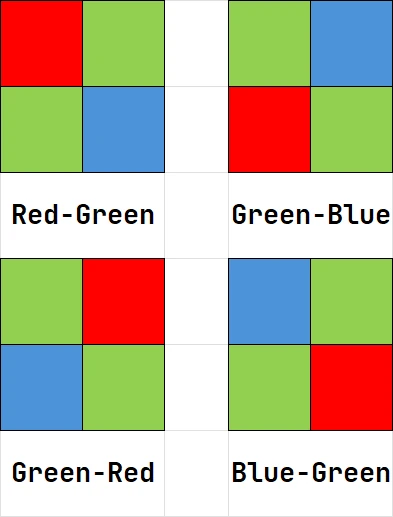
When the first pixels of the first row are:
Red and Green, use
EBayerConfiguration_RG.NET Python when doing the conversion.Green and Red, use
EBayerConfiguration_GR.NET Python when doing the conversion.Blue and Green, use
EBayerConfiguration_BG.NET Python when doing the conversion.Green and Blue, use
EBayerConfiguration_GB.NET Python when doing the conversion.
Several methods are available to reconstruct the missing pixels.
Some are fast but the resulting image may have artifacts, like the zipper effect or color aliasing.
Some are slower but achieve better interpolation and produce less artifacts.
Interpolation Modes
Interpolation modes can be specified using the last argument of the EasyColor::BayerToC24 .NET Python. Correct values are:
0: Copy, no interpolation1: Bilinear, linear interpolation on 3x3 kernel2: Median, advanced interpolation on a 3x3 kernel3: Gradient based, interpolation on a 5x5 kernel4: Error minimization, interpolation on 9x9 kernel5: Average, linear interpolation on 2x2 kernel
The frame rate is given for the conversion of a 1280 x 720 image on a single core Intel i7-12800 CPU.
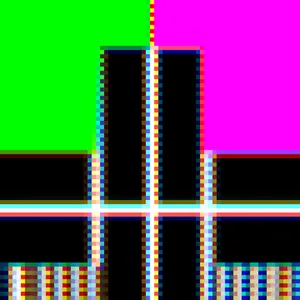
Mode 0 (No interpolation)
Frame rate: 2.263ms (441 FPS)
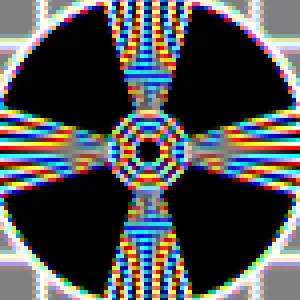
Mode 1 (Linear interpolation on a 3x3 kernel)
Frame rate: 0.966ms (1035 FPS)
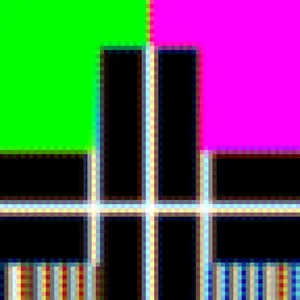
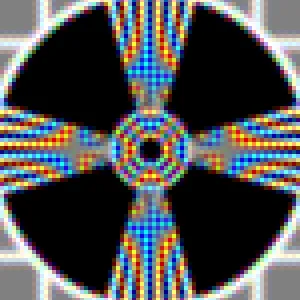
Mode 2 (Advanced interpolation on a 3x3 kernel)
Frame rate: 1.089ms (918 FPS)
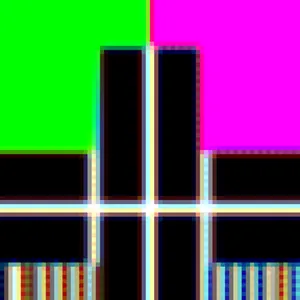
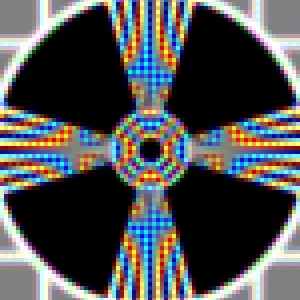
Mode 3 (Interpolation on a 5x5 kernel)
Frame rate: 20.393ms (49 FPS)
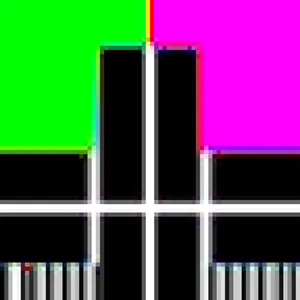
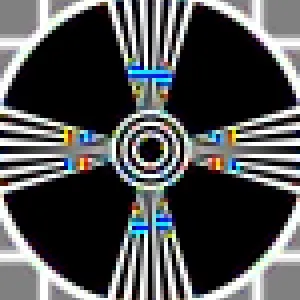
Mode 4 (Interpolation on 9x9 kernel)
Frame rate: 84.370ms (11 FPS)
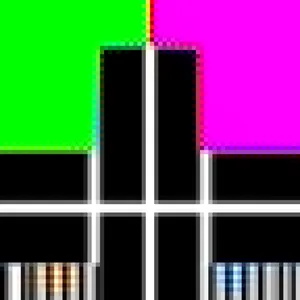
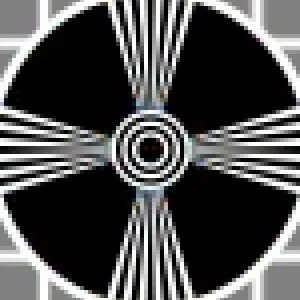
Mode 5 (Linear interpolation on 2x2 kernel)
Frame rate: 0.815ms (1227 FPS)
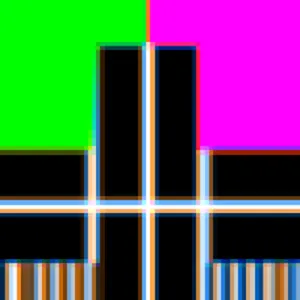
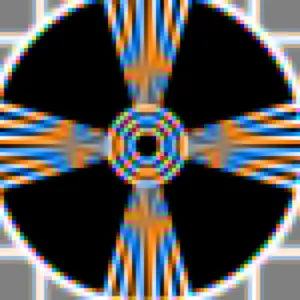
The method EasyColor::C24ToBayer .NET Python is the reciprocal function of EasyColor::BayerToC24 .NET Python. It converts RGB color pixel images to Bayer images using the given EBayerConfiguration .NET Python.
A Bayer encoded image is not compatible with a true color image (EImageC24 .NET Python), but you can apply white balance and gamma correction with the EColorLookup .NET Python parameter in EasyColor::TransformBayer .NET Python.
See Also
Easy to understand, ready to copy code snippets.