Intensity Transformation
These EasyImage functions change the gray-levels of pixels to increase contrast.
Gain Offset
EasyImage::GainOffset.NET Python changes each pixel to \(oldGrayValue \times GainCoefficient + Offset\).gain adjusts contrast. It should remain close to 1.
offset adjusts intensity (brightness). It can be positive or negative.
The resulting values are always saturated to range \([0..255]\).
In this example, the resulting image has better contrast and is brighter than the source image.
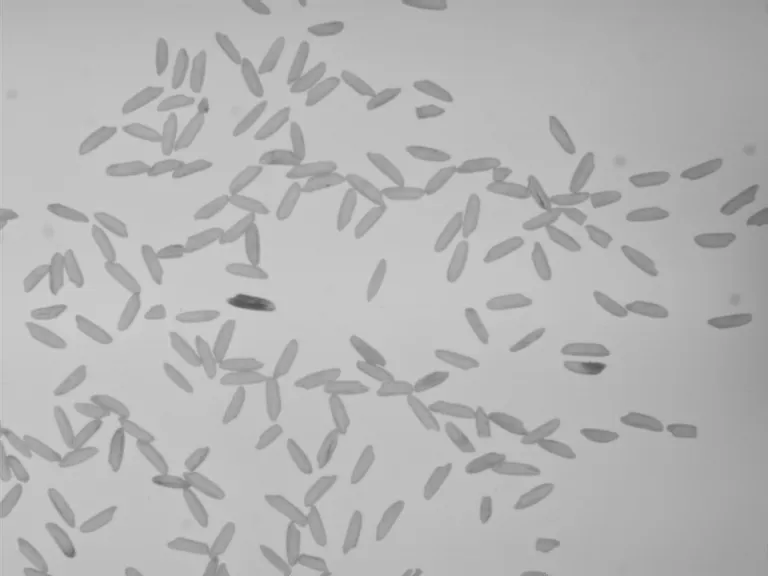

Source and result images (with gain = 1.2 and offset = +12).
Color images have three separate gain and offset values, one per color component (red, green, blue).
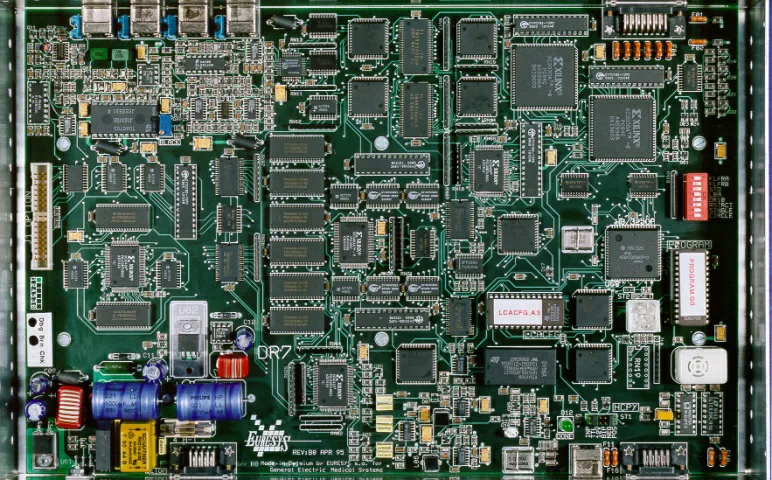
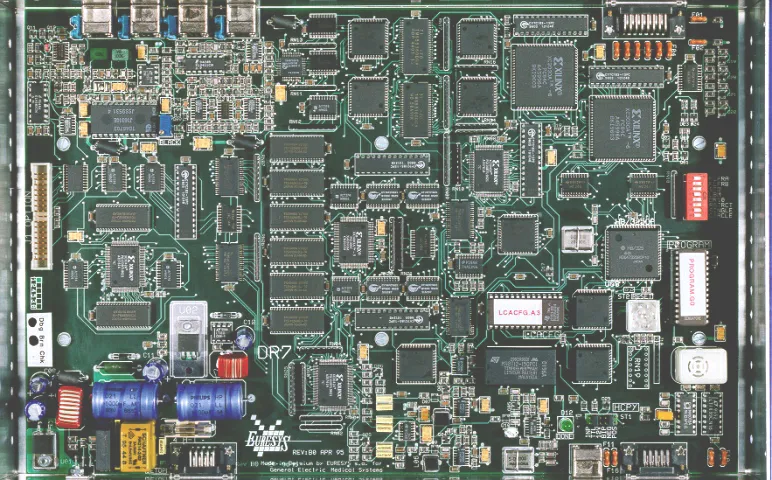
Example of gain and offset applied on a color image (with gain = 1.2 and offset is 0.05 for all channels).
Normalization
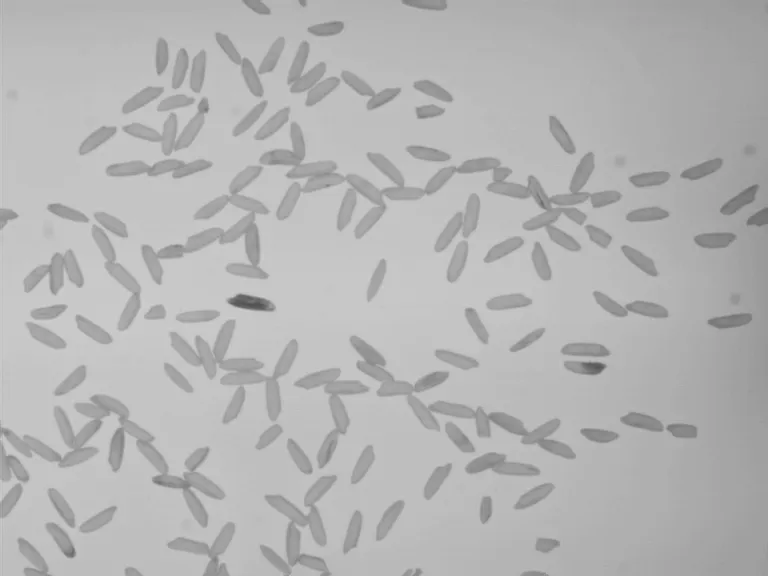
EasyImage::Normalize .NET Python makes images of the same scene comparable, even with different lighting. Images are modified so that their pixel standard deviation and average match an imposed one. This is effectively a cheap way of fixing the brightness and contrast. This operation assumes that the camera response is reasonably linear and the image does not saturate.
This method implies knowing the desired imposed pixel standard deviation and average.
Which can be known beforehand.
Which can be computed using
EImageStatisticsBW8.NET Python.More precisely,
EImageStatisticsBW8::GetPixelStdDev().NET Python andEImageStatisticsBW8::GetPixelAverage().NET Python
Uniformization
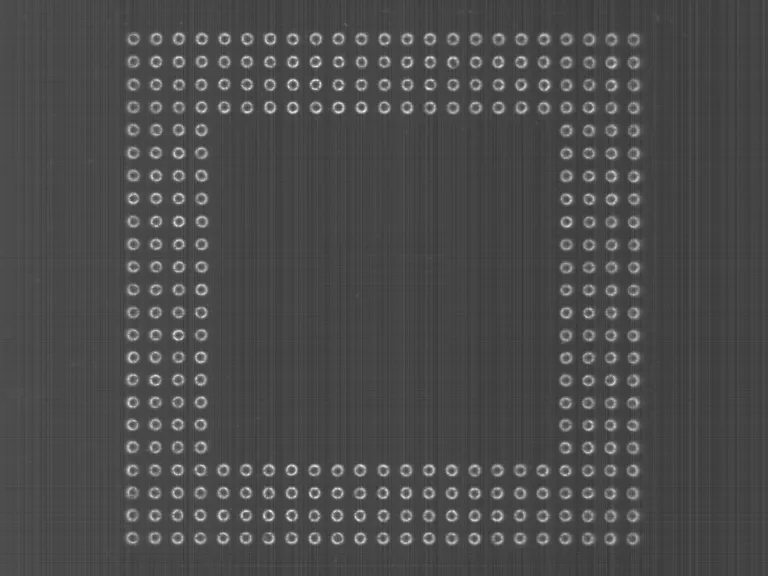
EasyImage::Uniformize.NET Python compensates for non-uniform illumination and/or camera sensitivity based on one or two reference images. The reference image should not contain saturated pixel values and have minimum noise.When one reference image is used, the transformation is similar to an adaptive (space-variant) gain; each pixel in the reference image encodes the gain for the corresponding pixel in the source image.
When two reference images are used, the transformation is similar to an adaptive gain and offset; each pixel in the reference images encodes either the gain or the offset for the corresponding pixel in the source image.



Lookup Tables
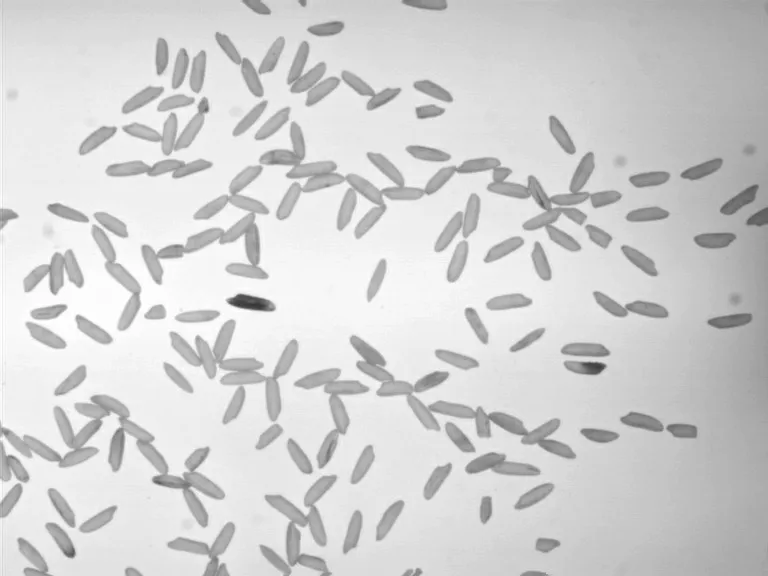
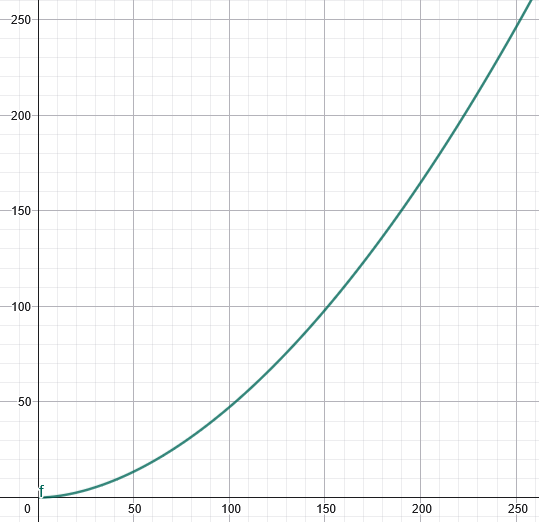
EasyImage::Lut .NET Python uses a lookup table of new pixel values to replace the current ones. This method should be used when the transform function never changes. This operation is usually faster than other transformative operation. When using EasyImage::Lut .NET Python, the lookup table should be initialized before.
Here is an example of the usage of a lookup to apply a simple tone-mapper designed to increase contrast and slightly reduce the brightness.
See Also
Easy to understand, ready to copy code snippets.
Conceptual guide to choosing and applying spatial and temporal noise reduction.
Frequency-selective convolution for texture analysis using the Gabor wavelet.