3D Sensor Fusion
3D sensor fusion is a technique to merge the output of different 3D sensors together. In this case, these are different views of the same object.
Use the class EPointCloudMerger .NET Python:
Choose how many sensors to use and position them.
Acquire scans of the calibration cube (that must be 3D printed).
Use the method
EPointCloudMerger::Calibrate.NET Python to perform the calibration.For each new object:
Acquire the scans of the object.
Use the method
EPointCloudMerger::Merge.NET Python to merge the scans together.
Hint
You can perform all these steps interactively in the C++ and C# Easy3DMatchPointCloudMerger samples.
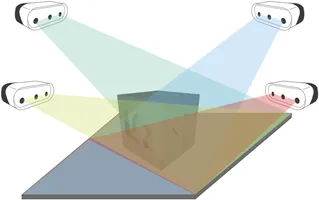
Several sensors acquiring different views of the calibration object
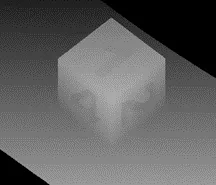
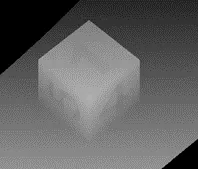
Scans of the calibration cube (displayed as ZMaps)
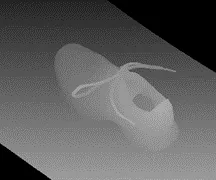
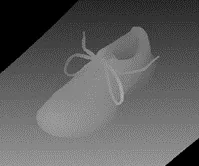
Scans of the object (displayed as ZMaps)
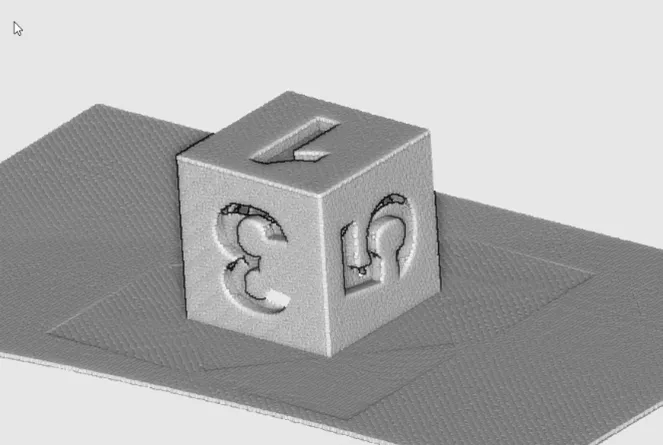
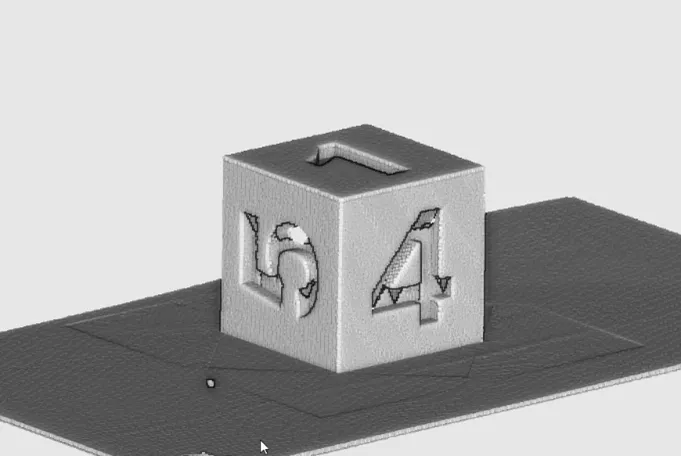
Merged calibration scans
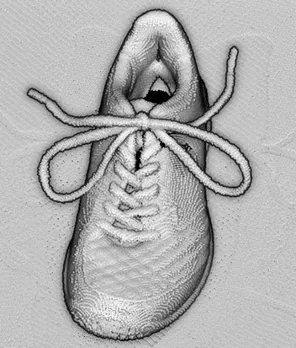
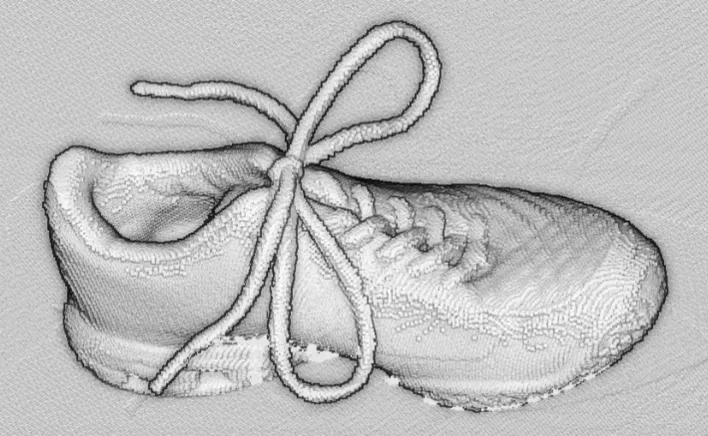
Merged cloud scans
3D CAD Model
The calibration cube model is available in the STL file format.
Download this file from the eVision download area in the
Additional Resourcessection (www.euresys.com/Support).
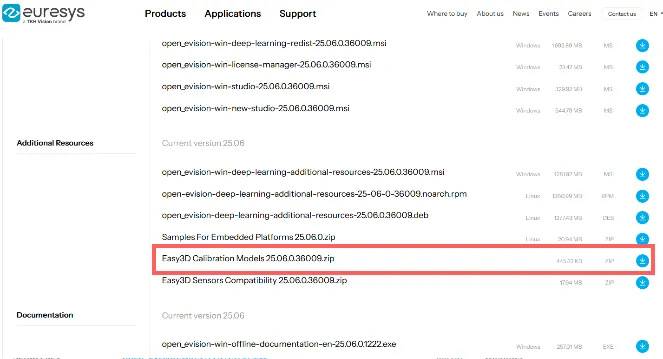
Download the calibration object model
Once downloaded, we recommend using a specialized subcontractor to print the 3D calibration cube as 3D filament printing is not really suitable to produce the cube.
For reference, we worked with a company using Selective Laser Sintering and printing a 10\(\times\)10\(\times\)10 cm cube using PA12 material costed 220 €.
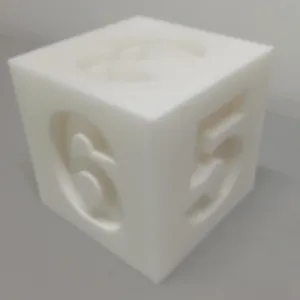
The calibration cube
Removing duplicate points
A physical point seen by two sensors should not be present two times in the output cloud.
By default, these points are removed. As this takes most of the processing time, you can disable the process if speed is an issue.
Set the cloud resolution with the parameter
EPointCloudMerger::SetMergedCloudResolution.NET Python to control this process. The parameter value is computed automatically but you can increase it to reduce the size of the output cloud and speed-up the processing.