Straight Line Detector
The EasyImage straight line detector finds straight line segments in a BW8 binary image. It uses the probabilistic Hough transform to vote for candidate lines, then merges nearby collinear segments. The result is a vector of ELine .NET Python objects sorted from longest to shortest.
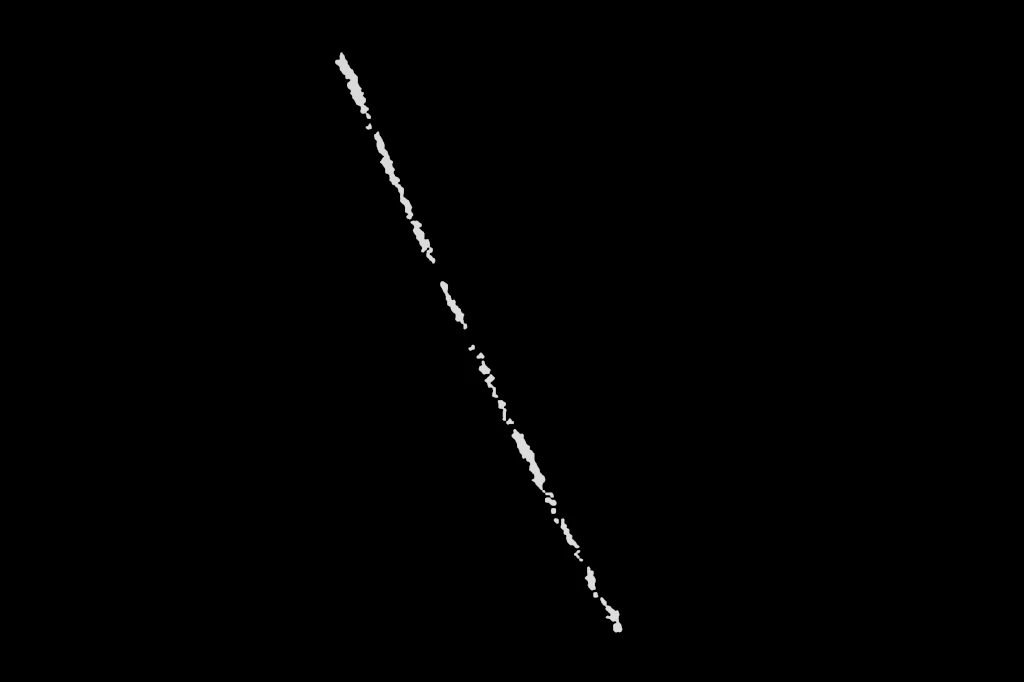
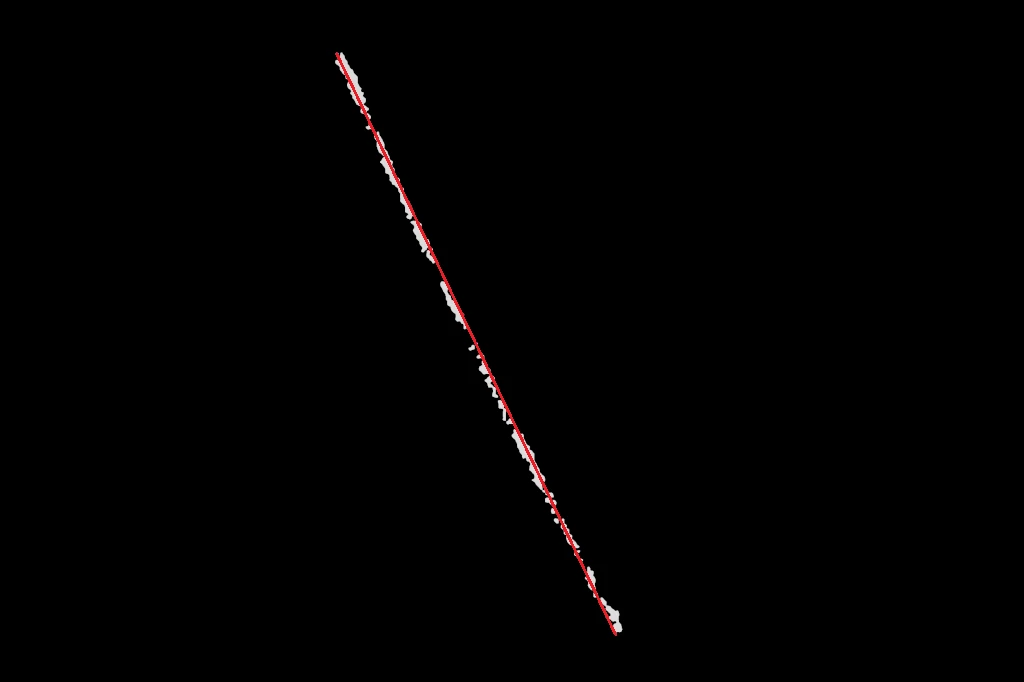
The detector accepts a BW8 image, an optional region of interest, and an optional frame. You can also supply only a region, without an image.
Input Image
The input is not a grayscale image but a binary BW8 image: the white pixels (255) are the surface on which lines are searched, and the black pixels (0) are ignored. This image can be generated from:
The skeleton of an image with
EasyImage::Thinning.NET Python.The edges of an image with
ECannyEdgeDetector.NET Python.The threshold of an image with
EasyImage::Threshold.NET Python.
Note
The objects of interest must be white on a black background. If they are black, invert the image first with EasyImage::Oper .NET Python and the EArithmeticLogicOperation_Invert Python .NET operation.
Tip
The detection time grows with the number of white pixels. Running the detector directly on large white blobs, such as a thresholded image, is slow. When possible, reduce the blobs to thin structures first with the Canny edge detector or with the thinning operation: the detected lines are the same, but the detection is much faster.
The input image can also be denoised to improve the line detection.
Parameters
The detector uses two groups of parameters.
Hough parameters control the vote accumulator:
Parameter |
Description |
Default |
|---|---|---|
|
Distance resolution of the accumulator, in pixels. |
1 px |
|
Angle resolution of the accumulator, in degrees. |
1° |
|
Minimum number of Hough votes for a candidate to qualify as a line. |
150 |
Segment merging parameters control how raw detections are joined into final line segments:
Parameter |
Description |
Default |
|---|---|---|
|
Minimum length of a detected segment, in pixels. Shorter segments are discarded. |
64 px |
|
Maximum gap between two collinear segments for them to be merged into one. |
164 px |
|
Maximum angular difference, in degrees, for two segments to be considered part of the same line. |
35° |
Inputs
ELineDetector::Detect .NET Python accepts an image, an optional region, and an optional frame. Supply a region to restrict detection to a specific area of the image. Supply a region alone, without an image, to detect lines directly on the region’s shape.
Detected lines are always returned in the coordinate system of the frame when one is provided.
Output
All overloads return std::vector<ELine>. The lines are sorted by length in descending order: the longest detected line is always at index 0.
Each ELine .NET Python carries:
Start point and end point.
Length.
Angle.
API
The API of the straight line detector is the ELineDetector .NET Python class:
ELineDetector::Detect.NET Python: detects straight lines and returns them sorted by length.ELineDetector::SetRadialBinSize.NET Python: sets the distance resolution of the accumulator.ELineDetector::SetAngularBinSize.NET Python: sets the angle resolution of the accumulator.ELineDetector::SetMinNumVotes.NET Python: sets the minimum number of Hough votes.ELineDetector::SetMinLineLength.NET Python: sets the minimum line segment length.ELineDetector::SetMaxLineGap.NET Python: sets the maximum merging gap.ELineDetector::SetAngleThreshold.NET Python: sets the maximum angular difference for merging.ELineDetector::GetSegmentsBeforeMerging.NET Python: returns the raw segments found by the last detection, before they were merged. See Debugging the Detection.ELineDetector::Save.NET Python: saves the detector configuration to a file.ELineDetector::Load.NET Python: loads a detector configuration from a file.
Debugging the Detection
The final lines are built by merging raw segments, according to maxLineGap and angleThreshold. When a result is not what you expect (a line split in two, two distinct lines fused into one, a line missing), it is hard to tell whether the problem comes from the Hough detection or from the merging step.
ELineDetector::GetSegmentBeforeMerging .NET Python returns the raw segments found by the last call to ELineDetector::Detect, before the merging step. Comparing them with the final lines shows what the merging did:
If a raw segment is missing where you expect a line, the problem is upstream of the merging: adjust the Hough parameters (
threshold,rho,theta),minLineLength, or improve the input image.If several raw segments lie on the same physical line but were not merged, increase
maxLineGaporangleThreshold.If raw segments of different physical lines were fused, decrease
maxLineGaporangleThreshold.
Note
The segments are only available after a call to
Detect, and are overwritten by the next call.The segments are expressed in the same coordinate system as the lines returned by
Detect: the local frame when a frame is provided.The segments are returned in no particular order, and are not sorted by length.
In eVision Studio
The Line Detector tool uses this method to display the raw segments on the image. After each detection, the tool retrieves the segments with GetSegmentBeforeMerging and draws them in its display.
In the setup view of the tool, open the Display options category of the property grid:
Show lines: draws the final detected lines, in blue. The selected line is drawn in green.
Show segments before merging: draws the raw segments returned by
GetSegmentsBeforeMerging. Each segment is drawn with its own random colour, so that neighbouring segments can be told apart.
To debug a detection:
Enable Show segments before merging. Disable Show lines if the blue lines hide the segments.
Check that each expected line is covered by one or more raw segments. If not, adjust the Hough parameters or the minimum line length.
Look at how the segments group into lines. Adjust Maximum gap and the angle threshold in the merging parameters until the segments of a same line are merged, and the segments of different lines are not.
Re-enable Show lines to confirm the final result.
The same option is available in the view of the tool, as set from the setup.
Basic Usage
Create an
ELineDetectorinstance. The default parameters work well for clear, long lines.Adjust parameters if needed. Lower
thresholdorminLineLengthto detect shorter or fainter lines. IncreasemaxLineGapto bridge gaps in broken lines.Call
ELineDetector::Detectwith a binary BW8 image, and optionally a region and a frame.Iterate over the result vector. The line at index 0 is the longest detected line.
See also
Canny Edge Detector: Detect edges in an image using gradient magnitudes and hysteresis thresholding..
Harris Corner Detector: Detect corners and points of interest in an image.